
Truckee Login Remediation
When a business is dealing with login failures, the failure usually started earlier. Phishing clicks, password reuse, and weak account hygiene can weaken backup and recovery programs over time and leave dental offices in The Truckee Meadows exposed when pressure hits. Addressing the problem means tightening identity controls and building safer day-to-day habits.
This case study reflects real breakdown patterns documented across 300+ regional IT incidents. Names and identifying details have been modified for confidentiality, while technical and financial data remain accurate to the original events.
Why Login Failures in Dental Offices Usually Start with User Behavior
In most dental office login incidents, the visible problem is not the first problem. The lockout, failed sign-in, or repeated password prompt is often the final symptom of a longer chain that started with a phishing click, password reuse between systems, or poor account hygiene around shared workstations. In The Truckee Meadows, where practices rely on cloud scheduling, imaging access, insurance portals, and Microsoft 365 throughout the day, even a short identity disruption can slow patient flow and billing.
The human element matters because attackers rarely need to break software when they can persuade someone to hand over access. A fake reset link, a copied login page, or a reused password from a breached third-party site can create account instability long before anyone notices. We often see these issues surface during stressful periods, such as a busy Monday morning or month-end reconciliation, when teams are moving quickly and normal verification steps get skipped. That is why practices reviewing backup and recovery programs in Reno should also examine identity controls, because recovery plans weaken fast when the same compromised account can still reach email, backups, or administrative tools.
- Credential compromise: A user enters credentials into a fake reset page, giving an attacker valid access that can trigger lockouts, mailbox rule changes, and suspicious sign-in activity.
- Password reuse: Staff reuse similar passwords across email, practice software, and vendor portals, allowing one exposed credential to affect multiple systems.
- Shared workstation habits: Front-desk and operatory devices often stay signed in too long, increasing the chance of unauthorized access or accidental account changes.
- Weak recovery separation: If backup alerts, admin accounts, and user identities are not separated, a single compromised login can interfere with recovery visibility.
Practical Remediation for Identity-Driven Login Failures
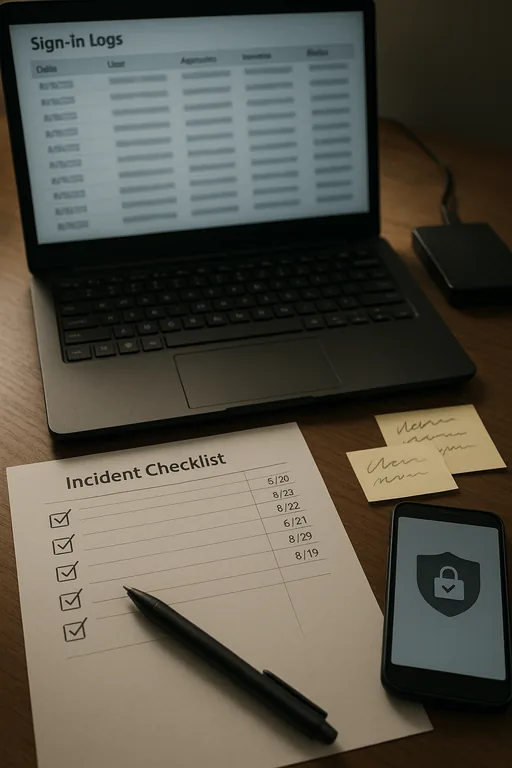
The fix is not just resetting a password and moving on. Effective remediation starts with confirming whether the account was phished, whether mailbox or portal rules were changed, whether multifactor prompts were abused, and whether the same password exists anywhere else in the environment. For dental offices, that means reviewing Microsoft 365 sign-in logs, endpoint activity, browser-saved credentials, and any access tied to practice management or imaging vendors. Guidance from CISA aligns with what works operationally: strong unique passwords, multifactor authentication, and user verification habits that are simple enough to follow under pressure.
We also recommend formalizing the response process through IT systems for multi-location operations so alerts, account changes, and recovery checks are handled consistently. That includes separating privileged accounts from daily user accounts, validating backup access independently, and documenting who can approve resets for email, line-of-business applications, and remote access. In practices with multiple operatories or satellite coordination between Reno and Sparks, this structure reduces confusion when one login issue starts affecting scheduling, claims, or chart access.
- MFA hardening: Require multifactor authentication on email, remote access, and admin accounts, and review prompt fatigue or bypass methods.
- Privileged account separation: Keep backup administration and tenant administration separate from normal user identities.
- Phishing-resistant workflow: Train staff to verify reset requests through known bookmarks or direct portal access instead of email links.
- Backup validation: Confirm backups are intact, isolated, and accessible with unaffected credentials before closing the incident.
- Alerting improvements: Enable sign-in anomaly alerts, impossible travel alerts, and mailbox rule change notifications for faster containment.
Field Evidence: Front-Desk Lockouts After a Fake Password Reset
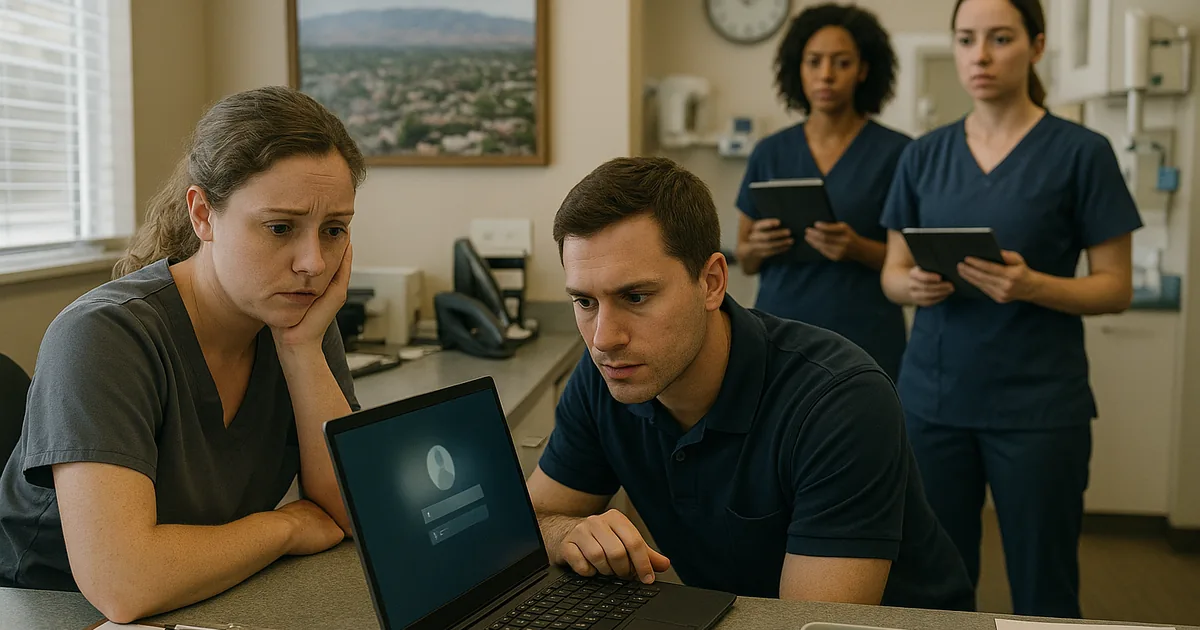
We worked through a case pattern common in Northern Nevada: a healthcare office near a busy Reno corridor had recurring login failures that staff initially treated as a simple password problem. Before remediation, the office was seeing repeated account lockouts, delayed patient check-in, and uncertainty around whether backups were still reachable with the same administrative credentials. The issue became more disruptive because the office depended on cloud email and insurance portals throughout the day, and a short interruption during peak appointments created a ripple effect across the schedule.
After isolating affected accounts, forcing credential resets, reviewing sign-in history, and separating backup administration from daily user access, the office moved to a more stable operating state. We also added documented escalation steps and proactive monitoring through managed IT support in Reno so future login anomalies would be caught before they affected the front desk. In one follow-up period, the practice reduced account lockout incidents to zero for the next quarter and restored normal morning intake timing even during heavy patient volume. That kind of improvement matters more than a one-time password reset because it changes the operating pattern that caused the disruption in the first place.
- Result: Login-related downtime dropped from repeated morning disruptions to no recurring lockout events over the next 90 days, with faster billing turnaround and cleaner recovery validation.
Reference Table: Identity and Recovery Controls for Dental Offices
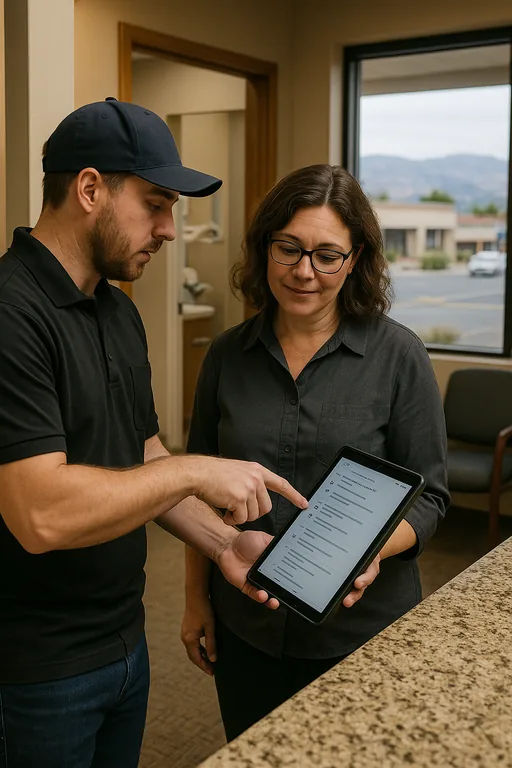
Scott Morris is an experienced IT and cybersecurity professional with 16 years of hands-on experience in managed technology services. He specializes in Backup And Recovery Programs and has spent his career building practical recovery, security, and operational continuity processes for businesses across The Truckee Meadows and Northern Nevada.

About the Author: Scott Morris
Local Support in The Truckee Meadows
We regularly support dental and healthcare offices across Reno, Sparks, and nearby neighborhoods where a short drive can still mean the difference between a contained login issue and a disrupted clinic schedule. From our Reno office, the Kings Row area is typically about 10 minutes away under normal conditions, which helps when a practice needs on-site validation of workstations, account access, or backup status after an identity-related incident.
Operational Takeaway for Dental Login Remediation
When a dental office in The Truckee Meadows starts seeing login failures, the right response is to treat the event as an identity and workflow problem, not just a password problem. The real exposure often comes from phishing, reused credentials, weak reset habits, and poor separation between daily user access and recovery administration.
The practical goal is straightforward: contain the account issue, verify what changed, confirm backups remain recoverable, and tighten the day-to-day controls that allowed the incident to develop. That approach reduces downtime, protects billing continuity, and gives the practice a more reliable operating posture the next time pressure hits.