
Truckee Law Firm IT
When a business is dealing with systems going down, the failure usually started earlier. Phishing clicks, password reuse, and weak account hygiene can weaken IT support and help desk over time and leave law firms in The Truckee Meadows exposed when pressure hits. Addressing the problem means tightening identity controls and building safer day-to-day habits.
This case study reflects real breakdown patterns documented across 300+ regional IT incidents. Names and identifying details have been modified for confidentiality, while technical and financial data remain accurate to the original events.
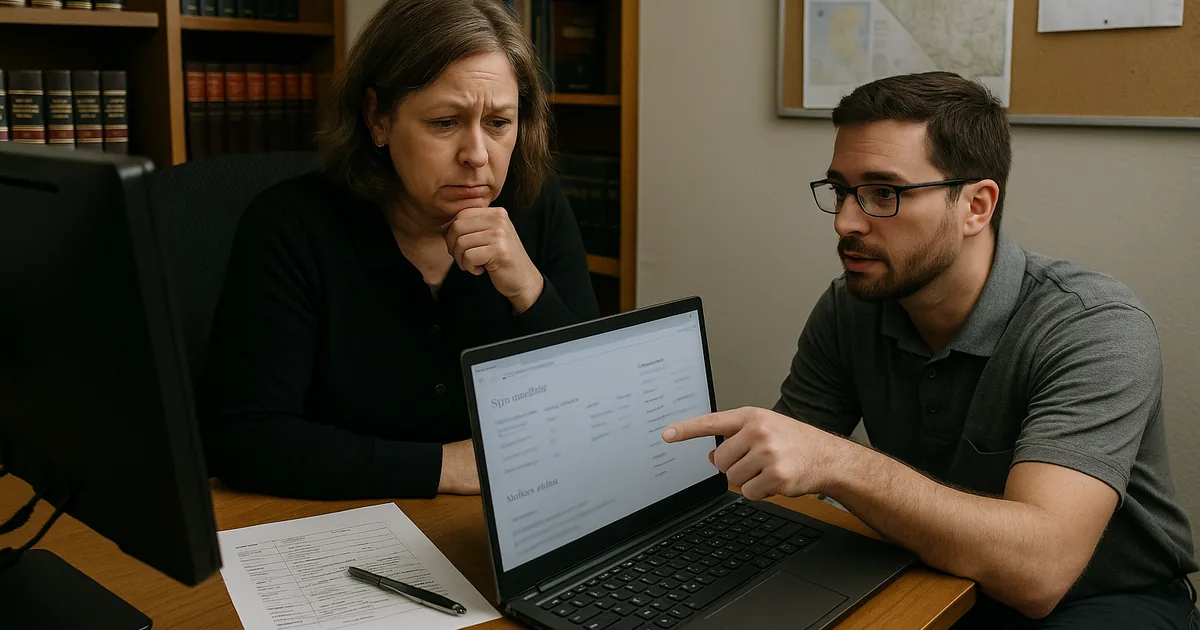
Why Systems Go Down After a Human Error Event
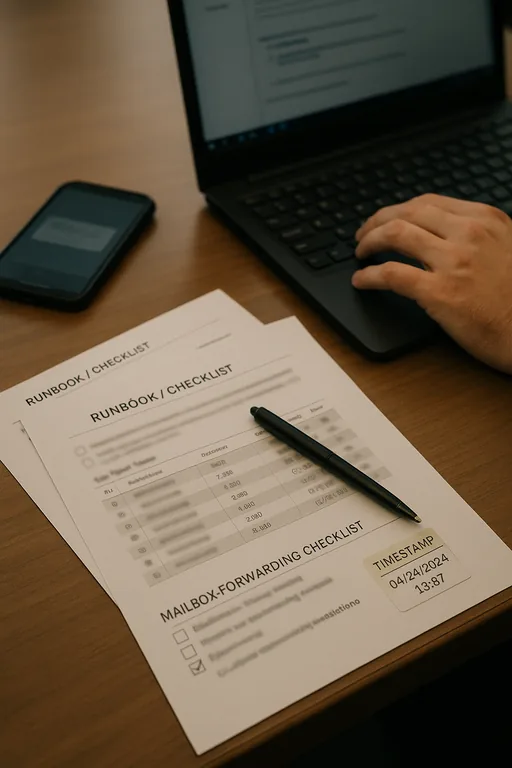
When systems go down in a law office, the visible outage is often the final stage of a longer identity problem. In The Truckee Meadows, we regularly see the same pattern: a user clicks a convincing reset link, reuses a password that has already been exposed elsewhere, or approves a login prompt without verifying the source. That single action can give an attacker access to email, cloud files, line-of-business applications, and remote access tools. Once that happens, the help desk is no longer dealing with a simple login issue. It becomes an account containment, session review, mailbox audit, and business continuity problem.
For law firms, the operational impact is sharper because email, document access, calendaring, and client communication are tightly connected. If one identity is compromised, intake slows down, filing deadlines become harder to track, and staff start working around the problem in unsafe ways. That is why stable managed help desk support for Reno law offices has to include identity monitoring and user-risk controls, not just password resets and ticket response. Problems like this rarely stay isolated. They tend to erode IT support and help desk through phishing clicks, password reuse, and weak account hygiene and create avoidable risk when systems are under strain.
- Phishing exposure: A fake password reset or document-sharing email can capture credentials and trigger unauthorized access before anyone realizes the message was fraudulent.
- Password reuse: Staff who use the same or similar passwords across services increase the chance that one outside breach turns into an internal outage.
- Weak MFA habits: Push fatigue, unreviewed prompts, and poorly configured multifactor authentication can let attackers in even when MFA is technically enabled.
- Mailbox and workflow dependency: In legal operations, email often drives intake, scheduling, approvals, and document exchange, so one compromised account can disrupt multiple teams.
Practical Remediation for Identity-Driven Downtime
The fix is not a single tool. It is a sequence of controls that reduces the chance of compromise and limits the blast radius when a user makes a mistake. We typically start by forcing password resets for affected accounts, revoking active sessions, reviewing sign-in logs, removing malicious mailbox rules, and validating whether any unauthorized forwarding or file access occurred. From there, the focus shifts to prevention: phishing-resistant MFA where possible, conditional access policies, tighter admin separation, and user training tied to the actual messages staff are receiving.
For firms that want to reduce repeat incidents, a structured review such as security readiness assessments for law firm operations helps identify where account hygiene, access policy, and response procedures are too loose. Guidance from CISA remains useful here because it aligns with the practical basics: strong unique passwords, multifactor authentication, and prompt reporting of suspicious activity. We also find that later-stage controls such as compliance-focused IT management matter because firms need documented access rules, onboarding and offboarding discipline, and a clear record of how incidents are handled.
- Identity containment: Revoke sessions, reset credentials, review sign-in history, and remove unauthorized mailbox rules immediately after a suspected phishing event.
- MFA hardening: Move away from weak prompt-only approval where possible and restrict risky sign-ins by geography, device state, and impossible travel patterns.
- Least-privilege access: Separate administrator accounts from daily user accounts and limit who can change forwarding, sharing, or security settings.
- User habit correction: Train staff to verify reset requests, report suspicious prompts, and stop using personal shortcuts that bypass approved workflows.
- Backup and recovery validation: Confirm that cloud data retention, file recovery, and workstation restore procedures are tested before an incident forces their use.
Field Evidence: Email Compromise Contained Before Full Office Outage
We worked through a similar pattern with a professional office operating between Reno and Sparks where a compromised mailbox had started forwarding messages externally and interrupting internal scheduling. Before remediation, staff were manually checking calendars, calling clients to confirm appointments, and delaying document handling because they could not trust what had been changed. The office also had inconsistent password practices and no formal review of risky sign-ins.
After containment, policy cleanup, and targeted user retraining, the environment became much more stable. In one callback discussion, the team described how Beth’s earlier disruption made it easier to understand why identity controls had to be treated as an operations issue, not just a security issue. With better MFA enforcement, sign-in review, and documented escalation steps, the office reduced repeat account lockouts and restored normal intake and scheduling flow even during busy court and filing periods in Northern Nevada.
- Result: Suspicious sign-in response time dropped to under 15 minutes, repeat phishing-related account incidents fell over the next quarter, and staff recovered several hours per week that had previously been lost to manual verification and access cleanup.
Reference Table: Human-Element Risks Behind Systems Down Events
Scott Morris is an experienced IT and cybersecurity professional with 16 years of hands-on experience in managed technology services. He specializes in It Support And Help Desk and has spent his career building practical recovery, security, and operational continuity processes for businesses across The Truckee Meadows and Northern Nevada.

About the Author: Scott Morris
Local Support in The Truckee Meadows
Reno Computer Services supports firms across Reno, Sparks, and nearby business corridors where a short drive can still turn into a costly delay once a mailbox compromise or account lockout starts affecting intake, calendaring, and document access. From our Ryland Street office, the South Rock Business Park area is typically about 13 minutes away under normal conditions, which makes local response practical when a law office needs hands-on containment and operational triage.
Operational Takeaway for Law Firms in The Truckee Meadows
When a law firm experiences systems going down after a phishing click or weak password practice, the real issue is usually identity control, not just a temporary outage. Email, document access, scheduling, and client communication all depend on trustworthy accounts. If those accounts are poorly protected, the help desk ends up reacting to recurring failures instead of preventing them.
The practical path forward is straightforward: tighten authentication, reduce password reuse, verify reset requests, monitor risky sign-ins, and document how incidents are escalated. For firms in The Truckee Meadows, that approach reduces downtime, protects billable work, and keeps routine legal operations from being disrupted by avoidable human-error events.