
Reno/Sparks Login Fix
When a business is dealing with login failures, the failure usually started earlier. Slow devices, ticket backlogs, and repeated workarounds can weaken regulatory compliance support over time and leave dental offices in The Truckee Meadows exposed when pressure hits. Addressing the problem means stabilizing daily support, reducing repeat issues, and standardizing how IT is handled.
This case study reflects real breakdown patterns documented across 300+ regional IT incidents. Names and identifying details have been modified for confidentiality, while technical and financial data remain accurate to the original events.
Why Login Failures Usually Start as an Operational Drain
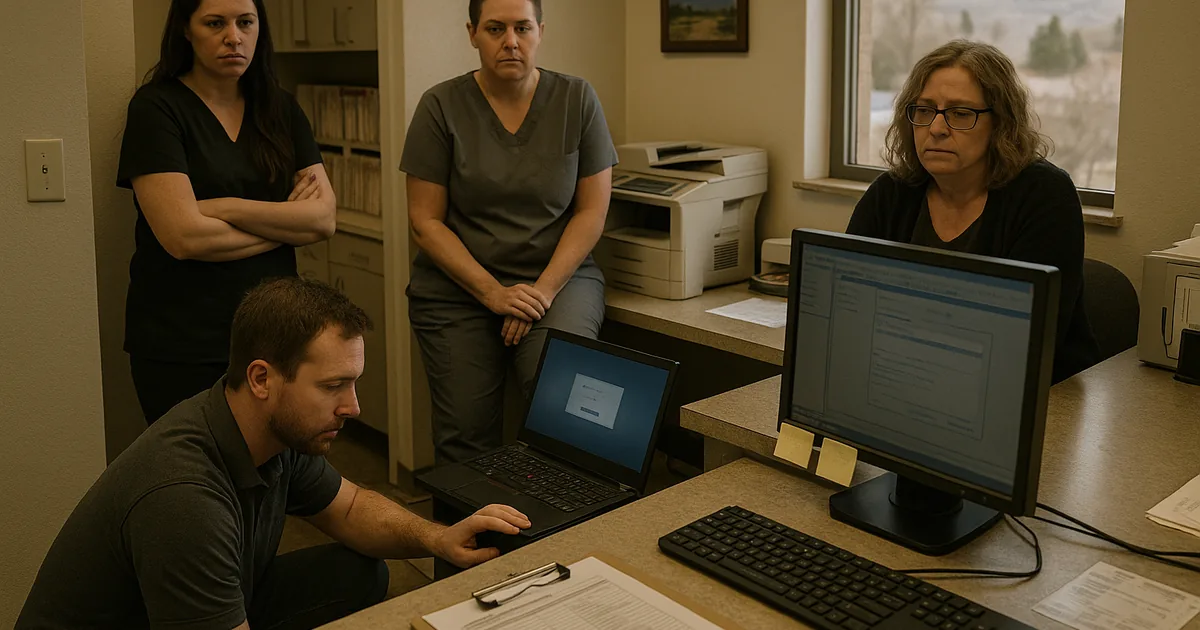
A login failure in a dental office is rarely just an authentication event. In most cases, it is the visible symptom of a longer pattern: aging endpoints, inconsistent account administration, delayed ticket response, browser credential conflicts, domain trust issues, or cloud identity settings that were never standardized. In The Truckee Meadows, we often see smaller practices absorb these issues one workaround at a time until the front desk, billing team, or provider schedule finally hits a hard stop.
That is why the real issue is operational discipline, not just password reset speed. Dental offices depend on stable access to scheduling, imaging, claims, patient communications, and document retention systems. When those systems are supported inconsistently, small glitches become what many teams describe as death by a thousand cuts. Over time, that weakens audit readiness and day-to-day oversight. Practices trying to reduce that pattern usually need structured regulatory compliance support in Northern Nevada so account controls, device standards, and response procedures are handled the same way every time. In situations like Leroy faced, the login failure is simply the moment the accumulated friction becomes impossible to ignore.
- Identity sprawl: Staff often use a mix of local credentials, Microsoft 365 accounts, browser-saved passwords, and application-specific logins, which creates lockouts and failed access when one system changes but the others do not.
- Ticket backlog: Repeated “minor” issues such as slow sign-ins, printer mapping failures, and profile corruption are often left unresolved long enough to become a larger outage.
- Compliance drift: When teams rely on shared workstations, handwritten fallback notes, or ad hoc resets, access control and documentation standards start to slip.
- Practice disruption: Front-desk delays affect patient intake first, but billing, chart access, and treatment flow usually follow within the same business day.
How to Stabilize Access and Reduce Repeat Failures
The fix is not complicated, but it does need to be systematic. We start by identifying where authentication actually lives: local Active Directory, Entra ID, the dental practice platform, remote access tools, and any third-party imaging or billing applications. Then we clean up stale accounts, confirm password policies, test workstation profile health, and verify that MFA, conditional access, and session timeout settings are aligned with how the office really operates. For practices with recurring friction, this work is usually strongest when it is tied to formal compliance-focused IT management rather than one-off troubleshooting.
Just as important, the office needs recovery controls when access problems spread beyond one user. That means tested backup procedures for critical systems, documented fallback workflows, and a clear escalation path if a login issue turns into broader application or server failure. The CISA guidance on strong passwords and authentication practices is useful here, but the operational value comes from applying those controls consistently across the entire practice.
- Account standardization: Remove duplicate or stale identities, align password and MFA policies, and document who owns each business-critical login.
- Endpoint cleanup: Repair corrupted user profiles, patch operating systems, and replace devices that are routinely slow at sign-in.
- Alerting improvements: Track repeated lockouts, failed sync events, and authentication errors before they affect the morning schedule.
- Fallback readiness: Maintain tested procedures and backup and disaster recovery planning for healthcare offices so a login issue does not become a full-day shutdown.
Field Evidence: From Front-Desk Delays to Stable Morning Intake
We worked through a similar pattern with a small healthcare office corridor near central Reno where staff had normalized slow sign-ins, repeated password resets, and intermittent access to cloud applications. Before remediation, the team was losing time almost every morning to profile errors and account lockouts, and supervisors had no clean record of which issues were recurring versus new. The office was functioning, but only by leaning on manual workarounds.
After standardizing identity controls, replacing two failing workstations, tightening MFA enrollment, and documenting escalation steps, the office moved from reactive troubleshooting to predictable support. Morning intake stabilized, unresolved tickets dropped, and managers had a clearer compliance trail for access-related changes. That kind of improvement matters in Northern Nevada offices where small teams cannot afford to lose half a day to preventable friction.
- Result: Repeated login-related interruptions were reduced by roughly 70 percent over the next quarter, and average front-desk disruption fell from multiple incidents per week to isolated exceptions.
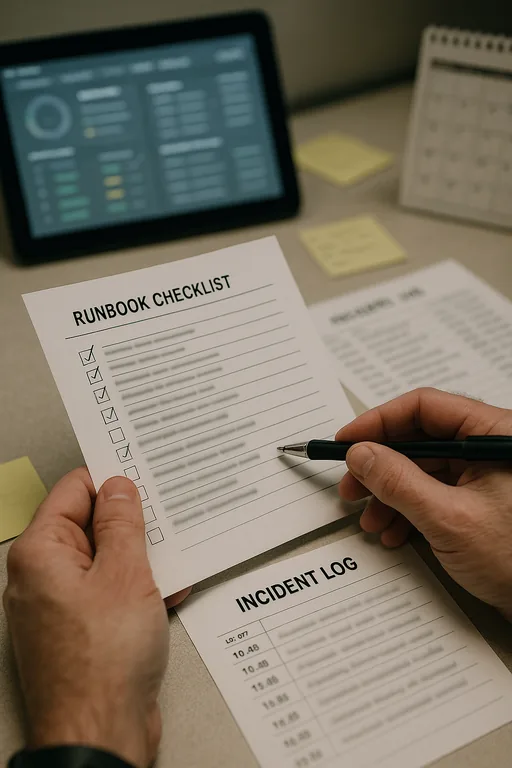
Reference Points for Login Failure Risk in Dental Offices
Scott Morris is an experienced IT and cybersecurity professional with 16 years of hands-on experience in managed technology services. He specializes in Regulatory Compliance Support and has spent his career building practical recovery, security, and operational continuity processes for businesses across The Truckee Meadows and Northern Nevada.


About the Author: Scott Morris
Local Support in The Truckee Meadows
Our office at 500 Ryland Street is positioned close to central Reno healthcare and professional corridors, including the Renown Medical District. That proximity matters when a dental office is dealing with access failures that affect intake, billing, or provider schedules. A short drive is helpful, but the larger advantage is having local familiarity with how smaller Northern Nevada practices operate, how quickly front-desk delays spread, and how to keep support tied to compliance expectations instead of temporary workarounds.
Operational Takeaway for Dental Offices
Login failures in dental offices are usually the end result of unmanaged friction, not a single bad morning. Slow devices, unresolved tickets, inconsistent identity controls, and undocumented workarounds gradually increase the chance that scheduling, billing, and patient access will stall at the same time. In a practice environment, that kind of drag affects both revenue and compliance posture.
The practical response is to reduce repeat issues before they become outages. Standardized support, cleaner account management, tested recovery procedures, and better visibility into recurring failures give offices in The Truckee Meadows a more stable operating baseline. That is what keeps a routine access problem from turning into a larger business interruption.