
Reno/Sparks Lockout
The outage or lockout is usually the last symptom to appear, not the first. Surprise spending, delayed upgrades, and aging infrastructure create weak points that can disrupt network server and cloud management and put budget control, resilience, and uptime at risk. Reducing that risk starts with planning upgrades deliberately and aligning IT decisions to business risk.
This case study reflects real breakdown patterns documented across 300+ regional IT incidents. Names and identifying details have been modified for confidentiality, while technical and financial data remain accurate to the original events.
Why Financial Roadmap Gaps Turn Into Lockouts
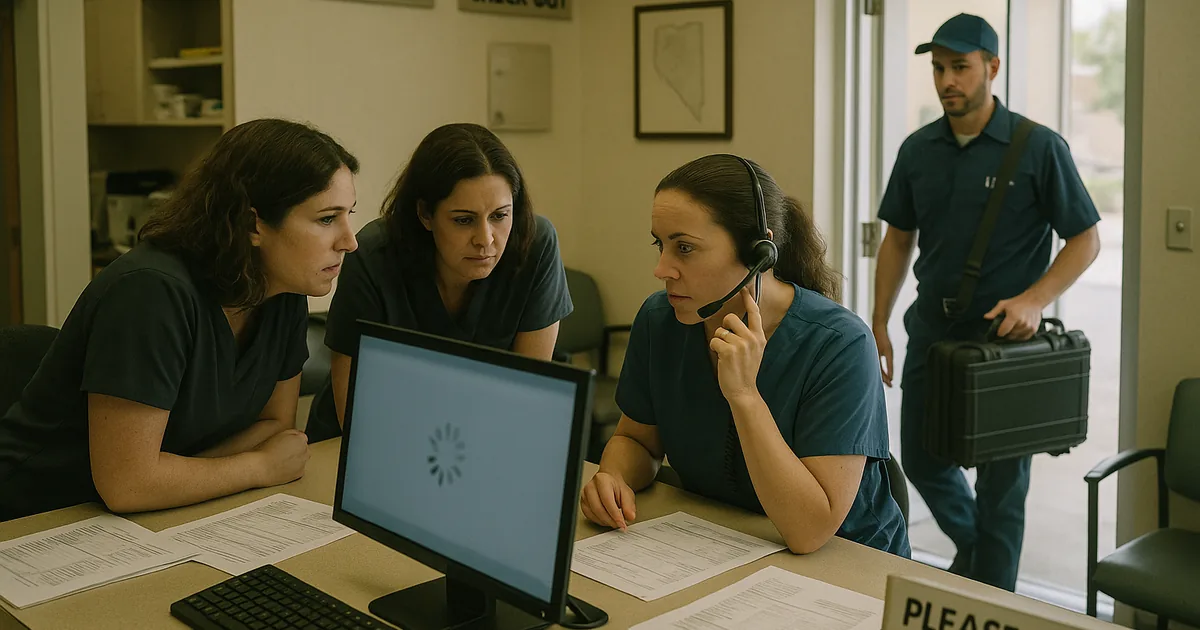
Medical practices in Sparks and the greater Reno area usually do not get locked out because of one dramatic failure. The more common pattern is slower and more expensive: hardware stays in service too long, cloud licensing grows without review, backup storage is undersized, and line-of-business systems are patched only when something breaks. That is the core problem behind The Financial Roadmap. Without a vCIO function, IT becomes a surprise expense instead of a planned operating decision tied to uptime, compliance, and patient flow.
We typically find that network, server, and cloud issues start stacking up months before the visible outage. A practice may delay replacing a domain controller, postpone firewall licensing, or keep adding users to a cloud platform without reviewing identity controls and storage limits. When those decisions are disconnected from business planning, the environment becomes fragile. That is why structured network server and cloud management in Northern Nevada matters: it connects infrastructure lifecycle, vendor dependencies, and operational risk before a lockout interrupts care delivery. In cases like this, the lockout is simply the point where hidden technical debt becomes impossible to ignore.
- Aging infrastructure: Older servers, unsupported operating systems, and deferred storage upgrades increase the chance of authentication failures, file access issues, and unstable application performance.
- Budgeting by emergency: When spending happens only after an outage, practices pay more for rush remediation and still do not address the root lifecycle problem.
- Cloud sprawl: Unreviewed SaaS growth can create identity conflicts, inconsistent permissions, and weak recovery options across scheduling, billing, and document systems.
- Operational consequence: Front-desk delays, chart access interruptions, and billing backlogs can affect both patient experience and revenue timing across a busy Sparks clinic schedule.
How To Stabilize The Environment And Regain Budget Control
The fix is not just restoring access. The real remediation is building a practical roadmap that ranks systems by business impact, replacement timing, and recovery dependency. For a medical office, that usually means identifying which systems support scheduling, chart access, claims processing, scanning, and secure communications, then assigning each one a lifecycle date, support status, and fallback plan. A predictable budget is easier to defend than repeated emergency invoices, which is why many organizations benefit from IT planning and budgeting for growing Reno businesses rather than reacting after downtime.
From a controls standpoint, we want to reduce single points of failure and validate that recovery actually works. That includes tested backups, current firmware, role-based access, MFA enforcement, and documented escalation paths for vendors and internal staff. For healthcare-related environments, practical guidance from CISA’s ransomware and resilience guidance is useful because it reinforces the same fundamentals we see in the field: segment critical systems, harden identities, and verify restoration before an incident forces the issue.
- Lifecycle planning: Put servers, firewalls, switches, and cloud subscriptions on a documented replacement and renewal schedule tied to business risk.
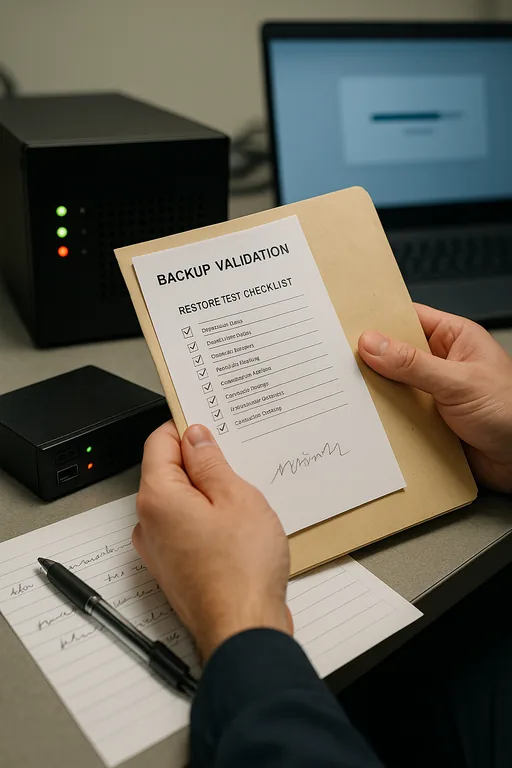
- Backup validation: Test image and file-level restores on a schedule so recovery is measured, not assumed.
- MFA hardening: Require multi-factor authentication for remote access, Microsoft 365, and privileged accounts.
- Alerting improvements: Monitor storage thresholds, failed backups, authentication errors, and hardware health before they become user-facing outages.
- Vendor coordination: Align EHR, billing, ISP, and infrastructure dependencies in one operating plan so support is not fragmented during an incident.
Field Evidence: From Deferred Upgrades To Predictable Operations
In one Northern Nevada healthcare-related environment, the initial condition was familiar: an overextended server, inconsistent cloud permissions, and no clear replacement calendar for core systems. The office was operating between Reno and Sparks with a steady patient schedule, but every quarter brought another urgent purchase request because prior delays had compounded. After a structured assessment, the organization moved from reactive spending to a staged roadmap covering server replacement, backup validation, identity cleanup, and documented failover priorities.
The before-and-after difference was operational, not cosmetic. Instead of waiting for the next access failure, leadership had a 12-month decision path with known costs, support dates, and recovery expectations. That kind of planning is often easier to build after a formal technology advisory and assessment process that identifies where risk, budget, and uptime are out of alignment. In situations like Dorothy experienced, that shift is what prevents a lockout from repeating under the next period of system strain.
- Result: Unplanned infrastructure spending dropped, backup success rates were verified weekly, and the office reduced user-facing access disruptions over the following two quarters.
Financial Roadmap Controls For Medical IT Environments
Scott Morris is an experienced IT and cybersecurity professional with 16 years of hands-on experience in managed technology services. He specializes in Network Server And Cloud Management and has spent his career building practical recovery, security, and operational continuity processes for businesses across Sparks, Reno, and Northern Nevada and Northern Nevada.


About the Author: Scott Morris
Local Support in Sparks, Reno, and Northern Nevada
We support organizations across Reno, Sparks, and nearby business corridors where a short drive can still mean a long interruption if systems are not planned properly. For medical offices and other operations west of Reno toward Mogul, local response matters, but so does having the right roadmap in place before a server, cloud, or access issue turns into a work stoppage.
Planning First Prevents The Expensive Failure Later
A lockout at a medical practice is often the visible result of a financial roadmap problem, not just a technical one. When upgrades, renewals, backup capacity, and cloud controls are deferred without a business-based plan, the environment becomes harder to support and more expensive to recover.
The practical takeaway is straightforward: treat infrastructure decisions as part of operations, not as isolated purchases. When leadership has a clear roadmap for replacement timing, recovery priorities, and budget impact, uptime becomes more predictable and emergency spending becomes less common.