
Reno/Sparks Dental Login
The outage or lockout is usually the last symptom to appear, not the first. Surprise spending, delayed upgrades, and aging infrastructure create weak points that can disrupt security monitoring and response and put budget control, resilience, and uptime at risk. Reducing that risk starts with planning upgrades deliberately and aligning IT decisions to business risk.
This case study reflects real breakdown patterns documented across 300+ regional IT incidents. Names and identifying details have been modified for confidentiality, while technical and financial data remain accurate to the original events.
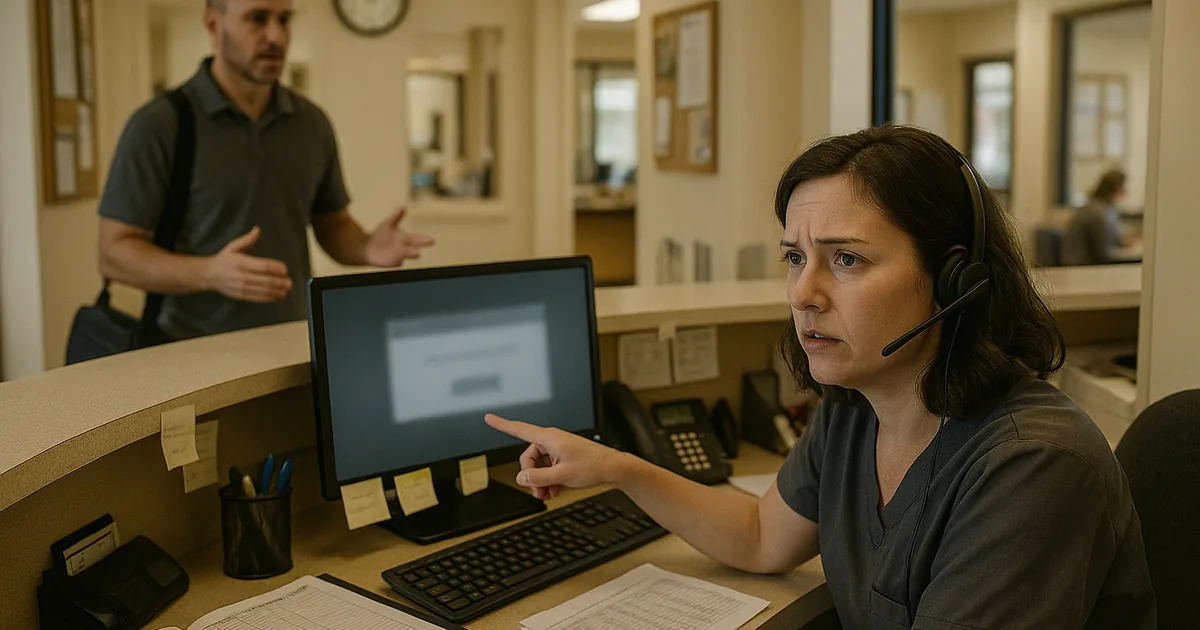
Why Login Failures Often Start as Budget and Planning Failures
For a dental office in Sparks, a login incident is rarely just a password problem. More often, it is the operational result of reactive IT spending. When technology is treated as a surprise expense instead of a planned business function, upgrades get postponed, aging systems stay in production too long, and security tooling becomes uneven. That is where The Financial Roadmap matters. It turns IT from a string of emergency purchases into a predictable plan tied to risk, uptime, and compliance.
We typically find that identity issues show up after several smaller decisions stack together: unsupported operating systems, inconsistent patching, old domain policies, limited visibility into endpoint health, and no scheduled replacement cycle for critical devices. In a busy clinical setting, that can interrupt patient intake, imaging access, treatment notes, and claims processing all at once. Businesses trying to stabilize these issues often need security monitoring and response in Northern Nevada so failed logins, account lockouts, and suspicious authentication patterns are seen before they become a front-desk outage. In incidents like the one Zoey faced, the lockout is simply the point where the accumulated technical debt becomes visible.
- Aging identity infrastructure: Older workstations, stale group policies, and delayed software updates increase the chance of authentication failures and reduce visibility when accounts begin locking out.
- Reactive budgeting: When replacement cycles are not planned, offices keep critical systems in service past their reliable life and end up funding emergencies instead of resilience.
- Operational concentration at the front desk: In dental practices, one login issue can disrupt scheduling, insurance verification, chart access, and payment workflows within minutes.
- Monitoring gaps: Without centralized alerting, repeated failed logins may not be investigated until staff can no longer work.
How to Correct the Immediate Issue and Reduce Repeat Incidents
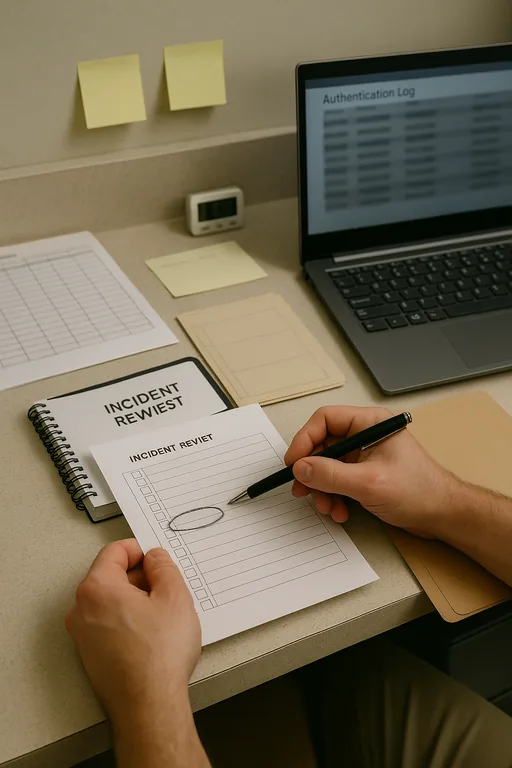
The first step is to restore access safely, not just quickly. That means reviewing domain and application authentication logs, identifying whether the trigger was stale credentials, endpoint sync failure, account policy conflict, or suspicious access behavior, and then validating that restored accounts are not masking a broader compromise. In a dental environment, we also verify that practice management software, imaging systems, and payment workflows reconnect cleanly after access is restored.
From there, the office needs a remediation plan that addresses both technology and budgeting. That usually includes a documented hardware lifecycle, identity policy review, MFA hardening where supported, endpoint detection, and tested recovery procedures. If the office cannot recover a damaged profile, corrupted local data, or a failed server dependency quickly, then backup and disaster recovery for Reno-area operations becomes part of the fix, not a separate project. For practical guidance on reducing identity-related cyber risk, the CISA password and account security guidance is a useful baseline.
- Identity review: Audit failed login sources, lockout thresholds, stale accounts, and privilege assignments to determine whether the event was operational drift or a security signal.
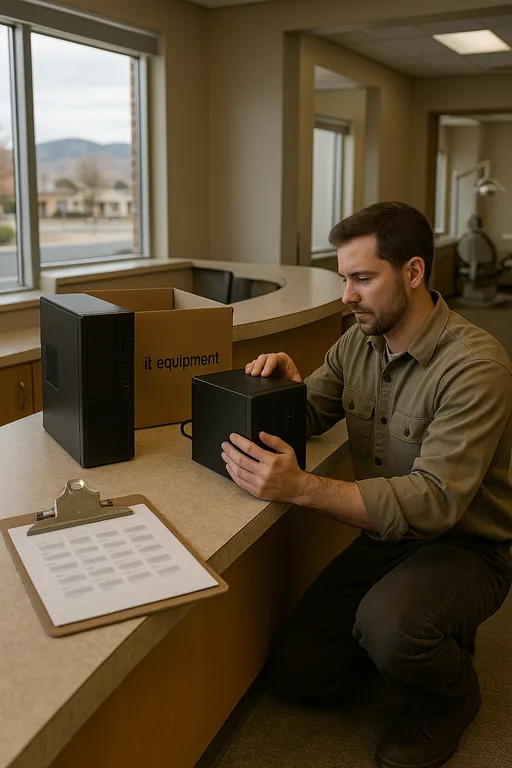
- Endpoint standardization: Replace unsupported systems, align patch levels, and remove one-off workstation exceptions that create inconsistent authentication behavior.
- MFA and conditional access: Apply stronger controls to remote access, admin accounts, and cloud-connected applications where supported.
- Recovery validation: Test profile recovery, application restoration, and file-level recovery so staff can resume work without improvising during an outage.
Field Evidence: From Repeated Lockouts to Predictable Access Recovery
We have seen this pattern across Northern Nevada medical and dental offices, especially in suites where older wiring, mixed ISP handoffs, and piecemeal workstation replacement create inconsistent performance. In one similar corridor-based practice environment, the office had recurring morning login failures tied to aging endpoints and an undocumented dependency on a legacy local service. Staff assumed it was random because the issue did not happen every day.
After standardizing endpoint age, tightening account policy, documenting application dependencies, and adding monitored recovery points with managed backup solutions for business continuity , the office moved from reactive lockout calls to a controlled support process. The practical change was not just technical. Leadership could finally budget replacements before failure instead of after disruption.
- Result: Authentication-related downtime dropped from multiple front-desk interruptions per month to one isolated event in a quarter, with recovery time reduced to under 20 minutes.
Reference Points for Login Incident Prevention
Scott Morris is an experienced IT and cybersecurity professional with 16 years of hands-on experience in managed technology services. He specializes in Security Monitoring And Response and has spent his career building practical recovery, security, and operational continuity processes for businesses across Sparks, Reno, and Northern Nevada and Northern Nevada.

About the Author: Scott Morris
Local Support in Sparks, Reno, and Northern Nevada
Reno Computer Services supports dental and medical offices throughout Sparks and the greater Reno area, including practices that need fast response between central Reno and the Mae Anne corridor. For offices balancing patient flow, billing deadlines, and compliance obligations, local access matters because diagnosis, onsite validation, and recovery planning often need to happen in the same business day.
What This Incident Actually Shows
A login failure in a Sparks dental office is often the visible result of a larger planning problem. When infrastructure ages without a replacement schedule and security controls are added only after an incident, the business loses both resilience and budget control. The Financial Roadmap matters because it connects technical decisions to operational risk before staff are locked out of the systems they need to run the day.
The practical takeaway is straightforward: treat identity, endpoint lifecycle, monitoring, and recovery as part of one operating plan. That reduces surprise spending, shortens outages, and gives leadership a clearer path for protecting uptime, billing flow, and patient-facing operations.