
Reno/Sparks Dental Audit
The outage or lockout is usually the last symptom to appear, not the first. Poor safeguards, inconsistent records handling, and a slow response create weak points that can disrupt managed backup solutions and put legal exposure, reporting obligations, and client trust at risk. Reducing that risk starts with documenting safeguards, tightening response steps, and protecting sensitive data.
This case study reflects real breakdown patterns documented across 300+ regional IT incidents. Names and identifying details have been modified for confidentiality, while technical and financial data remain accurate to the original events.
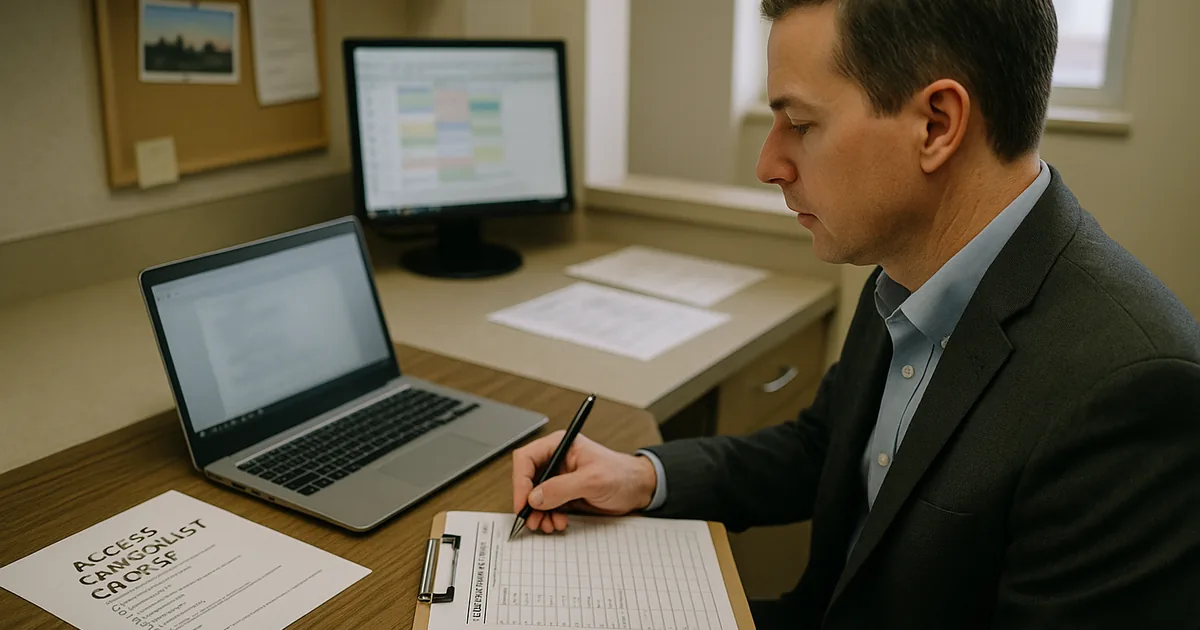
Why Login Failures Become Legal Liability in a Sparks Dental Office
A login audit matters because the visible lockout is rarely the real problem. In dental offices across Sparks and the greater Reno area, we usually find a chain of smaller failures behind the incident: shared credentials, incomplete offboarding, weak role separation, missing access logs, and backup jobs that appear healthy but have not been tested against real recovery conditions. When protected records are involved, the issue moves beyond inconvenience and into legal exposure. If client data is lost or mishandled, “I didn’t know” is not a practical defense when records, permissions, and response steps were never documented.
The legal liability angle is straightforward. A practice has to show that access to sensitive information was controlled, changes were tracked, and recovery processes were reasonable. If a staff member cannot log in, if the wrong person still can, or if a restore fails because permissions were broken weeks earlier, the office may face delayed treatment coordination, billing disruption, and questions about whether safeguards were adequate. That is why practices relying on managed backup solutions in Northern Nevada need those systems tied directly to user access controls, retention policies, and documented recovery testing. In cases like Charlotte’s, the lockout was only the moment the office finally noticed the underlying control gap.
- Access governance: User accounts, password resets, and shared folder permissions often drift over time, especially in smaller practices where front desk, billing, and clinical coordination overlap.
- Backup integrity: A backup can complete successfully while still failing to restore the right files if account permissions, mapped drives, or folder structures changed without review.
- Legal defensibility: Inconsistent records handling makes it harder to prove that the office used reasonable safeguards when patient or client data becomes unavailable or exposed.
- Operational strain: Multi-chair scheduling, insurance posting, and treatment plan coordination break down quickly when one login issue affects shared systems.
Practical Remediation for Access Control, Backup Reliability, and Audit Readiness
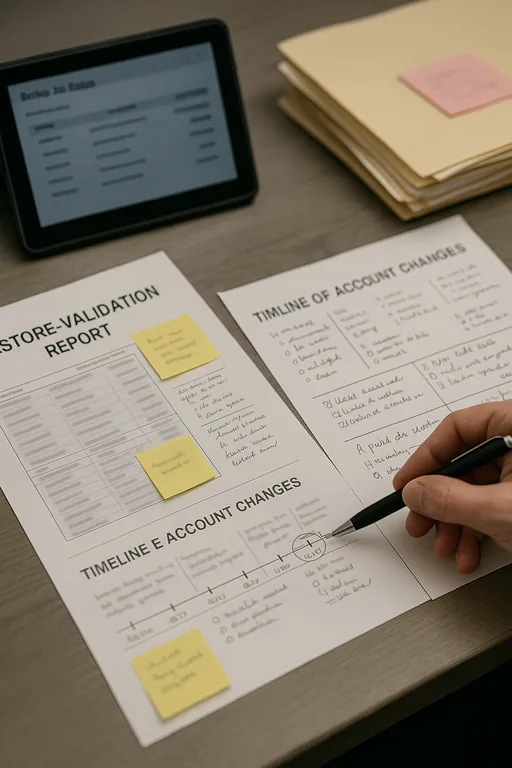
The fix is not just resetting a password. We start by reviewing identity controls, shared storage permissions, backup scope, and the timeline of account changes. For a dental office, that usually means confirming that every user has an individual account, disabling stale credentials, enforcing MFA where supported, and aligning backup jobs to the actual systems that hold scheduling, imaging exports, and billing records. Offices that need broader oversight often stabilize faster with managed IT services for Sparks-area operations because access control, endpoint monitoring, and backup validation are handled as one operational process rather than separate tasks.
From a compliance standpoint, the office should also maintain written response steps for lockouts, suspected unauthorized access, and restore events. That includes documenting who approves access changes, how quickly logs are reviewed, and how often restore tests are performed. The CISA guidance on strong passwords and account protection is useful as a baseline, but in practice the bigger issue is consistency: if the office cannot show who had access, when it changed, and whether backups were recoverable, the legal and operational risk remains.
- Identity cleanup: Remove dormant accounts, eliminate shared logins, and require named user access for scheduling, billing, and records systems.
- Backup validation: Test file-level and full restore scenarios after permission changes, software updates, or storage migrations.
- MFA hardening: Apply multifactor authentication to email, remote access, admin accounts, and any cloud portal tied to patient or business records.
- Response workflow: Create a written lockout and incident checklist so front office staff know when to escalate and what evidence to preserve.
Field Evidence: Restoring Access Control Before a Reporting Problem Escalates
We worked through a similar pattern for a small healthcare-adjacent office serving patients between Sparks and Reno. Before remediation, the office had inconsistent user naming, no formal offboarding checklist, and backup reports that were reviewed only when someone noticed a problem. A permissions change on a shared records folder caused staff to lose access during a busy morning, and the first restore attempt failed because the backup job had been protecting the wrong path after a workstation replacement.
After cleanup, the office moved to named accounts, documented access approvals, monthly restore testing, and a clearer escalation path through IT support for front-desk and billing teams . That reduced confusion during staff turnover and made it easier to verify what happened when a login issue was reported. In Northern Nevada, where smaller offices often depend on a few key employees to keep scheduling and billing moving, that kind of structure is what prevents a routine access problem from becoming a reportable event.
- Result: Restore verification time dropped from more than 2 hours to under 20 minutes, stale accounts were removed, and the office regained same-day confidence in records access during staff changes and busy appointment blocks.
Login Audit and Liability Control Reference
Scott Morris is an experienced IT and cybersecurity professional with 16 years of hands-on experience in managed technology services. He specializes in Managed Backup Solutions and has spent his career building practical recovery, security, and operational continuity processes for businesses across Sparks, Reno, and Northern Nevada and Northern Nevada.


About the Author: Scott Morris
Local Support in Sparks, Reno, and Northern Nevada
We regularly support offices across Reno and Sparks where a short drive can make a meaningful difference during an access failure, backup issue, or records recovery problem. From our Ryland Street office, the Washington Street corridor is only minutes away, which is why local response planning matters. For dental and professional offices, nearby support is not just about convenience. It helps shorten escalation time, verify systems in person when needed, and keep scheduling, billing, and records workflows moving when a login issue starts affecting operations.
Reduce Liability by Treating Login Audits as a Control Review
For a Sparks dental office, a login failure is often evidence of a larger control problem rather than a one-time inconvenience. Weak account management, inconsistent records handling, and untested backup recovery create the kind of gaps that lead to downtime, delayed billing, and difficult legal questions after the fact. The practical answer is to connect user access, backup validation, and incident response into one documented process.
When that process is in place, the office can show who had access, what changed, how records are protected, and how quickly systems can be restored. That is what reduces both operational disruption and legal exposure. In our experience, the offices that recover fastest are the ones that audit access before the next lockout forces the issue.