
Reno Lockout Solutions
Seeing a lockout is often the visible symptom of legacy tools, not the root problem itself. In medical practices across Reno, issues like legacy systems, patchwork fixes, and hard-to-adopt tools can quietly undermine risk assessments and security readiness until work stops or risk spikes. The fix usually starts with simplifying the stack and making modernization practical.
This case study reflects real breakdown patterns documented across 300+ regional IT incidents. Names and identifying details have been modified for confidentiality, while technical and financial data remain accurate to the original events.
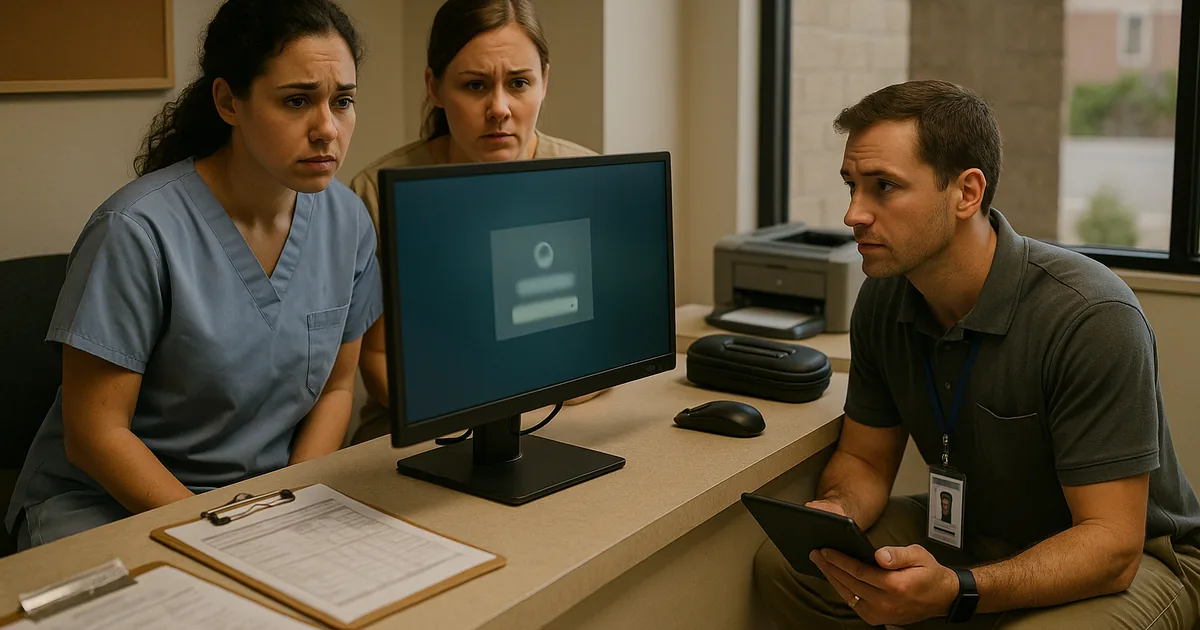
Why Lockouts in Reno Medical Practices Usually Point to a Bigger Technology Problem
A lockout in a medical practice is rarely just a password issue. More often, it is the visible failure point of what we call the innovation wall: old servers, aging workstations, unsupported line-of-business software, and one-off fixes that were added over time just to keep operations moving. In Reno clinics and specialty offices, that usually means the business is still depending on systems built for a much smaller security and compliance burden than they face now.
The operational risk grows when legacy hardware cannot reliably support current cloud workflows, modern identity controls, or updated endpoint protection. That leaves the practice stuck between old and new platforms, with neither side working cleanly. A front-desk lockout can then cascade into delayed intake, slower chart access, missed authorizations, and billing interruptions. This is why risk assessments and security readiness in Reno need to look beyond the immediate outage and examine whether the stack itself is still fit for current healthcare operations.
We see this pattern often in Northern Nevada medical environments where systems have been expanded in phases, sometimes across multiple suites or satellite locations, while internet circuits, wireless coverage, and endpoint standards were never fully redesigned. The result is a fragile environment where one failed sync, expired certificate, or outdated domain dependency can stop work at the exact moment staff need reliable access. That was the real issue behind the kind of disruption Ross faced: the lockout was only the symptom.
- Legacy identity dependencies: Older practice applications often rely on outdated authentication methods, local server ties, or unsupported operating systems that break when security controls are modernized.
- Patchwork integrations: Scheduling, billing, scanning, and document workflows may depend on custom mappings or old middleware that no longer handles updates cleanly.
- Hardware performance ceilings: Old desktops and servers can struggle with current cloud, AI-assisted, or security tooling, leaving the practice operationally stuck in a 2019-era design.
- Compliance blind spots: If the environment has grown without a structured review, access control, logging, backup validation, and device lifecycle management are usually inconsistent.
How to Remove the Innovation Wall Without Disrupting Patient Operations
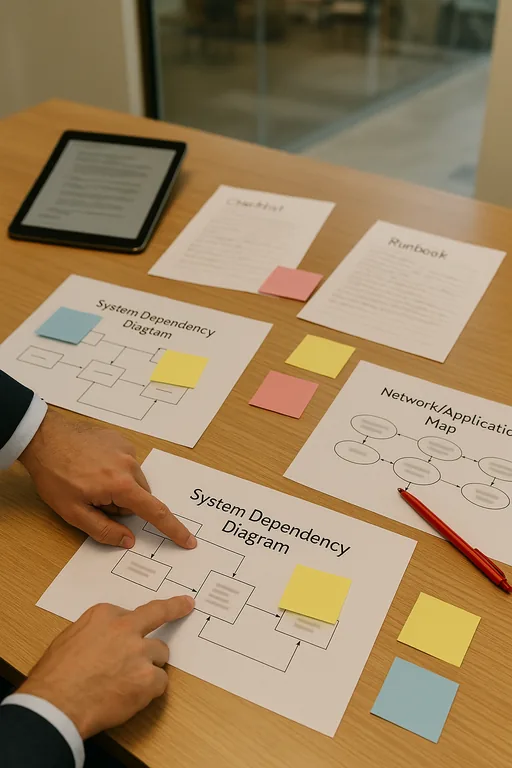
The fix is usually not a single replacement project. It starts with reducing complexity, documenting dependencies, and sequencing modernization so the practice can keep seeing patients while risk is brought under control. In healthcare settings, we typically begin by mapping the systems that affect intake, chart access, billing, scanning, and remote access. From there, the goal is to separate what must be retained temporarily from what should be upgraded, virtualized, or retired.
That work is much more effective when it is guided by structured IT consulting in Northern Nevada rather than reactive troubleshooting alone. A practical roadmap should include identity hardening, supported endpoint standards, backup validation, and a realistic migration path for any application still tied to obsolete hardware. For healthcare organizations, the CISA ransomware resilience guidance is also useful because it reinforces the need for tested backups, access control, and recovery planning before an outage occurs.
- Application dependency review: Identify which practice-management, imaging, and billing tools still depend on local servers, old operating systems, or unsupported vendor components.
- MFA and identity hardening: Move remote access and administrator workflows to modern authentication without leaving legacy exceptions in place indefinitely.
- Backup validation: Test restore points for both server data and critical application configurations so a lockout does not become a prolonged outage.
- Endpoint lifecycle control: Replace devices that cannot support current security baselines, EDR, encryption, or stable cloud access.
- Network segmentation: Use VLANs and access rules to separate clinical devices, office systems, guest traffic, and vendor access where appropriate.
- Roadmap governance: Build phased oversight with strategic IT leadership for growing medical operations so modernization decisions align with staffing, compliance, and budget realities.
Field Evidence: From Repeated Lockouts to Stable Daily Operations
In one Northern Nevada healthcare environment, staff had been dealing with recurring access failures tied to an aging line-of-business server, inconsistent workstation standards, and a remote access method that had been modified several times over the years. The office could still function on good days, but every update cycle created uncertainty. During busy appointment blocks, even a short interruption caused front-desk backups and delayed documentation.
After documenting dependencies, standardizing endpoints, validating backups, and moving the most fragile access points onto supported controls, the office shifted from reactive recovery to predictable operations. The practical change was not flashy. It was fewer exceptions, fewer emergency calls, and clearer accountability for what had to be replaced next. In Reno and Sparks corridors, where medical offices often operate on tight schedules and shared staffing, that kind of stability matters more than adding new tools before the foundation is ready.
- Result: Unplanned access incidents dropped significantly, backup verification became routine, and front-desk downtime during peak patient hours was reduced from repeated monthly disruptions to isolated, manageable events.
Reference Table: Legacy Risk Areas in Medical Practice Environments
Scott Morris is an experienced IT and cybersecurity professional with 16 years of hands-on experience in managed technology services. He specializes in Risk Assessments And Security Readiness and has spent his career building practical recovery, security, and operational continuity processes for businesses across Reno, Sparks, Carson City, and Northern Nevada and Northern Nevada.

About the Author: Scott Morris
Local Support in Reno, Sparks, Carson City, and Northern Nevada
Reno medical practices dealing with legacy lockouts often need nearby support that understands both the technical issue and the operational pressure behind it. From our office on Ryland Street, we regularly support organizations across Reno and surrounding Northern Nevada service areas, including locations near Meadow Wood Lane where older systems can still affect scheduling, billing, and access control. Estimated travel time to the destination noted in this scenario is about 14 minutes.
Modernization Has to Reduce Risk, Not Just Add New Tools
When a Reno medical practice gets locked out, the immediate outage matters, but the larger issue is usually architectural. Legacy servers, unsupported applications, and years of workaround-driven decisions create an environment where even routine updates or security improvements can interrupt patient operations. That is the real innovation wall: the business cannot move forward cleanly because the foundation no longer supports modern requirements.
The practical answer is to simplify the stack, validate recovery, and phase modernization around how the practice actually works. Done correctly, that lowers downtime risk, improves security readiness, and gives leadership a clearer path for future cloud, compliance, and workflow decisions without repeating the same lockout cycle.