
Reno Lockout Help
Problems like this tend to stay hidden until something important breaks. For medical practices in South Meadows, that often means a lockout, avoidable delays, or a bigger recovery burden than expected. The best response is simplifying the stack and making modernization practical.
This case study reflects real breakdown patterns documented across 300+ regional IT incidents. Names and identifying details have been modified for confidentiality, while technical and financial data remain accurate to the original events.
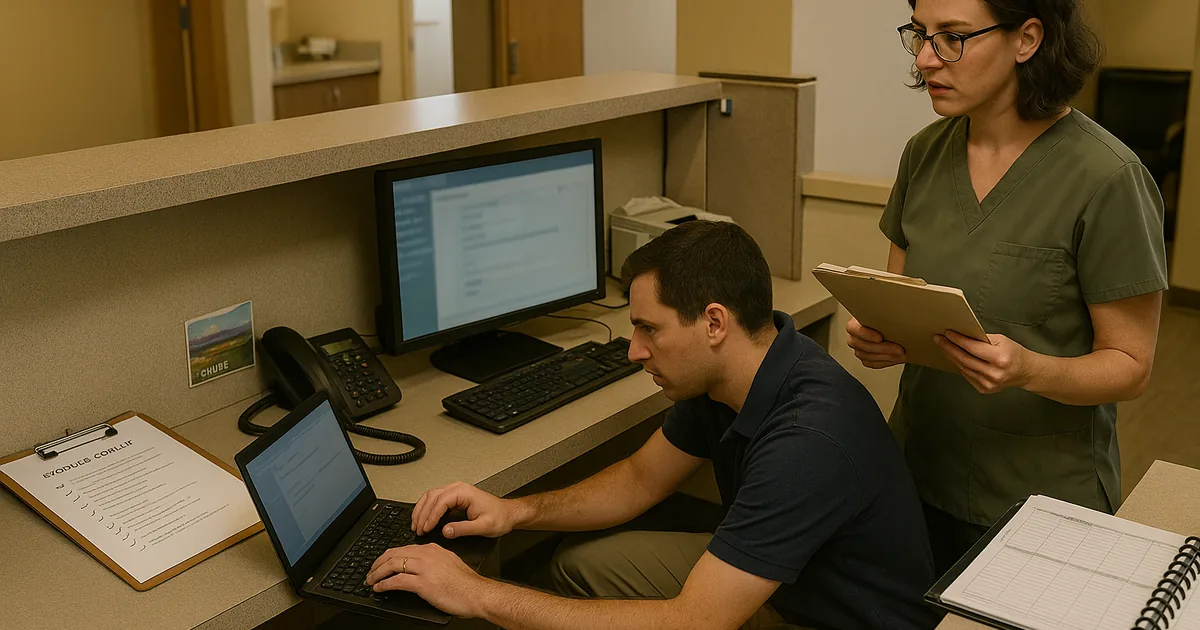
Why Legacy Systems Create Lockouts in South Meadows Medical Practices
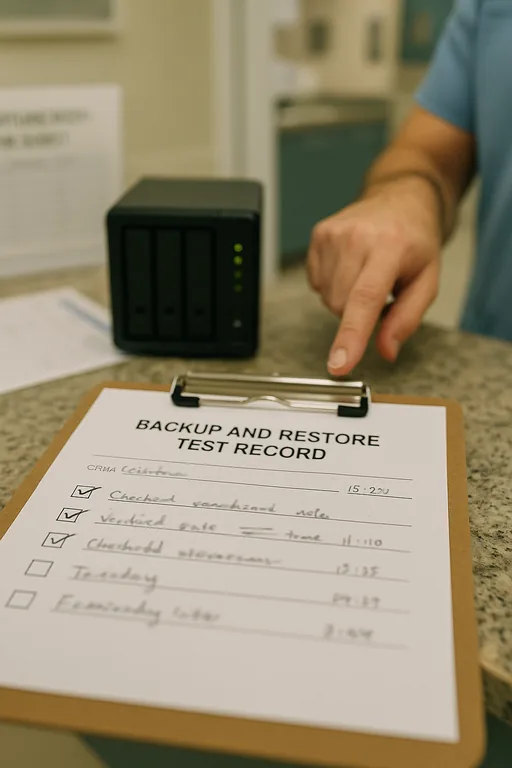
The core failure is usually not one dramatic event. It is the innovation wall: old hardware, unsupported operating systems, and patchwork integrations that cannot reliably support modern cloud access, security controls, or recovery workflows. In medical practices around South Meadows, we often see older exam-room PCs, aging network storage, and specialty applications that were kept alive with exceptions and workarounds. That may preserve short-term continuity, but it weakens authentication, backup consistency, and recovery speed.
When a practice gets locked out, the real issue is often that the environment was never simplified after years of incremental changes. A backup job may depend on a local agent that no one has validated recently. A legacy workstation may still hold a critical connector for billing or imaging. A cloud migration may be partial, leaving staff split between modern tools and 2019-era dependencies. That is why structured backup and recovery programs in Northern Nevada matter: they force the business to identify what is actually recoverable, what is still dependent on obsolete hardware, and where a single failed device can stop patient flow.
For medical offices in Reno and South Meadows, the business consequence is immediate. Front-desk intake slows, providers wait on records, billing queues build up, and compliance risk increases if teams start improvising with paper notes or unsecured workarounds. In the case above, the same pattern that affected Hudson is common across small healthcare environments: one legacy endpoint becomes the hidden bridge between old and new systems, and when it fails, the whole office feels it.
- Technical factor: Legacy endpoints and outdated line-of-business dependencies often break modern authentication, backup agents, and cloud synchronization, creating a single point of failure that is not obvious until access is lost.
- Operational detail: In South Meadows medical settings, even a short lockout can disrupt intake, chart review, referral processing, and same-day billing, which extends the impact well beyond the initial outage window.
How to Remove the Innovation Wall Without Disrupting Care
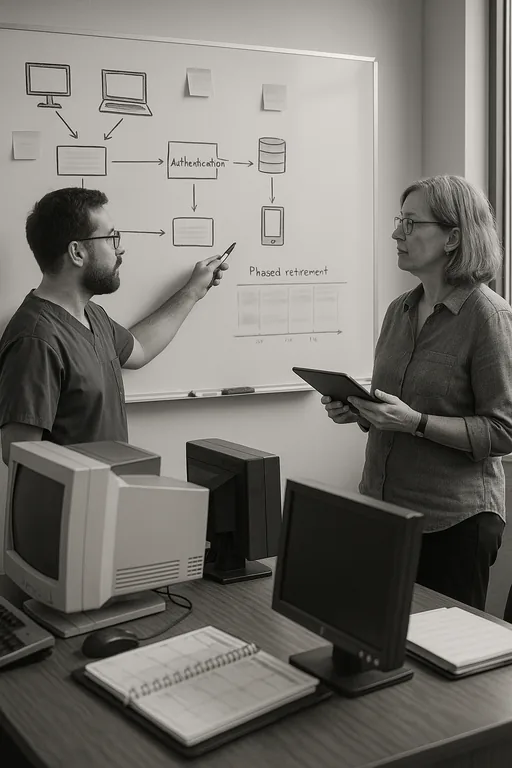
The practical fix is not replacing everything at once. It starts with identifying which systems still carry hidden operational weight, then reducing dependency on them in a controlled sequence. We typically begin with an application and endpoint dependency review, backup validation, and access-path testing. That tells the practice which devices still matter to scheduling, billing, chart access, and document flow. From there, the stack can be simplified by retiring unsupported hardware, standardizing login methods, and moving critical workflows onto supported platforms with tested recovery paths.
For day-to-day stability, practices usually benefit from responsive IT support and help desk coverage for Reno medical offices that can catch failed agents, account issues, and sync problems before they become a lockout. On the security and resilience side, controls should align with practical guidance from CISA’s ransomware and recovery recommendations , especially around MFA hardening, tested backups, and endpoint visibility. In healthcare environments, the goal is straightforward: reduce complexity, verify recoverability, and make sure staff can continue operating even if one device or one application fails.
- Control step: Validate backups against real recovery scenarios, not just successful job reports.
- Practical action: Test restoration of scheduling data, shared files, and key workstation profiles; segment legacy devices where needed; deploy MFA and endpoint monitoring; and phase out unsupported systems on a documented timeline.
Field Evidence: Restoring Access After a Legacy Dependency Failure
We recently worked through a similar pattern for a healthcare office corridor serving patients between South Meadows and central Reno. Before remediation, the practice had mixed-age workstations, inconsistent backup reporting, and one older device still handling a critical document workflow. After a login and sync failure, staff could not reliably access the records they needed, and the office shifted into manual workarounds that slowed intake and delayed claims processing.
After mapping dependencies, removing the outdated connector, validating backup integrity, and standardizing endpoint oversight, the office moved from reactive troubleshooting to predictable recovery. That included tighter alerting, documented restore procedures, and proactive device and endpoint management so aging systems were no longer invisible. In Northern Nevada, where small practices often operate with lean staff and little room for downtime, that operational clarity matters as much as the technology itself.
- Result: Recovery testing time dropped from several hours of uncertainty to under 45 minutes for priority systems, and recurring endpoint-related access tickets were reduced over the following quarter.
Reference Points for Medical Practice Recovery Planning
Scott Morris is an experienced IT and cybersecurity professional with 16 years of hands-on experience in managed technology services. He specializes in Backup And Recovery Programs and has spent his career building practical recovery, security, and operational continuity processes for businesses across South Meadows, Reno, and Northern Nevada and Northern Nevada.

About the Author: Scott Morris
Local Support in South Meadows, Reno
South Meadows practices often need support that is both technically disciplined and close enough to respond with context. From our Reno office, the Skyline area is typically about 12 minutes away, which makes it practical to support medical offices dealing with lockouts, unstable legacy systems, backup validation issues, and modernization planning without losing sight of day-to-day patient operations.
Modernization Has to Improve Recovery, Not Complicate It
When a South Meadows medical practice gets locked out, the underlying problem is usually not just a password issue or a failed device. It is accumulated complexity: legacy hardware, partial upgrades, untested backups, and hidden dependencies that no longer fit the way the office operates. That is the innovation wall in practical terms. The business is trying to move forward, but one outdated component keeps pulling operations backward.
The right response is disciplined simplification. Identify what is still critical, remove unsupported dependencies, validate recovery paths, and standardize endpoint oversight. For medical offices, that approach reduces downtime, protects billing continuity, and gives staff a stable way to work without relying on fragile exceptions.