
Reno Law Firm Risk
Seeing systems going down is often the visible symptom of legacy tools, not the root problem itself. In law firms across Reno, issues like legacy systems, patchwork fixes, and hard-to-adopt tools can quietly undermine business IT operations management until work stops or risk spikes. The fix usually starts with simplifying the stack and making modernization practical.
This case study reflects real breakdown patterns documented across 300+ regional IT incidents. Names and identifying details have been modified for confidentiality, while technical and financial data remain accurate to the original events.
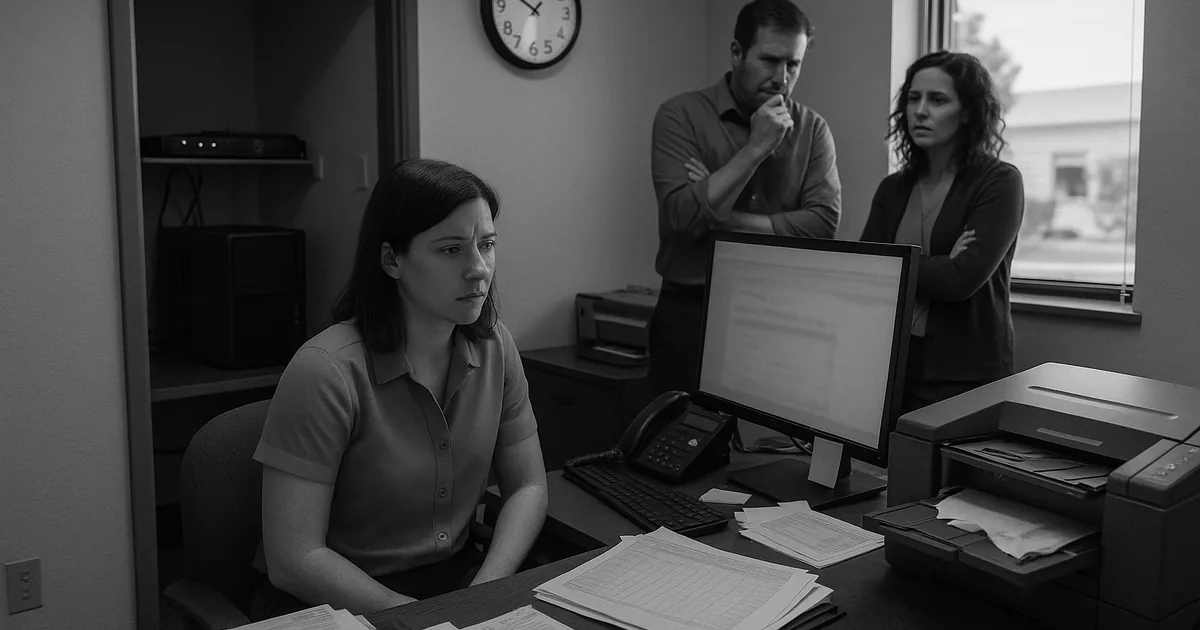
Why Legacy Law Firm Systems Fail at the Worst Time
When systems go down in a Reno law firm, the immediate assumption is often that the internet dropped or a single device failed. In practice, we usually find a broader innovation wall: old hardware that cannot reliably support current cloud applications, outdated line-of-business software that depends on unsupported components, and years of small workarounds layered on top of each other. The visible outage is only the final symptom. The real issue is that the environment has become too brittle to handle normal operational load.
That matters more in legal operations because document management, time entry, trust accounting, scanning, e-filing, and secure client communication all depend on systems working together without delay. In firms across Reno and Sparks, we see older desktops struggle with modern browser-based platforms, on-premise file shares conflict with cloud sync tools, and legacy printers or scan workflows break after routine updates. Businesses trying to prevent recurring interruptions often need business IT operations management in Reno that focuses on simplifying the stack before failures become routine. In situations like Cassidy’s, the outage is rarely caused by one bad machine alone; it is usually the result of an environment that has outgrown its original design.
- Legacy infrastructure: Older servers, unsupported operating systems, and aging network gear create instability when firms add cloud apps, AI-assisted legal tools, remote access, or larger document workloads.
- Patchwork integrations: Separate billing, document, email, and scanning tools often rely on manual steps or fragile connectors that fail after updates.
- Adoption friction: Hard-to-use systems push staff into side processes such as local file saves, duplicate spreadsheets, or personal inbox routing, which increases operational risk.
- Single points of failure: One file server, one firewall, or one backup target can stop the entire office when it fails.
Practical Remediation for Law Firms Hitting the Innovation Wall
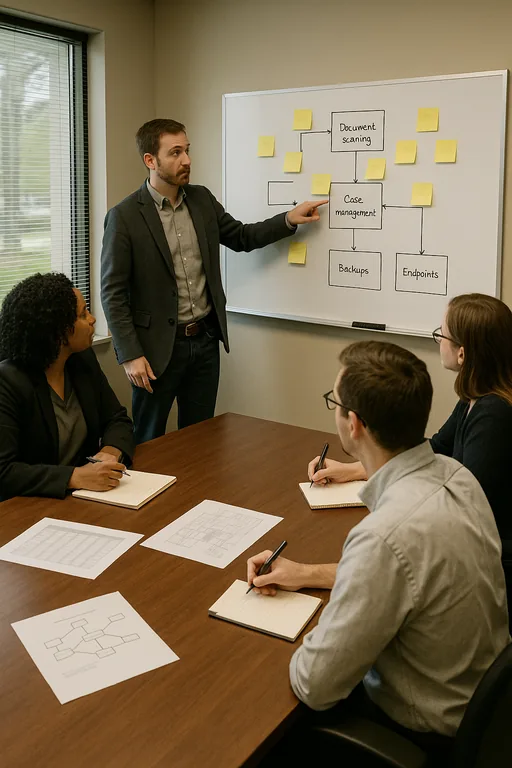
The fix is usually not a full rip-and-replace in one weekend. A better approach is to identify which systems are creating the most operational drag, then modernize in a controlled sequence. For law firms, that often starts with infrastructure assessment, software dependency mapping, and separating what must remain on-premise from what should move to supported cloud platforms. We also look closely at workstation age, line-of-business compatibility, scan-to-document workflows, and whether the network can support secure remote access without bottlenecks.
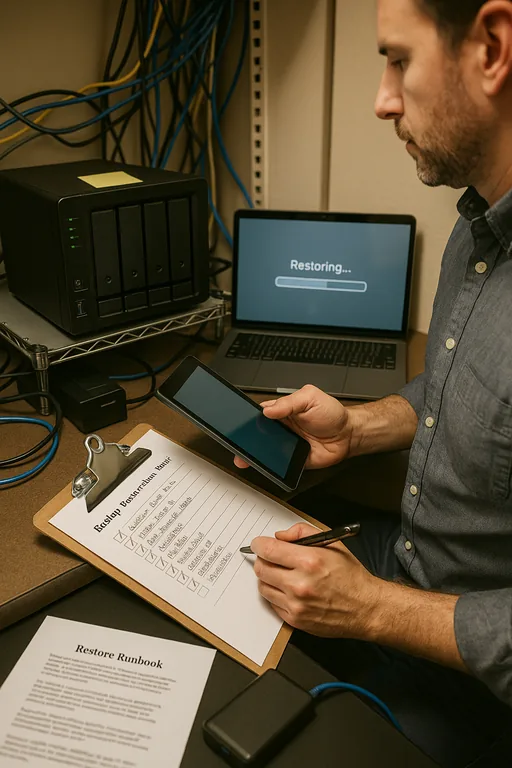
Backup and recovery need equal attention because legacy environments often have backups that exist on paper but fail in practice. Firms dealing with unstable file systems or aging servers should pair modernization with managed backup solutions for legal operations so recovery is tested, retention is clear, and restore points align with billing and document deadlines. For a practical baseline on reducing operational and cyber risk during modernization, the CISA ransomware resilience guidance is useful because many of the same controls also reduce downtime from ordinary system failure.
- Asset and dependency review: Document every server, workstation, application, and workflow dependency before making changes.
- Platform simplification: Retire duplicate tools, remove unsupported software, and standardize on systems staff can actually use consistently.
- Backup validation: Test file, image, and cloud restores on a schedule instead of assuming backup jobs equal recoverability.
- Access hardening: Apply MFA, least-privilege controls, and endpoint protection as part of the modernization plan, not after it.
- Phased replacement: Replace the highest-risk servers, workstations, and network devices first to reduce disruption while improving stability.
Field Evidence: Stabilizing a Reno Legal Office Before a Full Failure
We worked with a professional office corridor environment in South Reno where staff had been dealing with intermittent lockups, slow document searches, and failed scans into a case management platform. The original setup mixed older desktops, a nearly end-of-life server, and a backup process that had not been restore-tested in months. During busy filing periods, the office would slow to the point that staff delayed intake and re-entered notes later, which created both billing leakage and record accuracy concerns.
After mapping the workflow, we replaced the most failure-prone endpoints, cleaned up the document pathing, validated backup recovery, and documented a usable fallback process tied to disaster recovery planning for Reno offices . The result was not just faster systems. It was a more predictable operating model that reduced staff workarounds, shortened recovery time, and gave the firm a clear sequence for future upgrades instead of another round of temporary fixes.
- Result: Unplanned application interruptions dropped from multiple incidents per month to one minor event in a quarter, and tested file recovery time improved to under 90 minutes.
Operational Risk Reference for Legacy Legal IT
Scott Morris is an experienced IT and cybersecurity professional with 16 years of hands-on experience in managed technology services. He specializes in Business It Operations Management and has spent his career building practical recovery, security, and operational continuity processes for businesses across Reno, Sparks, Carson City, and Northern Nevada and Northern Nevada.

About the Author: Scott Morris
Local Support in Reno and Northern Nevada
Law firms in Reno often operate with a mix of older office infrastructure, newer cloud tools, and strict document handling requirements. That combination makes local response and practical planning important, especially for offices in South Reno business parks and multi-attorney suites where downtime quickly affects intake, billing, and deadlines. From our Ryland Street location, Crystal Lake Office Park is typically about 17 minutes away under normal conditions, which helps when an issue needs both remote triage and on-site validation.
Modernization Works Best When It Removes Friction
For Reno law firms, systems going down is usually a sign that the environment has become too complex, too old, or too dependent on workarounds to support normal operations. The innovation wall is real: hardware from a prior cycle cannot reliably carry current cloud, security, and document demands, and each temporary fix makes the next outage harder to diagnose.
The practical response is to reduce complexity, validate recovery, and modernize in a sequence that protects daily legal work. When firms treat uptime, backup integrity, and workflow design as one operational issue instead of separate projects, they reduce downtime and make future technology changes far less disruptive.