
Reno Law Firm Risk
Seeing systems going down is often the visible symptom of untested backups, not the root problem itself. In law firms across Reno, issues like failed restore tests, missing dependencies, and an unclear recovery order can quietly undermine network server and cloud management until work stops or risk spikes. The fix usually starts with validating backups regularly and proving recovery before a real outage.
This case study reflects real breakdown patterns documented across 300+ regional IT incidents. Names and identifying details have been modified for confidentiality, while technical and financial data remain accurate to the original events.
Why Systems Go Down Even When Backups Exist

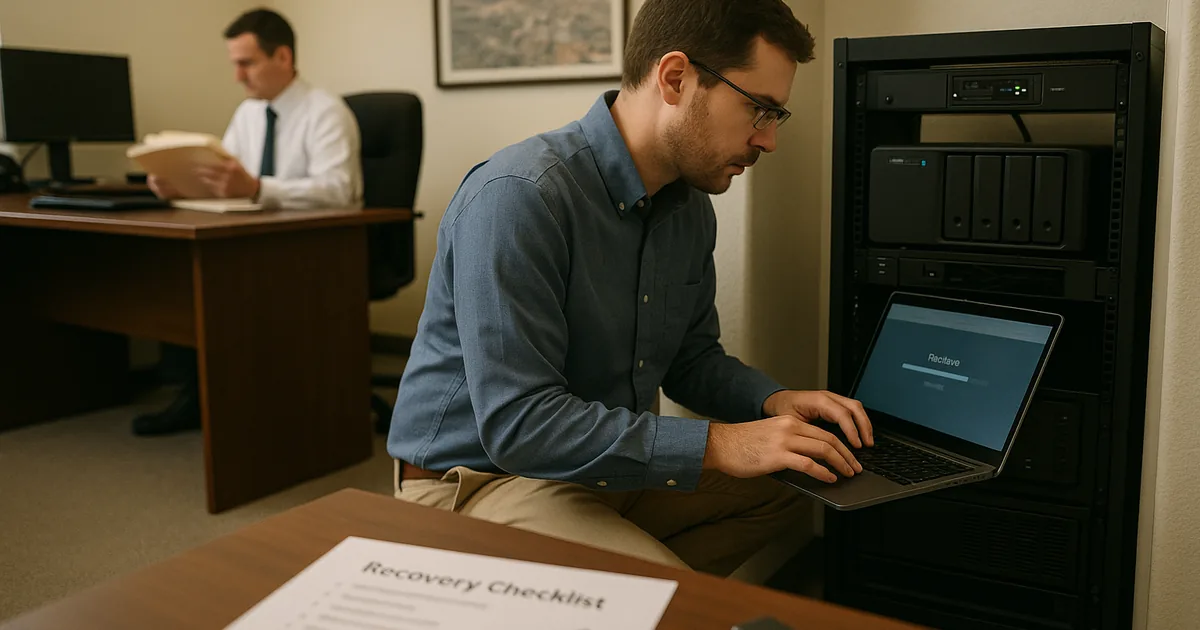
For Reno law firms, the resilience test is not whether a backup appliance says last night completed successfully. The real test is whether the firm can restore the practice management stack in a usable sequence under pressure. We regularly see firms assume that a copied server image equals continuity, when in practice the outage starts after the restore attempt fails, authentication breaks, a line-of-business database will not mount, or cloud-linked folders reconnect with missing permissions.
This is where network server and cloud management in Reno matters. A legal office may depend on Active Directory, document storage, Microsoft 365, scanning workflows, PDF tools, timekeeping, and secure remote access all at once. If even one dependency is undocumented, the backup may be technically present but operationally useless. That is the gap behind many “systems down” calls. In a case like Brayan’s, the visible outage was only the final symptom of a recovery process that had never been proven end to end.
- Failed restore testing: Backup jobs can report success while restored data is incomplete, corrupted, or unable to start the application services attorneys actually need.
- Missing dependencies: Law firm systems often rely on DNS, domain authentication, SQL services, licensing servers, and mapped shares that must come back in the proper order.
- Unclear recovery order: If staff do not know which systems must be restored first, downtime expands while teams guess through the sequence.
- Business continuity confusion: A backup is only a copy; continuity means the firm can keep working even when the primary server, office network, or internet path is unavailable.
How To Build A Recovery Process That Actually Works
The practical fix starts with moving from backup status monitoring to recovery validation. That means scheduled restore tests, documented dependency maps, and a written recovery order tied to business operations. For law firms, we typically prioritize identity services, file access, practice management, document systems, and secure communications so attorneys and support staff can resume work in a controlled sequence instead of waiting for a full environment rebuild.
That work is usually strongest when it is part of broader IT strategy engagements in Northern Nevada rather than a one-time backup review. Firms need retention policies, recovery time targets, alternate work methods, and ownership for each step. The technical controls should also align with guidance from CISA’s ransomware and recovery guidance , especially around offline copies, privileged access control, and tested restoration procedures.
- Restore validation: Run scheduled test restores for files, virtual machines, and application data, then verify users can actually log in and work.
- Dependency mapping: Document domain services, databases, licensing, cloud connectors, and line-of-business applications before an outage forces discovery.
- Recovery sequencing: Define the order for identity, storage, applications, and remote access so the firm restores usable operations first.
- MFA and admin hardening: Protect backup consoles, cloud tenants, and privileged accounts so a security event does not compromise both production and recovery systems.
- Backup isolation: Maintain immutable or offline copies to reduce the chance that ransomware or account compromise reaches every restore point.
Field Evidence: The Resilience Test In A Multi-System Legal Office
We worked through a similar recovery planning issue for a professional office corridor in Reno where staff relied on a central file server, Microsoft 365, and a case-related document repository. Before remediation, the environment had nightly backups but no verified restore workflow, no dependency list, and no clear owner for recovery decisions. A single storage fault would likely have forced hours of trial-and-error while attorneys waited for access to active matter files.
After documenting the recovery order, testing restores quarterly, and adding IT systems for multi-location operations , the office could bring core file access and user authentication back in a controlled sequence instead of improvising. That matters in Northern Nevada, where weather events, building power issues, and carrier interruptions can affect more than one system at the same time.
- Result: Recovery testing reduced estimated file-access downtime from most of a business day to under 90 minutes for the primary legal workflow.
Backup Resilience Reference Points For Law Firms
Scott Morris is an experienced IT and cybersecurity professional with 16 years of hands-on experience in managed technology services. He specializes in Network Server And Cloud Management and has spent his career building practical recovery, security, and operational continuity processes for businesses across Reno and Northern Nevada.


About the Author: Scott Morris
Local Support in Reno
From our office on Ryland Street, we regularly support firms across Reno that need practical recovery planning, not just backup software. West University is about 7 minutes away under normal conditions, which reflects how close many legal offices are to one another while still depending on very different server, cloud, and workflow combinations. That local proximity helps when a firm needs to validate restore procedures, review recovery order, and reduce the risk of a full work stoppage.
Backups Only Matter If Recovery Is Proven
When a Reno law firm reports that systems are down, the immediate issue is usually access loss, but the deeper problem is often resilience that was assumed rather than tested. Backup success messages do not confirm that legal files, permissions, cloud dependencies, and user workflows can be restored in a usable order.
The operational takeaway is straightforward: test restores, document dependencies, define recovery order, and treat continuity as a working process instead of a storage task. That approach reduces downtime, protects billing flow, and gives firms a more realistic path through outages, hardware failures, and security events.