
Reno Financial IT
Seeing a network crash is often the visible symptom of legacy tools, not the root problem itself. In financial offices across Reno, issues like legacy systems, patchwork fixes, and hard-to-adopt tools can quietly undermine business continuity and backup compliance until work stops or risk spikes. The fix usually starts with simplifying the stack and making modernization practical.
This case study reflects real breakdown patterns documented across 300+ regional IT incidents. Names and identifying details have been modified for confidentiality, while technical and financial data remain accurate to the original events.
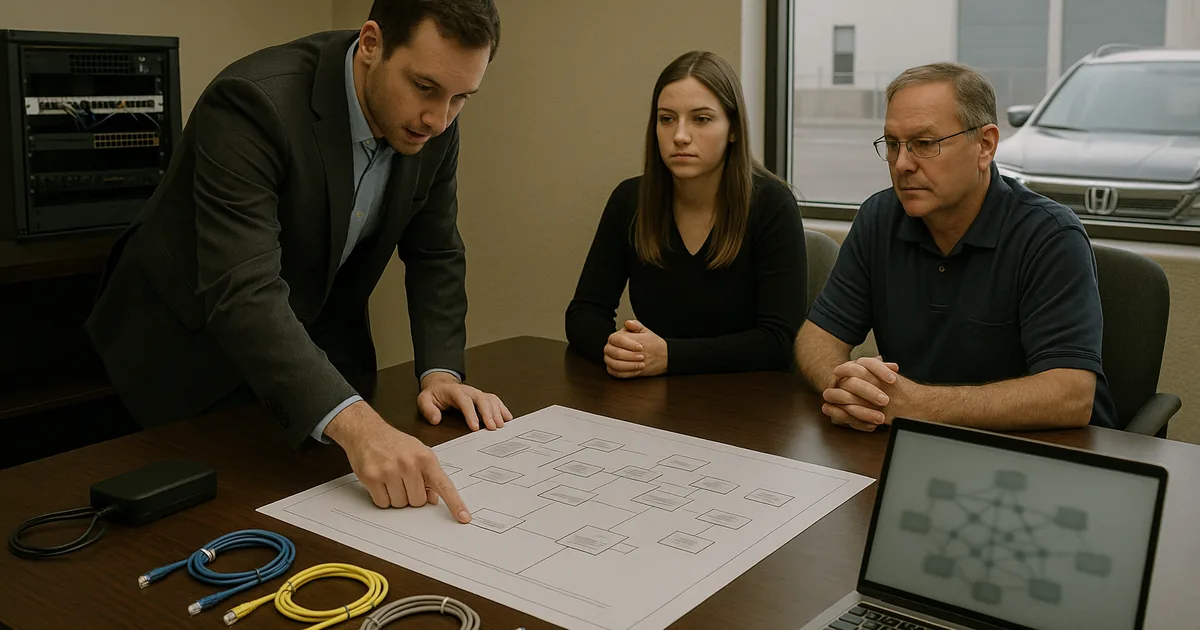
Why a Network Crash Usually Signals the Innovation Wall
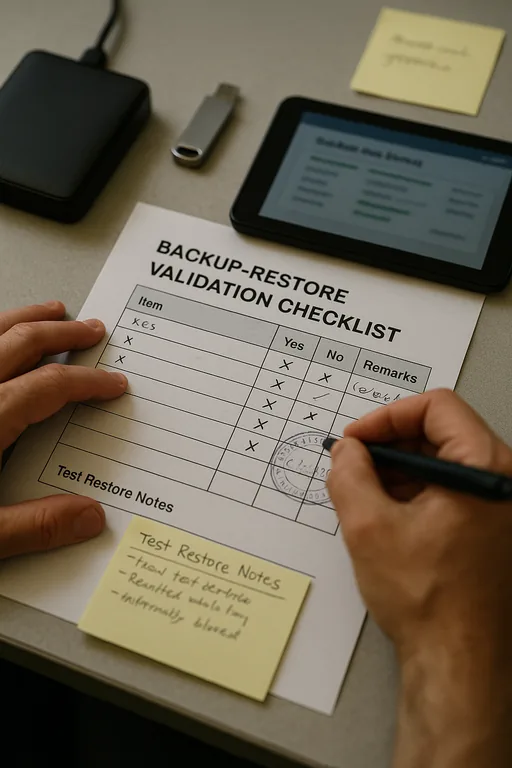
A network crash in a Reno financial office is rarely just a cabling issue or a single failed device. More often, it is the point where old infrastructure collides with modern workload demands. The innovation wall shows up when hardware and software that were acceptable five or six years ago are asked to support cloud sync, encrypted backups, remote access, heavier security tooling, and newer collaboration platforms all at once. Legacy equipment may stay online for long periods, but it does not stay operationally safe forever.
We typically find three conditions behind these failures: too many business functions stacked onto one aging system, undocumented workarounds added over time, and no practical path for modernization because every change feels disruptive. In financial environments, that matters because downtime affects client communication, document access, reconciliation work, and retention obligations. That is why firms reviewing business continuity and backup compliance in Reno need to look beyond the visible outage and into the underlying architecture. In incidents like the one Deanna faced, the crash is just the moment the hidden technical debt becomes impossible to ignore.
- Legacy network core: Older switches, firewalls, and servers often lack the throughput, memory headroom, and monitoring visibility needed for current cloud-connected financial workflows.
- Patchwork integrations: Temporary fixes between file storage, backup tools, and line-of-business applications create fragile dependencies that fail under load.
- Backup confidence gap: Successful job reports do not guarantee clean restores, especially when backup targets, permissions, or storage paths have changed over time.
- Operational drag: Staff may keep working around slow logins, dropped sessions, and sync delays until one failure stops scheduling, servicing, and billing at the same time.
Practical Remediation for Financial Offices That Cannot Afford Repeat Outages
The fix is usually not a single replacement. It is a controlled simplification effort. We start by identifying which systems are carrying too many roles, which network segments are congested, and which backup processes have never been validated through an actual restore test. From there, the goal is to reduce complexity, separate critical functions, and make the environment supportable again. For many firms, that means replacing aging edge equipment, moving unsupported workloads off legacy servers, and standardizing monitoring so failures are visible before users feel them.
That work is more effective when it is tied to structured managed IT support in Reno rather than one-off emergency fixes. Financial offices also benefit from aligning controls with practical guidance from CISA ransomware and resilience recommendations , especially around tested backups, access control, and recovery planning. The point is not to overengineer the environment. It is to make modernization adoptable so the office can use current cloud and security tools without pushing old infrastructure past its limits.
- Core refresh: Replace aging switches and firewalls that are creating bottlenecks or intermittent failures under normal business load.
- Role separation: Move file services, authentication, backup coordination, and application hosting off single points of failure.
- Backup validation: Test restores on a schedule and confirm recovery time, data integrity, and access permissions before an incident occurs.
- MFA and access hardening: Reduce the risk that a recovery event becomes a security event by tightening privileged access and remote login controls.
- Monitoring and alerting: Add visibility into switch health, storage capacity, failed jobs, and endpoint behavior so small issues do not become office-wide outages.
Field Evidence: From Repeated Outages to Stable Daily Operations
We worked with a Northern Nevada office corridor environment where staff had normalized brief disconnects, slow file access, and backup warnings that were routinely dismissed as noise. The office depended on a legacy server and older switching gear while trying to add newer cloud workflows. During busy periods, especially when multiple users were syncing large files and running reports at the same time, the network would stall hard enough to interrupt client-facing work.
After segmenting traffic, replacing the most constrained network hardware, validating restore procedures, and tightening escalation paths through responsive IT support for financial office staff , the office moved from reactive firefighting to predictable operations. In practical terms, that meant fewer interruptions during month-end processing and less dependence on informal workarounds when weather, carrier instability, or building wiring issues affected normal operations around Reno-Sparks.
- Result: Unplanned network-related downtime dropped by roughly 70 percent over the following quarter, and backup restore verification moved from ad hoc to documented monthly testing.
Reference Table: Legacy Network Risk and Control Priorities
Scott Morris is an experienced IT and cybersecurity professional with 16 years of hands-on experience in managed technology services. He specializes in Business Continuity And Backup Compliance and has spent his career building practical recovery, security, and operational continuity processes for businesses across Reno, Sparks, Carson City, Lake Tahoe, and Northern Nevada and Northern Nevada.

About the Author: Scott Morris
Local Support in Reno and Sparks
Financial offices in Reno and Sparks often need fast, practical support when aging infrastructure starts affecting client work, backups, or internal access. From our Ryland Street office, the Canal Street and industrial Sparks area is typically a short drive, which matters when a network issue is disrupting scheduling, document retrieval, or end-of-day processing. Local response is useful, but the larger value is knowing the building layouts, carrier patterns, and operational realities that shape how these incidents are resolved.
Modernization Has to Be Practical or the Same Failure Returns
When a financial office hits a network crash, the visible outage is usually only the final symptom. The deeper issue is often an environment that has outgrown its legacy hardware, accumulated too many exceptions, and never been modernized in a way the business could realistically adopt. That is where the innovation wall becomes expensive: not because new tools are unavailable, but because the existing stack cannot support them cleanly.
The operational takeaway is straightforward. Simplify the environment, validate backups through real restores, separate critical functions, and replace the components that are quietly creating risk. For Reno-area financial offices, that approach does more than reduce downtime. It improves continuity, makes compliance easier to defend, and gives staff a stable platform for daily work.