
Reno Financial IT Risks
Problems like this tend to stay hidden until something important breaks. For financial offices in South Meadows, that often means a network crash, avoidable delays, or a bigger recovery burden than expected. The best response is simplifying the stack and making modernization practical.
This case study reflects real breakdown patterns documented across 300+ regional IT incidents. Names and identifying details have been modified for confidentiality, while technical and financial data remain accurate to the original events.
Why Legacy Infrastructure Triggers Modern Network Failures

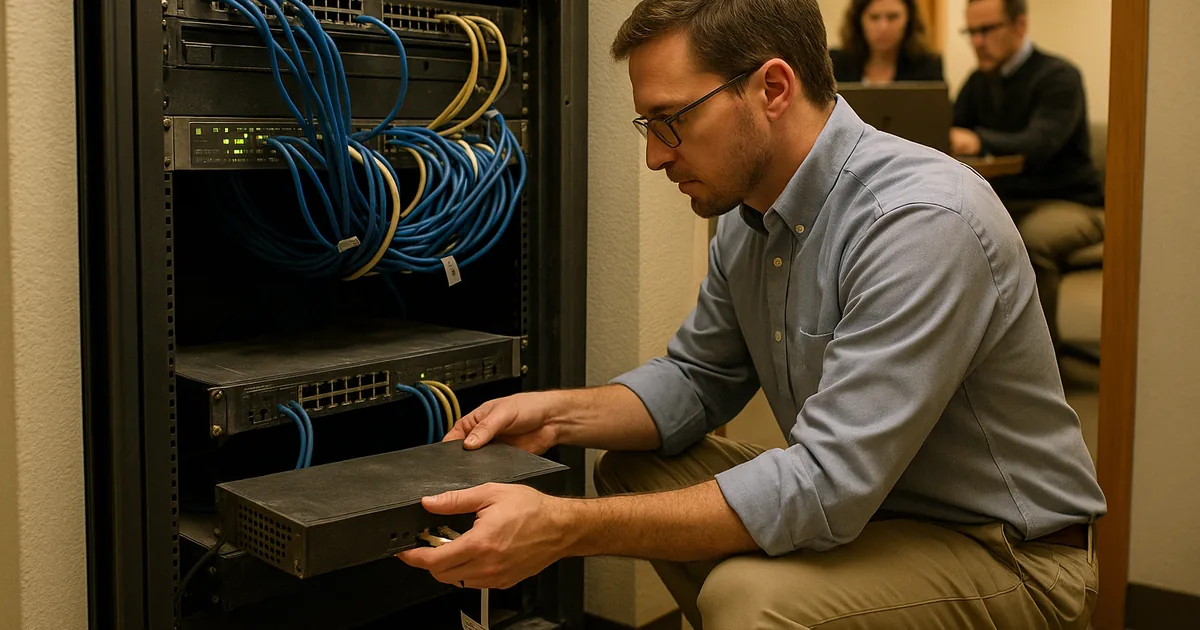
A network crash in a South Meadows financial office is rarely just a bad day on the internet connection. In most cases, the outage is the visible symptom of what we call the Innovation Wall: older firewalls, unmanaged switches, aging workstations, and fragmented software that were acceptable a few years ago but now struggle under encrypted traffic, cloud applications, AI-assisted workflows, and heavier compliance controls. Financial offices are especially exposed because they depend on stable access to document systems, custodial portals, VoIP, scanning, and secure remote sessions all at once.
We typically find that legacy hardware creates bottlenecks long before it fully fails. Packet loss, unstable DHCP behavior, overloaded uplinks, and outdated firmware can all combine into a sudden outage when demand spikes. That is why businesses dealing with recurring instability often need managed IT support in Reno that focuses on lifecycle planning, monitoring, and simplification instead of one-off fixes. In a corridor like South Meadows, where offices often mix older tenant buildouts with newer cloud requirements, the mismatch between old infrastructure and current workloads is a common root cause. That is the same pattern behind the disruption Carlota faced: the crash was immediate, but the weakness had been building for months.
- Legacy network hardware: Older switches and firewalls often lack the throughput, memory, and firmware support needed for modern cloud traffic, secure remote access, and real-time application demands.
- Stack complexity: Layering new SaaS tools onto old local systems increases failure points and makes troubleshooting slower during an outage.
- Financial workflow dependency: When file access, scanning, CRM tools, and billing platforms all rely on the same unstable network path, one infrastructure fault can halt the entire office.
How to Modernize Without Creating More Downtime
The practical fix is not replacing everything at once. It starts with identifying choke points, removing unsupported hardware, and redesigning the network around current business use. For financial offices, that usually means validating switch capacity, segmenting critical systems, reviewing firewall performance under encrypted traffic, and confirming that cloud applications are not competing with backup jobs, voice traffic, or large file sync events. We also recommend documenting dependencies so the office knows which systems must stay available first during an incident.
Recovery planning matters just as much as modernization. A stable environment should include tested failover procedures, verified configuration backups, and a written process for restoring access if a core device fails. Businesses that want to reduce repeat outages usually benefit from disaster recovery planning for Reno operations , especially when they handle sensitive financial data and time-bound reporting. For a practical external benchmark, the CISA ransomware and resilience guidance is useful because many of the same controls that limit ransomware damage also improve day-to-day network recovery.
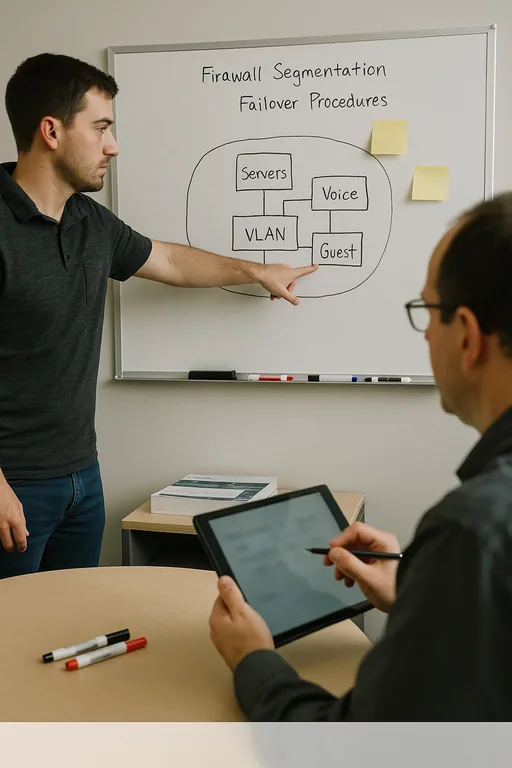
- Network segmentation: Separate user devices, servers, voice systems, and guest traffic with VLANs so one overloaded segment does not affect the whole office.
- Hardware lifecycle review: Replace unsupported firewalls and switching gear before throughput limits or firmware gaps create instability.
- Backup and config validation: Keep current device configurations and system backups tested so restoration is measured in hours, not guesswork.
- Alerting and visibility: Use monitoring to catch interface errors, saturation, and failed services before they become a full outage.
Field Evidence: Stabilizing a Reno Financial Workflow After Repeated Outages
We worked through a similar pattern with a professional office near central Reno that had intermittent crashes tied to an aging firewall, flat network design, and backup jobs colliding with business-hour traffic. Before remediation, staff saw dropped sessions, stalled scans, and inconsistent access to cloud-hosted records whenever month-end processing increased. The office had assumed the carrier was the problem, but the real issue was internal capacity and poor traffic separation.
After replacing the core firewall, segmenting traffic, and tightening backup windows, the office moved from reactive outage response to predictable operations. We also tied the environment into compliance-focused backup continuity controls so recovery expectations matched actual business risk. In Northern Nevada, where weather events, carrier interruptions, and multi-site coordination can all complicate response, that kind of structure matters more than adding another disconnected tool.
- Result: Unplanned network interruptions dropped from multiple incidents per month to no major outages over the following two quarters, while backup verification and recovery readiness improved substantially.
Reference Table: Systems That Commonly Hit the Innovation Wall
Scott Morris is an experienced IT and cybersecurity professional with 16 years of hands-on experience in managed technology services. He specializes in Managed It Support Plans and has spent his career building practical recovery, security, and operational continuity processes for businesses across Reno, Sparks, Carson City, and Northern Nevada and Northern Nevada.

About the Author: Scott Morris
Local Support in Reno and South Meadows
From our Reno office, support for South Meadows and nearby financial offices is close enough to be practical when a network issue needs hands-on work. That matters when the problem involves switching, firewall replacement, cabling, or local recovery steps that cannot be resolved remotely. The route below reflects the local service reality for businesses that need fast, grounded response rather than extended downtime.
Modernization Works Best When It Removes Friction
The main issue behind a network crash in a South Meadows financial office is usually not a single failed device. It is the accumulated strain of older infrastructure trying to support newer cloud, security, and workflow demands. When that gap grows too wide, outages become more frequent, recovery becomes slower, and the business carries more operational risk than it realizes.
The practical response is to simplify the environment, replace weak points before they fail, and align recovery planning with how the office actually works. That approach reduces downtime, supports compliance expectations, and gives staff a network they can rely on during normal operations and during the moments that matter most.