
Reno Dental Risk
Seeing login failures is often the visible symptom of legacy tools, not the root problem itself. In dental offices across Reno, issues like legacy systems, patchwork fixes, and hard-to-adopt tools can quietly undermine managed IT services until work stops or risk spikes. The fix usually starts with simplifying the stack and making modernization practical.
This case study reflects real breakdown patterns documented across 300+ regional IT incidents. Names and identifying details have been modified for confidentiality, while technical and financial data remain accurate to the original events.
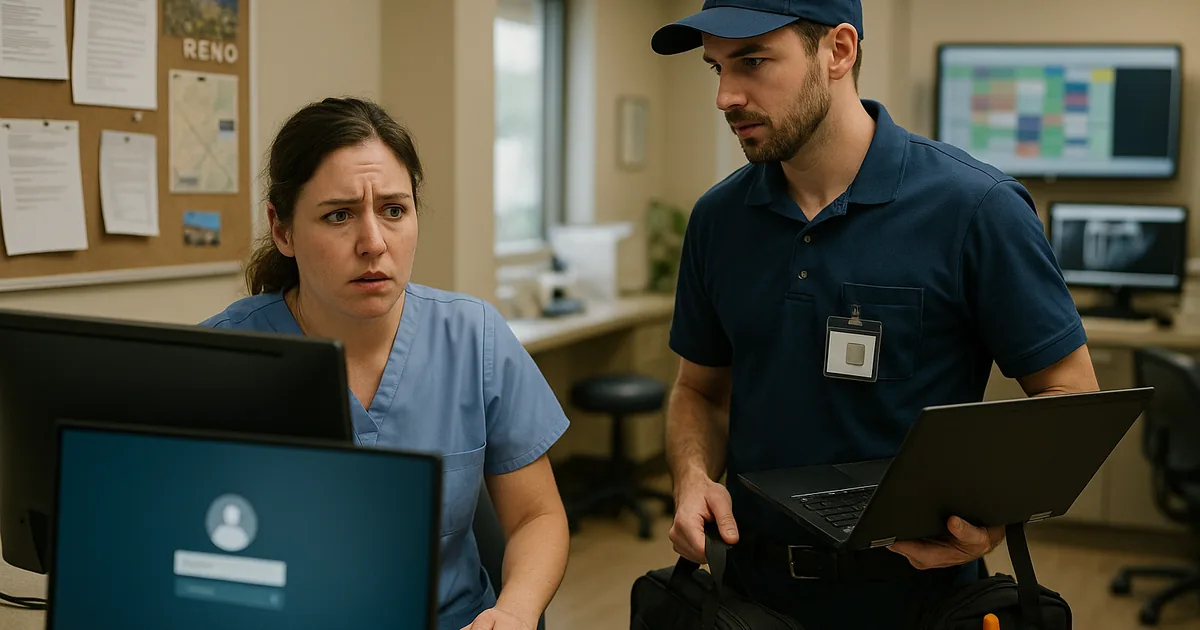
Why Login Failures in Reno Dental Offices Usually Point to a Bigger Stack Problem
When a dental office starts seeing repeated login failures, the immediate assumption is usually bad passwords, a locked account, or a brief Microsoft 365 issue. In practice, we usually find a deeper problem: the office has hit an innovation wall. Older practice software, aging workstations, unsupported operating systems, and years of one-off fixes create an environment where modern identity controls no longer fit cleanly. The login prompt becomes the visible symptom, but the real issue is that the technology stack was never simplified enough to support current security and workflow demands.
That matters in Reno because dental practices often depend on tightly timed front-desk coordination, imaging access, treatment-room charting, and same-day billing. If one workstation cannot authenticate, the disruption spreads quickly. If several systems are tied to legacy hardware that cannot support newer cloud tools, AI-assisted workflow features, or current endpoint security agents, the office stays stuck in a 2019 operating model while competitors move faster. Businesses trying to prevent downtime with managed IT support in Reno usually need more than password resets; they need a clear plan to remove outdated dependencies before they interrupt patient flow.
- Legacy authentication mismatch: Older dental applications and domain-joined endpoints often fail when newer MFA, conditional access, or updated credential policies are layered on top without redesigning the environment.
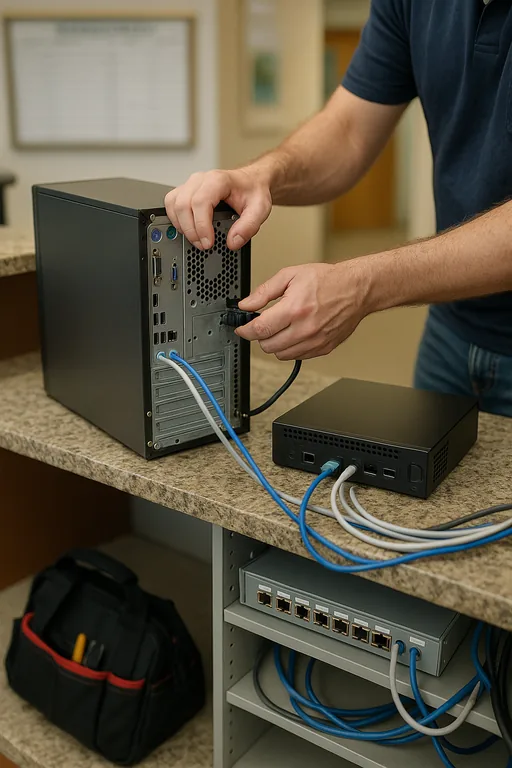
- Patchwork infrastructure: Small offices frequently accumulate retired switches, aging PCs, unsupported Windows builds, and local admin exceptions that make logins inconsistent from room to room.
- Operational spillover: When access breaks at the front desk, appointments, treatment notes, imaging retrieval, and claims posting all slow down at once.
- Innovation wall risk: Systems that cannot support modern cloud integration or current security tooling become harder to secure and harder to operate every quarter.
- Business consequence: As Shelly’s situation showed, what begins as a login complaint can quickly become lost production time, delayed billing, and avoidable staff downtime.
How We Remediate the Problem Without Creating More Friction
The practical fix is not to keep stacking exceptions on top of old systems. We start by identifying which application, device class, or authentication dependency is actually failing. From there, the remediation usually includes removing unsupported endpoints, standardizing identity controls, validating line-of-business compatibility, and separating critical clinical and administrative workflows so one weak point does not stall the whole office. For dental environments, that often means replacing a few high-risk legacy devices first rather than attempting a disruptive full rip-and-replace.
We also recommend documenting access standards and exception handling through compliance-focused IT management so the office is not relying on memory or informal workarounds. For security baselines around identity, patching, and access control, the CISA Secure Our World guidance is a practical reference point for smaller organizations that need clear, usable controls.
- Identity cleanup: Remove stale accounts, align password and MFA policies, and verify that legacy applications can still authenticate under current standards.
- Endpoint standardization: Replace unsupported workstations and ensure all operator stations can run current security agents, browser versions, and required dental software components.
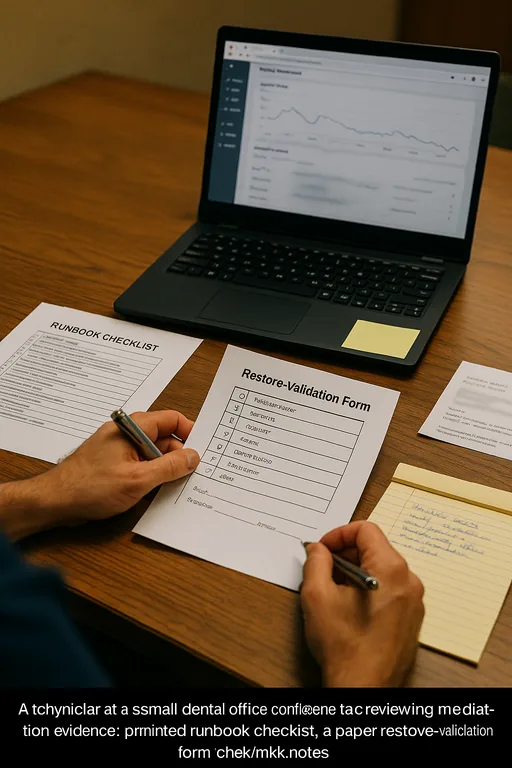
- Backup validation: Confirm that patient and billing data backups are restorable, not just scheduled, before any modernization work begins.
- Network segmentation: Use VLAN separation where appropriate so guest traffic, imaging devices, and business systems do not share unnecessary exposure.
- Alerting and change control: Track failed logins, service interruptions, and software changes so recurring issues can be traced instead of guessed at.
Field Evidence: Breaking Through the Innovation Wall in a Busy Reno Practice
We recently worked through a similar pattern in a South Reno medical-adjacent office corridor where staff had normalized intermittent login failures for months. Before remediation, the office was using a mix of older desktops, inconsistent Windows patch levels, and a legacy application dependency that only worked reliably on a shrinking number of machines. Morning check-in bottlenecks were common, and billing staff often had to wait until late afternoon to complete work that should have been finished before lunch.
After standardizing endpoints, validating application compatibility, tightening identity controls, and documenting required safeguards through operational compliance advisory support , the office moved from reactive troubleshooting to a stable daily workflow. That kind of improvement is especially important in Northern Nevada, where multi-site coordination, older leased office buildouts, and mixed carrier environments can make small technical weaknesses harder to isolate if the stack is not kept current.
- Result: Repeated login-related interruptions dropped from several incidents per week to isolated exceptions, and morning administrative delays were reduced by more than 80 percent within the first month.
Reference Table: Common Login Risk Points in Dental IT Environments
Scott Morris is an experienced IT and cybersecurity professional with 16 years of hands-on experience in managed technology services. He specializes in Managed It Services and has spent his career building practical recovery, security, and operational continuity processes for businesses across Reno and Northern Nevada.

About the Author: Scott Morris
Local Support in Reno
Dental offices in Reno, Sparks, and nearby medical corridors often need support that understands both the technical issue and the operational timing behind it. From our office on Ryland Street, the Redfield area is typically about 12 minutes away under normal conditions, which matters when login failures are affecting intake, treatment-room access, or end-of-day billing. Local response is only part of the equation, though; the larger value comes from recognizing when a recurring access issue is really a modernization problem.
Modernization Has to Be Practical or Login Risk Keeps Returning
For Reno dental offices, login failures are rarely just a front-desk inconvenience. They usually signal that older hardware, legacy software, and accumulated exceptions are no longer supporting the way the practice needs to operate. If the environment cannot handle current identity controls, cloud workflows, or modern endpoint protection, the office will keep seeing the same disruption in different forms.
The operational takeaway is straightforward: simplify the stack, remove unsupported dependencies, and align security controls with what the business can actually run day to day. That approach reduces downtime, supports billing continuity, and makes future upgrades less disruptive instead of more complicated.