
Reno Dental Login Remed
What looks like a one-off issue is often tied to growth outpacing IT capacity. In dental office environments, endpoint sprawl, underplanned infrastructure, and inconsistent standards can turn into performance, reliability, and future growth long before anyone notices the warning signs. Closing those gaps early makes business continuity and backup compliance far more resilient.
This case study reflects real breakdown patterns documented across 300+ regional IT incidents. Names and identifying details have been modified for confidentiality, while technical and financial data remain accurate to the original events.
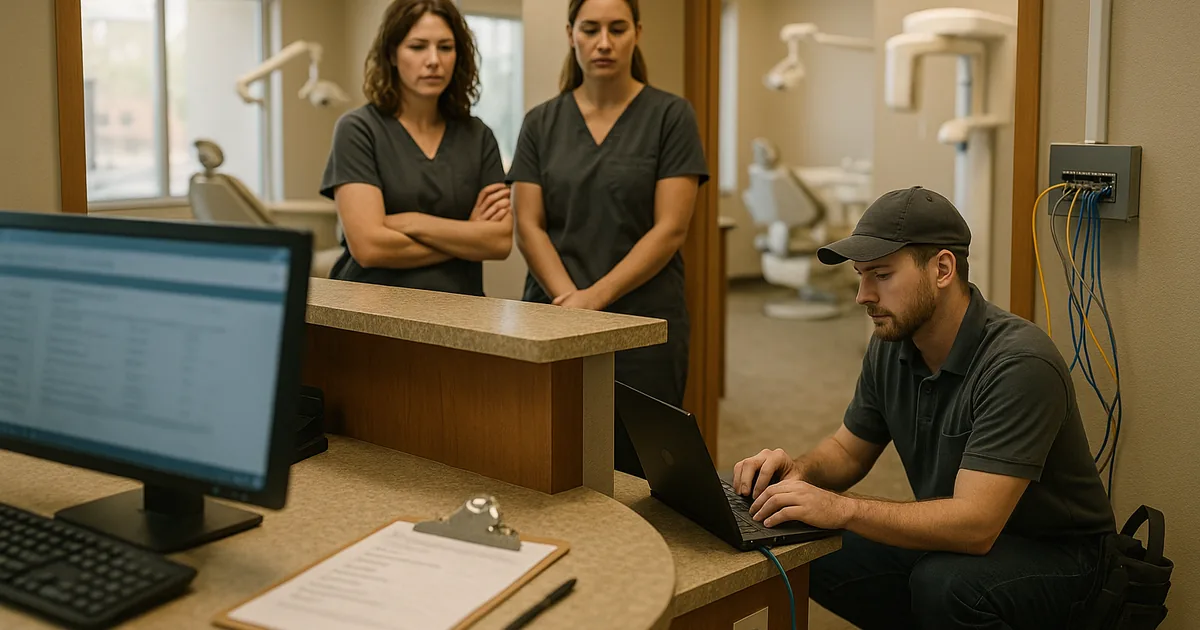
Why Login Failures Often Signal a Scalability Ceiling
In Washoe County dental offices, repeated login issues are rarely just an authentication problem. More often, they are the visible symptom of growth outpacing infrastructure. A practice adds operatories, hires more staff, deploys more imaging endpoints, and layers on cloud applications without revisiting domain performance, wireless density, switch capacity, storage IOPS, or backup windows. At that point, logins begin to fail intermittently because the environment is no longer operating with enough margin.
We typically see this pattern when a practice expands faster than its standards. One workstation is joined correctly, another is running on an old profile, a third is mapped differently, and a fourth is still relying on legacy settings from years earlier. That inconsistency creates delays in authentication, profile loading, and application access. For organizations trying to maintain business continuity and backup compliance in Northern Nevada , those weak points matter because the same sprawl that causes login trouble also undermines recovery planning and audit readiness. In cases like Latasha’s, the front desk feels the issue first, but the root cause is architectural.
- Endpoint sprawl: As more chairs, imaging stations, tablets, and admin PCs are added without a standard build process, login behavior becomes inconsistent and support overhead rises.
- Underplanned infrastructure: Older switches, limited wireless coverage, and undersized servers or cloud sync paths can slow authentication and create random access failures during busy patient blocks.
- Inconsistent identity controls: Mixed local accounts, stale group policies, and uneven MFA or password policies make troubleshooting harder and increase the chance of lockouts.
- Backup overlap with production use: If backup jobs, replication, or large imaging transfers run during office hours, users may experience profile delays and application login timeouts.
Practical Remediation for Growth-Driven Access Problems
The fix is not just resetting passwords or replacing one workstation. The right remediation starts with a capacity and standards review: how many endpoints are active, where authentication is happening, what applications depend on local resources, and whether the network was designed for the current headcount rather than the office size from three years ago. In dental environments, we usually prioritize identity consistency, endpoint standardization, backup timing, and network segmentation so front-desk systems, imaging devices, and administrative traffic stop competing with each other.
That work is easier to sustain when the office has structured managed IT support in Reno for growing practices instead of reacting to each outage separately. We also recommend aligning controls with practical guidance from CISA and applying them in a way that fits the workflow of a busy clinic. Where security exposure is part of the same pattern, layered cybersecurity services in Washoe County help reduce the chance that a login problem is masking a larger endpoint or credential issue.
- Identity cleanup: Consolidate account management, remove stale profiles, standardize group policy, and verify domain or cloud identity health.
- Endpoint standardization: Rebuild noncompliant workstations to a common baseline for dental software, printers, imaging tools, and security controls.
- Network segmentation: Use VLAN separation for clinical devices, guest traffic, and administrative systems so authentication and application traffic remain stable.
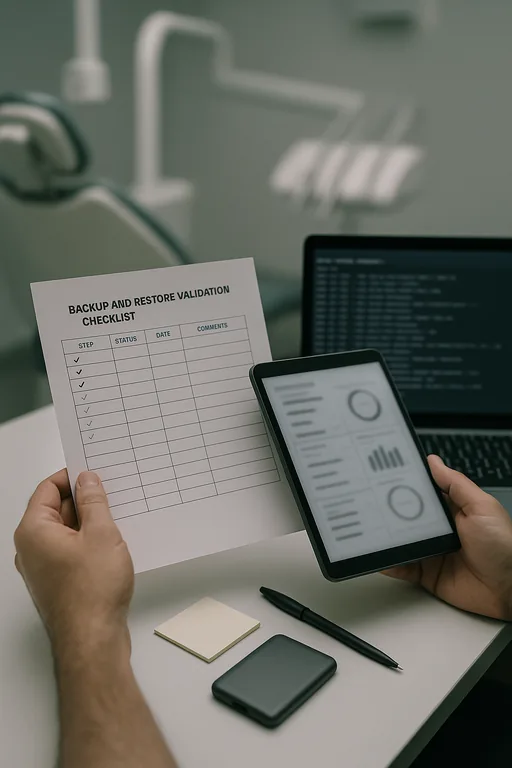
- Backup validation: Move heavy backup activity outside production hours and test restores so compliance does not interfere with daily operations.
- Alerting and capacity review: Monitor login latency, storage performance, wireless utilization, and line-of-business application response before the next hiring wave.
Field Evidence: Stabilizing a Growing Dental Practice Before the Next Hiring Wave
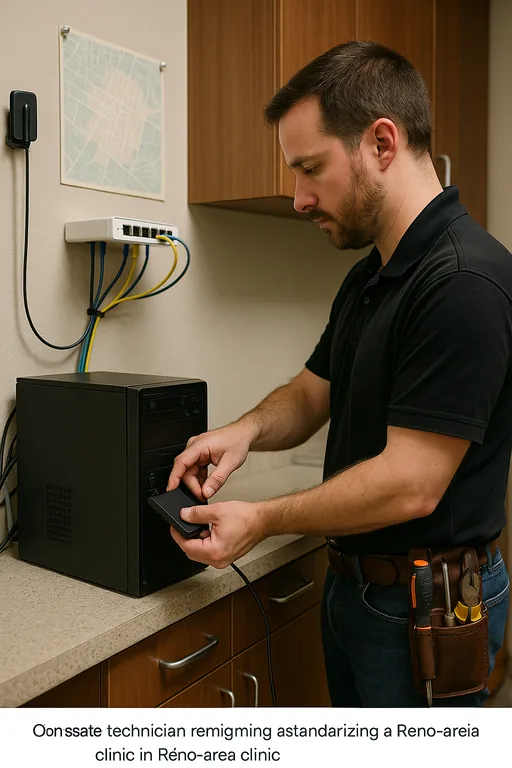
We worked through a similar pattern with a Northern Nevada office that had expanded staff and treatment capacity without reworking its underlying IT layout. Morning login delays were common, backup jobs were overlapping with production traffic, and front-desk staff were restarting systems just to get into scheduling and billing. The office was operating in a busy Reno corridor where short service interruptions quickly stacked up into patient flow problems.
After standardizing endpoints, separating traffic, correcting identity policy conflicts, and moving backup activity to a cleaner schedule, the environment became predictable again. Staff logins normalized, billing access stopped lagging during peak hours, and the office had a clearer path for future expansion without repeating the same failure pattern.
- Result: Login-related interruptions dropped from multiple incidents per week to isolated exceptions, morning access times improved by more than 70%, and backup completion became consistent without affecting chairside operations.
Dental Office Scalability Risk Reference
Scott Morris is an experienced IT and cybersecurity professional with 16 years of hands-on experience in managed technology services. He specializes in Business Continuity And Backup Compliance and has spent his career building practical recovery, security, and operational continuity processes for businesses across Washoe County and Northern Nevada.

About the Author: Scott Morris
Local Support in Washoe County
Our office is a short drive from Midtown Reno, which matters when a dental practice is dealing with access failures that affect scheduling, billing, and patient flow. For offices around central Reno, Sparks, and nearby Washoe County corridors, local response is most effective when it is paired with long-range planning for capacity, backup integrity, and secure growth.
Growth Has to Be Matched by IT Capacity
When a dental office starts seeing login failures during normal operations, the real issue is often that the environment has reached a scalability ceiling. More users, more devices, and more software can strain identity systems, network performance, and backup timing long before a practice considers itself large. If those limits are not addressed early, small access problems turn into scheduling disruption, delayed billing, and weaker recovery readiness.
The practical takeaway is straightforward: review capacity before the next hiring push, standardize endpoints, and make sure continuity controls are not competing with production work. In Washoe County, that kind of planning is what keeps a growing office stable instead of forcing staff to troubleshoot around preventable failures.