
Reno Dental Login Gaps
Problems like this tend to stay hidden until something important breaks. For dental offices in South Meadows, that often means login failures, avoidable delays, or a bigger recovery burden than expected. The best response is validating backups regularly and proving recovery before a real outage.
This case study reflects real breakdown patterns documented across 300+ regional IT incidents. Names and identifying details have been modified for confidentiality, while technical and financial data remain accurate to the original events.
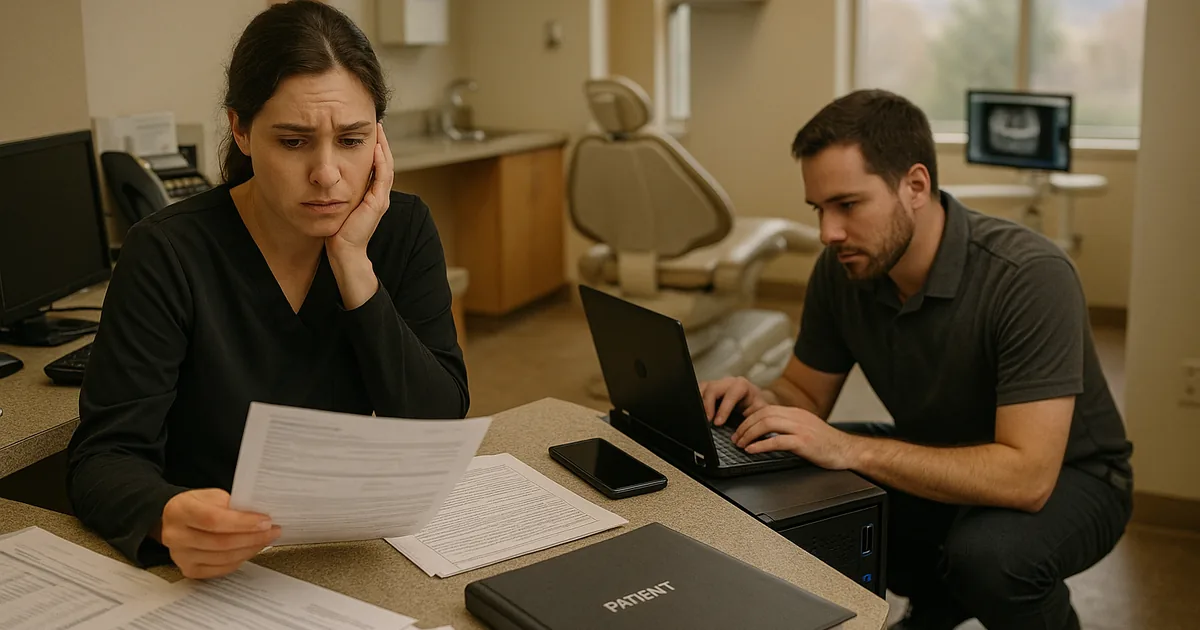
Why Login Failures Often Expose a Resilience Test Gap
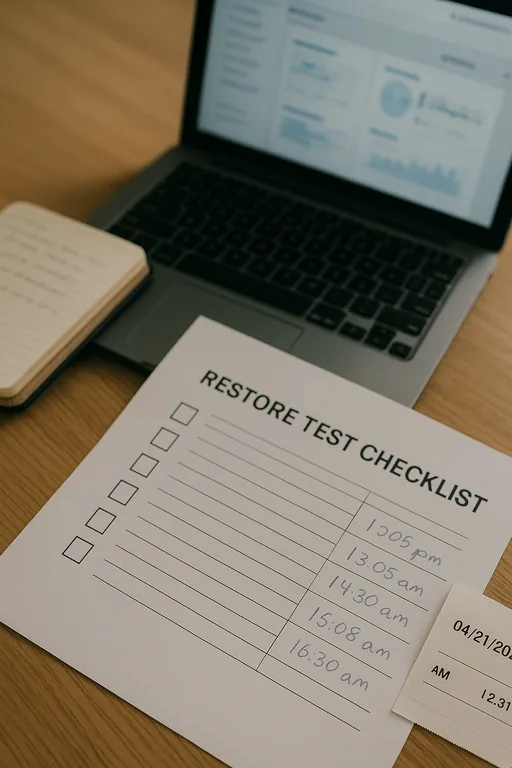
A login failure after an outage is rarely just a password problem. In dental environments, it often points to a larger resilience issue: the office has a backup copy, but no recent proof that the copy can restore the full working environment under pressure. That includes Active Directory or local credential stores, application dependencies, mapped drives, imaging databases, and workstation access paths. A backup is not the same thing as continuity. If the server is unavailable and the restored system does not let staff authenticate and continue working, the office still has downtime.
We see this across Reno and South Meadows when smaller clinical offices assume nightly backups equal readiness. They do not. The real test is whether the office can recover scheduling, chart access, billing, and imaging in a controlled timeframe. That is where structured business IT operations management in Reno becomes important, because it ties backup jobs to recovery objectives, access validation, and documented response steps instead of treating backup status as the finish line. In cases like Roy’s, the visible symptom is failed login access, but the root cause is usually untested recovery sequencing.
- Authentication dependency: If domain services, local identity stores, or line-of-business application permissions are not included in recovery testing, restored systems may come back online without allowing staff to sign in normally.
- Application coupling: Dental software often depends on shared storage, imaging paths, SQL services, and workstation mappings that fail even when the backup file itself is intact.
- Operational blind spot: Front desk teams can keep moving briefly with paper forms, but delayed treatment notes, insurance verification, and end-of-day reconciliation create a larger recovery burden.
- False confidence: A green backup report only confirms a copy was created; it does not confirm the office can keep working while systems are being restored.
How Dental Offices Close the Recovery Validation Gap
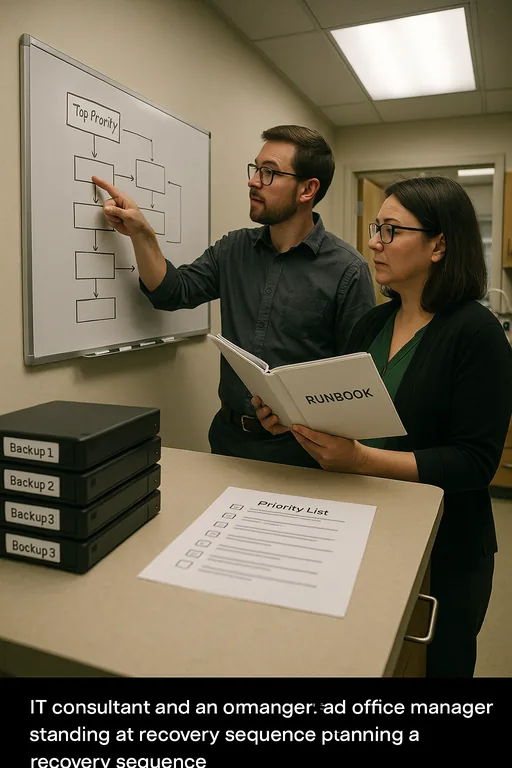
The practical fix is to move from backup collection to recovery proof. That means defining what must be restored first, how long the office can tolerate disruption, and which systems must be validated before the event is considered resolved. For most dental offices, the priority stack is straightforward: identity and login services, practice management access, imaging availability, shared documents, and secure internet connectivity for claims and communications.
We typically recommend quarterly restore testing, documented recovery runbooks, and role-based validation by both IT and office leadership. Offices that want to reduce repeat failures usually start with risk assessments and security readiness reviews to identify where backup assumptions do not match actual operational requirements. It is also worth aligning the process with guidance from CISA’s ransomware and recovery guidance , because the same controls that support incident recovery also improve day-to-day resilience.
- Restore validation: Test full and file-level restores on a schedule, then confirm staff can authenticate and open the systems they use every day.
- Recovery sequencing: Bring back identity services, application databases, and shared storage in the right order so login failures do not persist after the server is restored.
- Backup isolation: Maintain protected backup copies that cannot be easily altered by malware, admin error, or failed synchronization.
- Endpoint and access hardening: Use MFA where possible, restrict privileged access, and deploy EDR so a recovery event does not become a repeat incident.
- Runbook ownership: Assign clear responsibilities for front desk, office management, and IT so the office knows who validates scheduling, billing, and imaging after restoration.
Field Evidence: South Reno Recovery Validation in Practice
In one South Reno clinical environment, the original state was familiar: backups were running, but nobody had tested whether a restored server would support normal user sign-in and application access. After a power-related interruption and storage fault, staff could see that data existed, yet they still could not work normally because authentication and application dependencies were out of sequence. The office shifted to paper intake, phones backed up, and billing tasks moved into the afternoon.
After remediation, the office implemented scheduled restore tests, documented dependency order, and policy checkpoints tied to compliance-focused IT management . In a later validation exercise, the team restored core systems in a controlled window, verified user access before opening hours, and confirmed imaging and scheduling were available without improvised workarounds. That kind of discipline matters in Northern Nevada, where weather events, utility interruptions, and multi-site coordination can turn a small technical fault into a full-day operational problem.
- Result: Recovery validation reduced expected login-related downtime from most of a business day to under 90 minutes for core office functions.
Resilience Test Reference Points for Dental Offices
Scott Morris is an experienced IT and cybersecurity professional with 16 years of hands-on experience in managed technology services. He specializes in Business It Operations Management and has spent his career building practical recovery, security, and operational continuity processes for businesses across Reno, Sparks, Carson City, Lake Tahoe, and Northern Nevada and Northern Nevada.

About the Author: Scott Morris
Local Support in Reno and South Meadows
Reno Computer Services supports dental and professional offices throughout Reno, including South Meadows and nearby practice corridors where a short drive can still turn into a long outage if recovery steps are unclear. From our downtown Reno location, we regularly help offices validate backups, test login recovery, and reduce the operational drag that follows server or access failures.
What This Means for South Meadows Dental Offices
If a dental office only knows that backups ran, it still does not know whether the business can recover from a real interruption. Login failures after an outage usually mean the office has not tested the full chain of recovery: identity, applications, data paths, and user access. That is the real resilience gap.
The practical takeaway is simple. Validate backups on a schedule, test restores against real workflows, and document the order required to bring the office back into service. That approach reduces downtime, limits billing disruption, and gives leadership a clearer picture of what recovery will actually look like before the next incident.