
Reno Dental Login Gaps
What looks like a one-off issue is often tied to untested backups. In dental office environments, failed restore tests, missing dependencies, and an unclear recovery order can turn into recovery time, data availability, and business continuity long before anyone notices the warning signs. Closing those gaps early makes compliance and risk management far more resilient.
This case study reflects real breakdown patterns documented across 300+ regional IT incidents. Names and identifying details have been modified for confidentiality, while technical and financial data remain accurate to the original events.
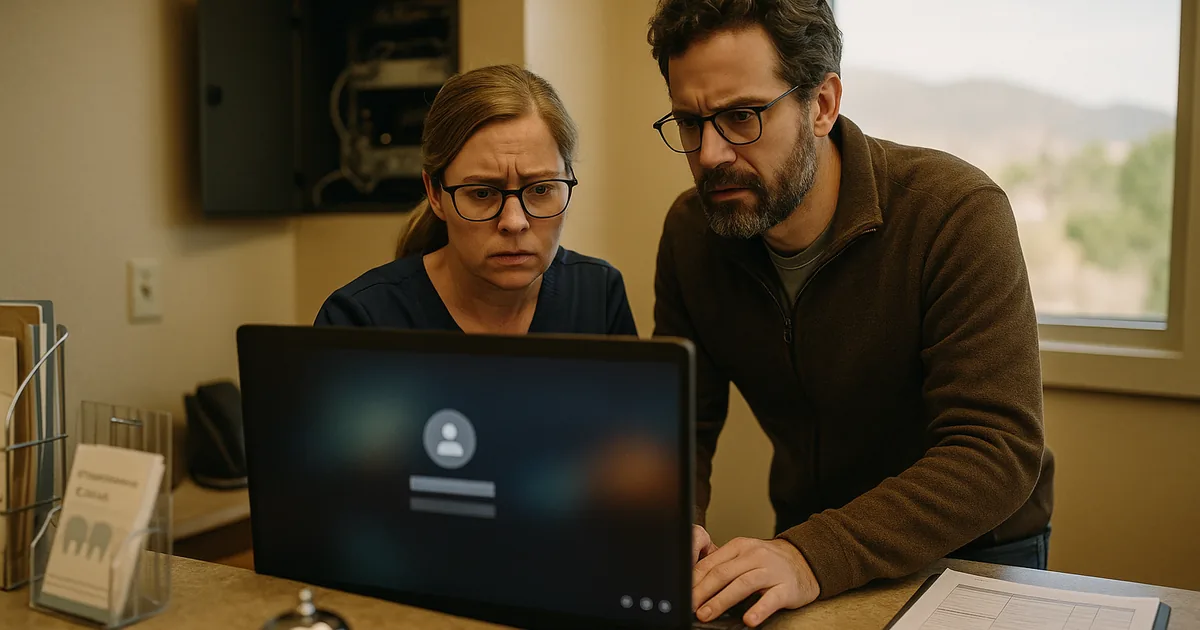
Why Login Failures Often Point to a Resilience Test Gap

In a dental office, a login issue is not always an identity issue. We often find that the visible symptom is access failure, but the underlying cause is that backups were treated as copies rather than as part of a working recovery process. That distinction matters. A backup can exist and still fail the business when no one has validated whether the application server, database engine, imaging repository, mapped drives, and user permissions can actually come back online in the correct sequence.
That is the resilience test gap. In Washoe County dental environments, front-desk operations, treatment scheduling, digital imaging, insurance verification, and claims submission all depend on systems that are tightly connected. If one dependency is missed during recovery, staff may still see login prompts, but the real problem is incomplete restoration. This is why practices reviewing compliance and risk management in Northern Nevada need to look beyond whether backups ran and focus on whether recovery was tested against real operational workflows. When Brady’s team could not get consistent access, the issue was not just authentication; it was that the restored environment was not fully usable.
- Failed restore validation: Backup jobs may report success while the actual restore fails because the database version, application service account, or storage path does not match the production environment.
- Missing dependencies: Dental software often relies on SQL services, imaging folders, vendor-specific middleware, printers, and local network shares that are not always documented in the recovery plan.
- Unclear recovery order: If the server, domain services, application layer, and workstation access are brought back in the wrong order, staff can experience login errors even though the root cause is incomplete service recovery.
- Business continuity confusion: A backup is only a copy; business continuity is the ability to keep working while the server is effectively unavailable, damaged, or isolated.
How Dental Offices Close the Backup and Recovery Gap
The practical fix is to stop measuring backup health by job completion alone. We recommend restore testing against the full workflow: domain access, practice management login, imaging retrieval, document storage, printing, and claims processing. That means documenting recovery order, confirming application dependencies, and assigning recovery time objectives that reflect how the office actually operates. For dental practices, this is part of operational resilience, not just IT housekeeping.
A stronger approach usually includes scheduled restore drills, immutable or isolated backup copies, and clear ownership for each recovery step. Practices that need more predictable recovery often benefit from structured backup and recovery programs for regulated business operations so restore testing is repeatable rather than ad hoc. Guidance from CISA is useful here because it emphasizes tested recovery, offline backups, and documented response procedures rather than assuming a backup file alone solves the problem.
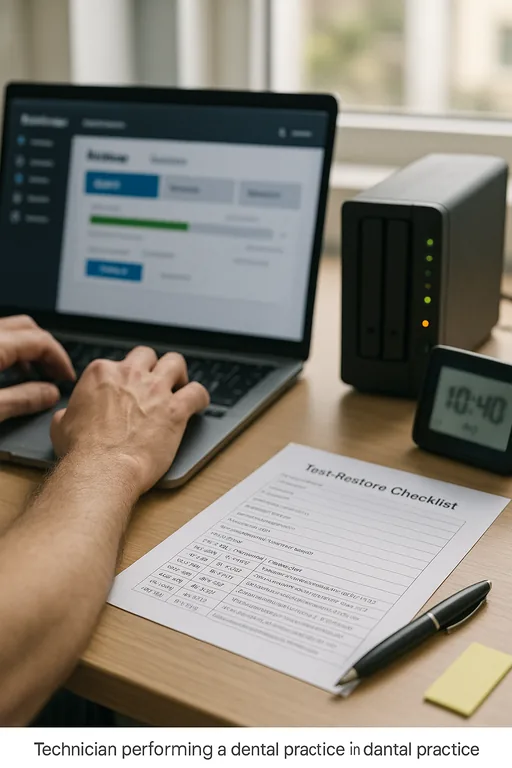
- Restore testing cadence: Run quarterly test restores of the actual dental application stack, not just file-level recovery.
- Dependency mapping: Document databases, imaging paths, service accounts, printers, scanners, and vendor connectors required for a usable login experience.
- MFA and privileged access review: Separate authentication issues from recovery issues by tightening admin access and logging changes to identity systems.
- Recovery order runbook: Define the exact sequence for bringing back infrastructure, applications, and user access so staff are not troubleshooting blind during downtime.
Field Evidence: Restoring Access Without Guesswork
We worked through a similar pattern with a professional office corridor client in the Reno-Sparks area where the backup platform showed green status, but the first restore attempt produced partial access only. Staff could reach the login screen, yet shared records and attached files were unavailable because the application database restored before the storage mapping and permissions were fully re-established. That is a common Northern Nevada issue in mixed environments where older line-of-business systems sit on newer virtual infrastructure.
After documenting dependencies, testing the full restore chain, and tightening server monitoring through network and server oversight for multi-system operations , the client moved from uncertain recovery to a repeatable process. The before state was a backup system that looked healthy on paper but had no proven recovery sequence. The after state was a tested runbook with verified restore points and a known order of operations that reduced confusion during incidents.
- Result: Recovery validation time dropped from nearly 4 hours of manual troubleshooting to a 55-minute tested restore workflow, with no missing application dependencies in the next drill.
Resilience Test Controls for Dental Office Recovery
Scott Morris is an experienced IT and cybersecurity professional with 16 years of hands-on experience in managed technology services. He specializes in Compliance And Risk Management and has spent his career building practical recovery, security, and operational continuity processes for businesses across Washoe County and Northern Nevada.

About the Author: Scott Morris
Local Support in Washoe County
Our office at 500 Ryland Street supports businesses across Reno, Sparks, and the broader Washoe County area. For dental practices near the airport corridor and other busy medical and professional zones, proximity matters when a recovery issue affects scheduling, billing, or patient flow. The route below reflects the local service relationship between Reno Computer Services and the airport-area destination referenced in this article.
Closing the Resilience Test Gap Before It Becomes Downtime
For dental offices in Washoe County, login failures are often the first visible sign of a deeper recovery problem. If backups have not been tested against the full application stack, the office may discover missing dependencies only after staff are already delayed and patient flow is affected. That is where compliance, risk management, and continuity planning intersect in a very practical way.
The operational takeaway is straightforward: do not assume a successful backup job means the business can recover. Test restores, document the recovery order, and verify the systems people actually need to work. That approach reduces downtime, supports compliance expectations, and gives the practice a clearer path through an incident.