
Reno Dental Gaps
This kind of issue rarely appears all at once. For dental offices in Northern Nevada, it usually builds through phishing clicks, password reuse, and weak account hygiene and then surfaces as login failures, slower recovery, or higher exposure. A more reliable setup starts with tightening identity controls and building safer day-to-day habits.
This case study reflects real breakdown patterns documented across 300+ regional IT incidents. Names and identifying details have been modified for confidentiality, while technical and financial data remain accurate to the original events.
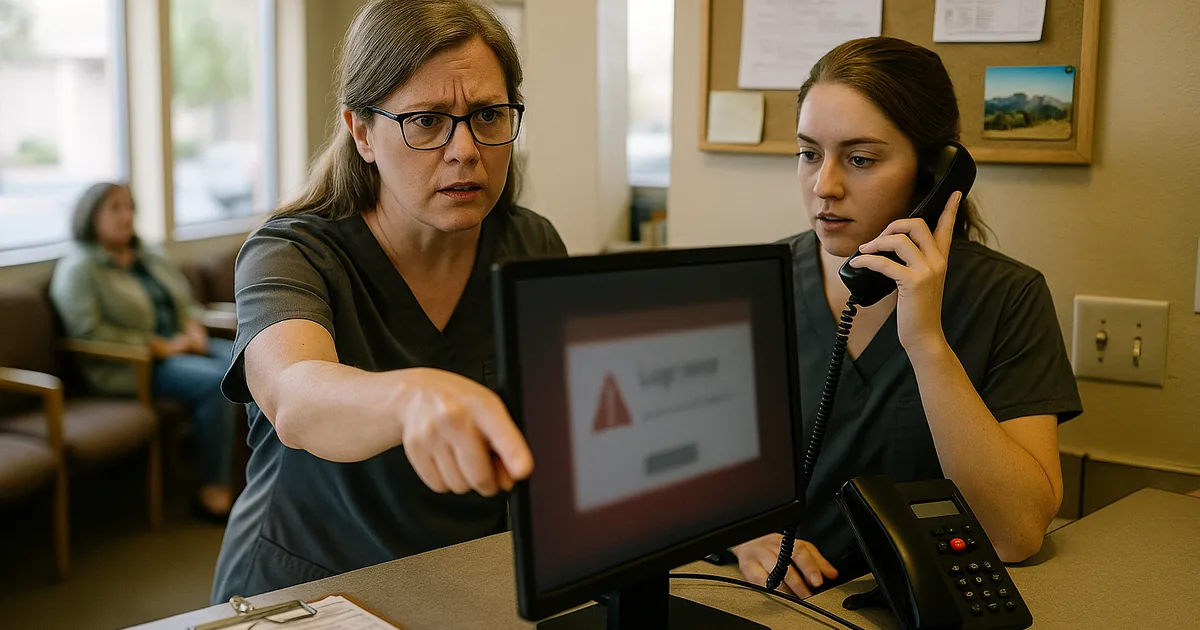
How the Human Element Creates Login Failures in Dental Offices
The core issue is not usually a broken server or a failed firewall. In most dental environments, the first weakness is identity handling at the user level: a staff member reuses a password, responds to a fake reset prompt, or keeps an old shared login active longer than it should be. Once that happens, login failures are only the visible symptom. Behind them, there may be account lockouts, unauthorized sign-in attempts, mailbox rules, token theft, or a compromised workstation trying to reconnect with stale credentials.
We see this pattern across Reno, Sparks, and Carson City offices that depend on cloud email, imaging systems, insurance portals, and practice management platforms throughout the day. When the front desk cannot authenticate cleanly, patient intake slows, claims work backs up, and providers lose time waiting on chart access or scheduling updates. That is why many practices turn to cybersecurity services in Northern Nevada that focus on identity protection, endpoint visibility, and user-driven risk before a phishing event becomes a larger outage. In cases like Vega’s, the real gap is not one bad click by itself. It is the absence of layered controls around ordinary staff behavior.
- Technical Factor: Weak account hygiene allows phishing links, password reuse, and unmanaged sign-in behavior to trigger lockouts, session compromise, and delayed recovery across email, scheduling, and billing systems.
- Operational Detail: Dental offices often rely on a small number of front-office users to keep the entire day moving, so one compromised account can affect check-in, treatment coordination, insurance verification, and collections at the same time.
- Local Reality: Multi-vendor environments common in Northern Nevada dental practices can make troubleshooting slower when Microsoft 365, line-of-business software, imaging workstations, and internet service all intersect during a login incident.
Practical Remediation for Identity Control and Daily User Risk
The fix starts with reducing the number of ways a normal employee action can become a security event. That means enforcing multifactor authentication across email and remote access, removing shared credentials, reviewing conditional access policies, and tightening password reset workflows so staff are not relying on email prompts they cannot validate. Endpoint detection should also be configured to flag suspicious browser sessions, token abuse, and repeated failed sign-ins before they spread into broader operational disruption.
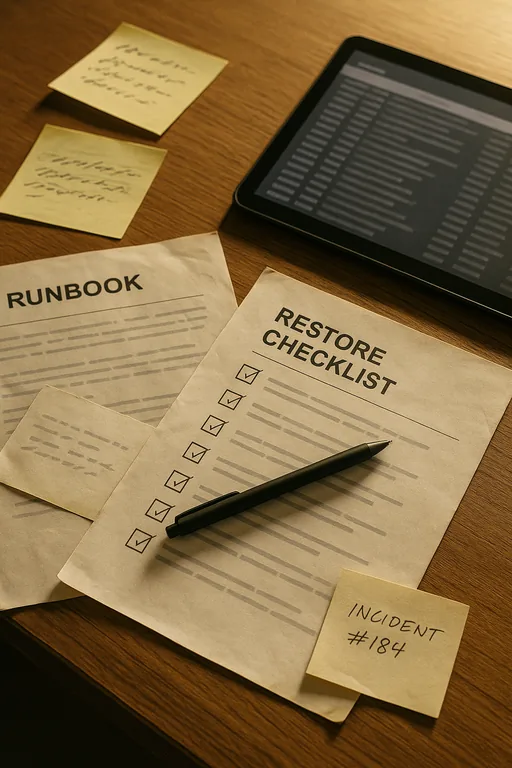
Recovery planning matters just as much as prevention. Dental offices should validate that user profiles, configuration data, and critical business records can be restored quickly if an account compromise leads to workstation rebuilds or application corruption. Structured backup protection for dental operations helps shorten recovery time when identity issues spill into data access problems. For practical guidance on phishing-resistant controls and account security, the CISA password and authentication guidance is a useful baseline.
- Control Step: Enforce MFA with conditional access and disable legacy authentication wherever possible.
- Practical Action: Pair identity hardening with phishing awareness drills, endpoint monitoring, and documented account recovery steps for front-desk and billing roles.
- Control Step: Validate backups and recovery workflows for user data, shared files, and line-of-business systems.
- Practical Action: Test restoration regularly so a login incident does not turn into extended downtime because no one verified what can actually be recovered.
Field Evidence: Restoring Access Without Repeating the Same Failure
In one Northern Nevada dental workflow review, the office had recurring account lockouts, inconsistent MFA enrollment, and no clear separation between front-desk access, billing access, and administrator rights. The immediate symptom was repeated login trouble during peak patient hours, but the deeper issue was that staff had too much trust in email prompts and too little structure around account recovery. After tightening sign-in policies, removing stale credentials, and documenting role-based access, the office moved from reactive resets to controlled recovery.
That mattered during a later disruption tied to a suspicious mailbox event on a windy weather day when internet performance and remote vendor coordination were already slower than normal across the Reno corridor. Instead of losing most of the day, the team isolated the affected account, restored normal access, and used disaster recovery planning for business continuity to keep scheduling and billing moving while remediation was completed.
- Result: Account recovery time dropped from several hours of front-office disruption to under 45 minutes, with no confirmed data loss and no missed end-of-day billing batch.
Identity Risk Controls for Dental Office Environments
Scott Morris is an experienced IT and cybersecurity professional with 16 years of hands-on experience in managed technology services. He specializes in Managed Cybersecurity Services and has spent his career building practical recovery, security, and operational continuity processes for businesses across Northern Nevada and Northern Nevada.

About the Author: Scott Morris
Local Support in Northern Nevada
Reno Computer Services supports dental and professional offices across Reno, Sparks, Carson City, and surrounding Northern Nevada service areas. For South Meadows locations near Prototype Drive, response planning needs to account for both travel time and the reality that login and identity problems often affect patient-facing workflows immediately. The route below reflects the local support path from our Reno office to the destination area tied to this scenario.
Closing the Login Gap Before It Becomes Downtime
For dental offices in Northern Nevada, login trouble tied to the human element is usually a control problem, not a mystery. Phishing clicks, reused passwords, and weak account practices create small failures that surface later as access delays, billing disruption, and longer recovery windows. The right response is to tighten identity controls, reduce user-driven exposure, and verify that recovery steps work under real operating conditions.
When those controls are in place, a bad email or failed sign-in does not have to derail the day. Offices can contain the issue, restore access faster, and keep patient-facing operations moving without turning a routine morning into a larger security event.