
Reno Dental Gap
Problems like this tend to stay hidden until something important breaks. For dental offices in South Meadows, that often means login failures, avoidable delays, or a bigger recovery burden than expected. The best response is simplifying the stack and making modernization practical.
This case study reflects real breakdown patterns documented across 300+ regional IT incidents. Names and identifying details have been modified for confidentiality, while technical and financial data remain accurate to the original events.
Why Login Gaps Show Up When Legacy Systems Hit the Innovation Wall
The short answer is that many login failures in South Meadows dental offices are not caused by one bad password. They usually come from a stack that has been patched together over time: older workstations, aging local servers, outdated authentication methods, and cloud tools added on top without a full identity plan. That is the innovation wall. The business wants modern email security, cloud access, better mobility, and AI-assisted workflows, but the underlying hardware and user-management model are still operating like it is 2019.
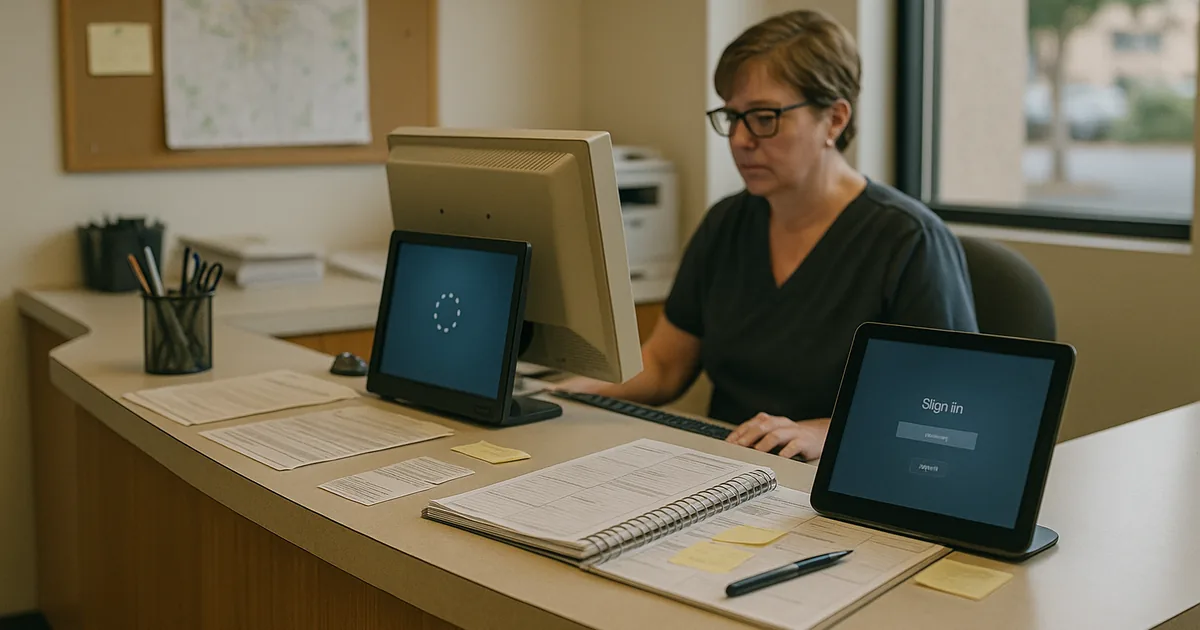
We typically find that identity issues start where legacy systems cannot reliably support modern token handling, browser security standards, conditional access, or current encryption requirements. In a dental setting, that can affect practice management software, imaging access, shared mailboxes, claims attachments, and front-desk scheduling all at once. For offices trying to stabilize identity and user security in Northern Nevada , the real fix is not another workaround. It is reducing complexity so logins, email, and access policies all follow one controlled model. That is why a front-desk disruption like Bonnie experienced often points to a broader architecture problem rather than a single user error.
- Technical factor: Legacy endpoints and mixed authentication methods often fail when modern cloud identity controls, browser updates, and email security requirements are layered onto older systems without standardization.
- Operational factor: Dental offices depend on fast access to schedules, treatment plans, imaging, and billing systems, so even a short login failure can create patient delays and back-office rework.
- Local factor: In South Meadows and surrounding Northern Nevada service areas, multi-site coordination, older tenant improvements, and uneven infrastructure refresh cycles make these issues more common than many practices expect.
Practical Remediation for Identity Stability and Modernization
The right remediation path starts with simplification. We map every login dependency first: workstation age, domain status, Microsoft 365 configuration, local application authentication, browser support, MFA behavior, and shared account usage. From there, we remove duplicate identity paths, retire unsupported devices, and standardize how users authenticate across email, cloud apps, and line-of-business tools. For dental practices with mixed on-premise and cloud workflows, this usually works best when paired with structured network, server, and cloud management for Reno-area operations so the identity layer is not fighting an unstable backend.
Controls should also be aligned with practical guidance from CISA and current access-hardening standards. That means enforcing MFA, eliminating stale accounts, validating backup access, documenting emergency login procedures, and testing whether critical staff can still work if one authentication path fails. Where older switches, wireless gear, or cabling are contributing to intermittent access behavior, practices often also need improve network reliability through infrastructure cleanup so authentication traffic and cloud sessions remain stable throughout the day.
- Control step: Consolidate identity into one managed authentication model with MFA, supported endpoints, documented fallback access, and regular review of shared mailbox, role-based access, and inactive accounts.
- Control step: Validate backups and recovery access so a password reset, tenant issue, or workstation failure does not also become a billing and scheduling outage.
- Control step: Replace patchwork fixes with lifecycle planning for endpoints, browsers, and cloud-connected applications before they become incompatible with current security controls.
Field Evidence: Stabilizing Access Before the Morning Schedule Breaks
In one Northern Nevada dental environment, the office started with recurring sign-in prompts, inconsistent access to shared mailboxes, and a front desk that had to keep paper notes nearby in case the schedule became unavailable. The underlying issue was not just credentials. It was a mix of older endpoints, inconsistent browser versions, and a partial cloud migration that left some authentication decisions local and others in Microsoft 365.
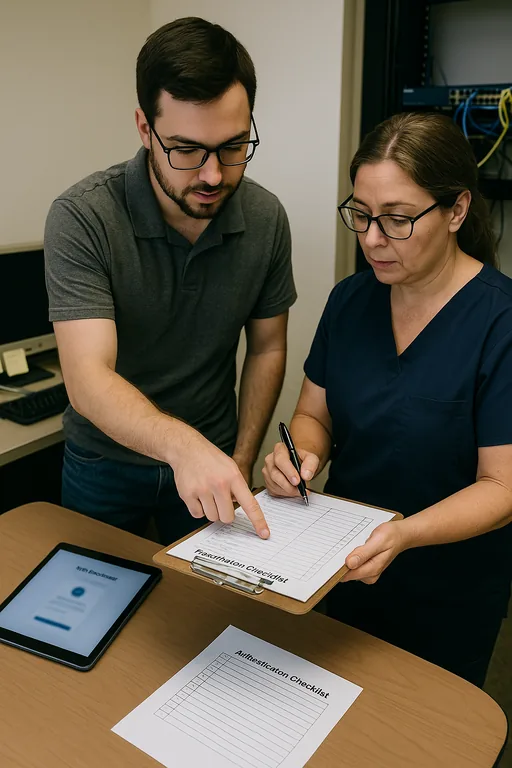
After standardizing endpoint versions, cleaning up account roles, validating MFA behavior, and removing unsupported login dependencies, the office moved from repeated access interruptions to a predictable morning startup process. That matters in areas like South Meadows and Washoe Valley, where staff often need systems ready before the first patient arrives and cannot afford to spend the first hour troubleshooting sign-ins.
- Result: Login-related tickets dropped by roughly 70 percent over the next quarter, morning startup delays were eliminated, and billing staff regained same-day access to claims and patient communication tools.
Reference Table: Common Login Gap Risks in Dental Offices
Scott Morris is an experienced IT and cybersecurity professional with 16 years of hands-on experience in managed technology services. He specializes in Identity Email And User Security and has spent his career building practical recovery, security, and operational continuity processes for businesses across South Meadows, Reno, Washoe Valley, and Northern Nevada and Northern Nevada.

About the Author: Scott Morris
Local Support in South Meadows, Reno, Washoe Valley, and Northern Nevada
Dental offices in South Meadows and nearby communities often need support that accounts for both cloud identity issues and the practical realities of serving patients on a fixed daily schedule. From our Reno office, we regularly support businesses across the Truckee Meadows and into Washoe Valley, where travel time, older office buildouts, and mixed technology stacks can turn a small login issue into a larger operational delay if the environment is not standardized.
Modernization Works Best When Access Is Simplified First
For dental offices in South Meadows, login failures are often the visible symptom of a larger modernization gap. When older hardware, mixed authentication methods, and patchwork fixes remain in place, even routine cloud adoption can create instability in scheduling, billing, and patient communication.
The practical takeaway is straightforward: simplify the identity stack, retire unsupported dependencies, and make sure infrastructure, endpoints, and cloud access are being managed as one operating system for the business. That approach reduces downtime, lowers recovery effort, and gives the practice room to adopt newer tools without breaking core daily operations.