
Reno/Sparks Dental Risk
The outage or lockout is usually the last symptom to appear, not the first. Phishing clicks, password reuse, and weak account hygiene create weak points that can disrupt risk assessments and security readiness and put account security, access stability, and business continuity at risk. Reducing that risk starts with tightening identity controls and building safer day-to-day habits.
This case study reflects real breakdown patterns documented across 300+ regional IT incidents. Names and identifying details have been modified for confidentiality, while technical and financial data remain accurate to the original events.
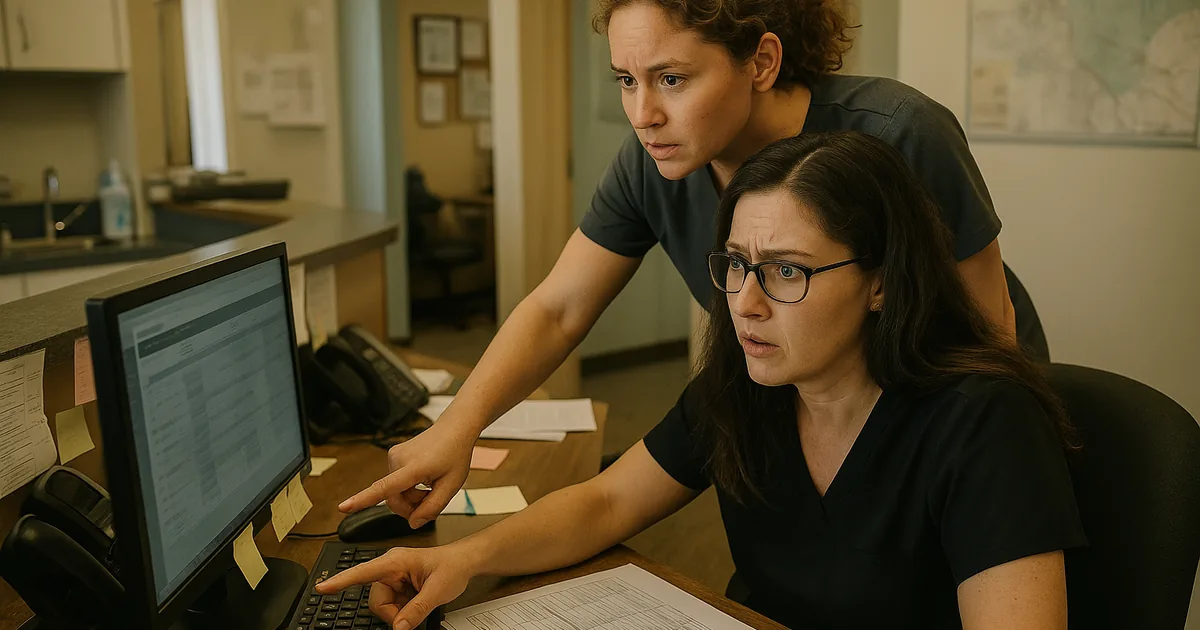
Why Login Failures in Sparks Dental Offices Usually Start with User Behavior
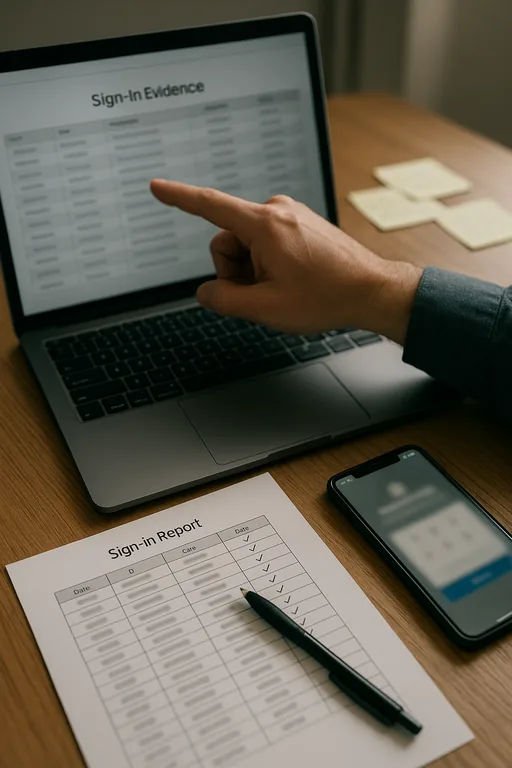
The human element is often the first control to fail. In a dental office, that usually means a staff member clicks a convincing reset link, reuses a password that has already been exposed elsewhere, or approves a login prompt without verifying the source. The visible problem may look like a lockout or outage, but the underlying issue is weak identity discipline. In Sparks practices, where front desk staff, billing teams, hygienists, and outside vendors all rely on shared systems throughout the day, one compromised account can interrupt scheduling, insurance verification, imaging access, and patient communication very quickly.
We see this pattern often during risk assessments and security readiness in Northern Nevada : the software itself is not necessarily broken, but account controls are too loose for the way the business actually operates. A fake password reset message is effective because it blends into normal office traffic. Once credentials are entered or a session token is exposed, the business may face repeated login prompts, conditional access failures, mailbox forwarding abuse, or account lockouts that seem random to staff. That is where the operational damage starts. In cases like Joel’s, the first complaint is usually, “I can’t get in,” but the real problem began earlier with a preventable identity mistake.
- Technical Factor: Weak account hygiene, including password reuse, missing multifactor enforcement, and poor phishing recognition, allows attackers or unauthorized sessions to trigger lockouts, mailbox compromise, and access instability across cloud systems.
- Operational Detail: In a busy Sparks dental office, even a single compromised front-office account can delay patient intake, interrupt treatment coordination, and slow claims processing before anyone realizes the event is security-related.
- Local Reality: Multi-site coordination between Reno and Sparks offices, remote vendor access, and dependence on Microsoft 365 make identity issues spread faster than many small healthcare teams expect.
Practical Remediation for Identity Risk and Access Stability
The fix is not just “change the password.” A durable response starts with reviewing sign-in logs, revoking risky sessions, enforcing multifactor authentication, and checking whether mailbox rules, delegated access, or token persistence were left behind. For dental and healthcare-adjacent offices, we also recommend separating privileged accounts from day-to-day user accounts, tightening conditional access, and documenting who should have access to scheduling, billing, and patient communication systems. Businesses that depend heavily on Microsoft 365 usually benefit from stronger cloud account management for Reno-area operations so identity controls are maintained consistently instead of only after an incident.
Staff behavior also has to be addressed directly. Short phishing simulations, password manager adoption, and clear reporting steps for suspicious emails reduce repeat events. Technical controls should align with recognized guidance such as the CISA recommendations for strong passwords and account protection . In healthcare settings, backup access methods, documented lockout procedures, and role-based permissions matter because the business cannot afford to improvise during patient hours.
- Control Step: Enforce MFA with conditional access and session review.
- Practical Action: Require phishing-resistant sign-in where possible, block legacy authentication, revoke suspicious tokens, and verify that only approved staff and vendors retain access to scheduling, billing, and patient communication tools.
- Control Step: Standardize user onboarding and offboarding.
- Practical Action: Use documented role templates so front desk, clinical, and billing staff receive only the access they need, reducing both accidental exposure and recovery time during a lockout.
Field Evidence: Identity Cleanup Restored Daily Operations
In one Northern Nevada healthcare support case, a small office corridor with frequent patient turnover and shared administrative duties was dealing with recurring login prompts, mailbox confusion, and intermittent account lockouts. The initial assumption was that Microsoft 365 was unstable. The actual problem was a combination of reused passwords, stale mobile sessions, and weak review of sign-in anomalies. After access was cleaned up, MFA was tightened, and account roles were standardized, the office moved from repeated reactive resets to predictable daily access.
That kind of improvement holds when the identity controls are supported by broader IT systems for multi-location operations , including alerting, endpoint oversight, and documented recovery steps. In practical terms, the before state was recurring confusion and staff downtime. The after state was fewer lockouts, faster verification of suspicious activity, and a support process that fit a real Reno-Sparks operating schedule.
- Result: Repeated login disruptions were reduced to isolated support tickets, access recovery time dropped from hours to under 20 minutes, and front-office workflow stabilized during peak patient scheduling windows.
Reference Points for Reducing Human-Driven Login Risk
Scott Morris is an experienced IT and cybersecurity professional with 16 years of hands-on experience in managed technology services. He specializes in Risk Assessments And Security Readiness and has spent his career building practical recovery, security, and operational continuity processes for businesses across Reno, Sparks, Carson City, Lake Tahoe, and Northern Nevada and Northern Nevada.


About the Author: Scott Morris
Local Support in Reno, Sparks, Carson City, Lake Tahoe, and Northern Nevada
We support organizations across the Reno-Sparks corridor where identity issues, cloud access problems, and day-to-day operational interruptions often overlap. From our Reno office, the route to the VA Sierra Nevada Healthcare System area is short, which matters when a business needs practical support tied to real workflows, not just generic ticket handling. For healthcare and dental offices, local context matters because scheduling pressure, compliance expectations, and staff coordination all affect how quickly an access issue turns into a business problem.
Reduce Login Risk Before It Becomes Downtime
For dental offices in Sparks, login failures tied to the human element are usually preventable. The root issue is rarely just a bad password. It is more often a combination of phishing exposure, weak account practices, inconsistent access control, and limited visibility into what happened before the lockout. When those gaps are left alone, the business pays for it in delayed appointments, billing interruptions, and avoidable recovery work.
The practical takeaway is straightforward: tighten identity controls, reduce unnecessary access, train staff on realistic phishing behavior, and review cloud sign-in activity as part of normal operations. That approach protects account security, improves access stability, and supports business continuity without overcomplicating the environment.