
Reno Dental Risk
Seeing login failures is often the visible symptom of untested backups, not the root problem itself. In dental offices across Reno, issues like failed restore tests, missing dependencies, and an unclear recovery order can quietly undermine disaster recovery planning and recovery until work stops or risk spikes. The fix usually starts with validating backups regularly and proving recovery before a real outage.
This case study reflects real breakdown patterns documented across 300+ regional IT incidents. Names and identifying details have been modified for confidentiality, while technical and financial data remain accurate to the original events.
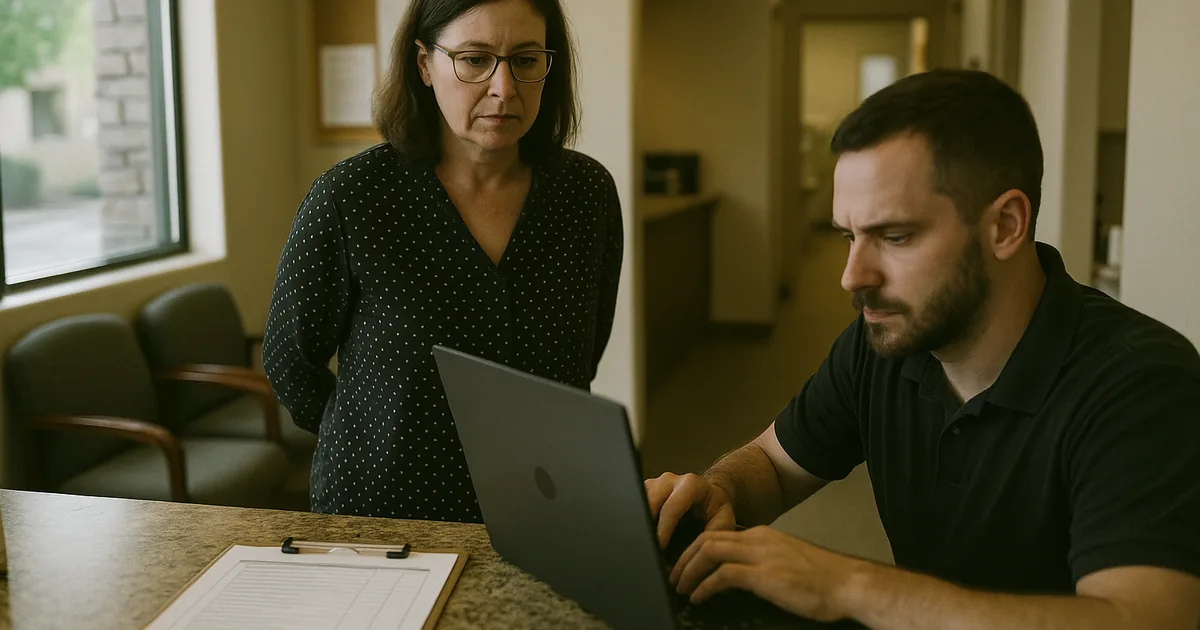
Why Login Failures Often Expose a Backup Validation Problem
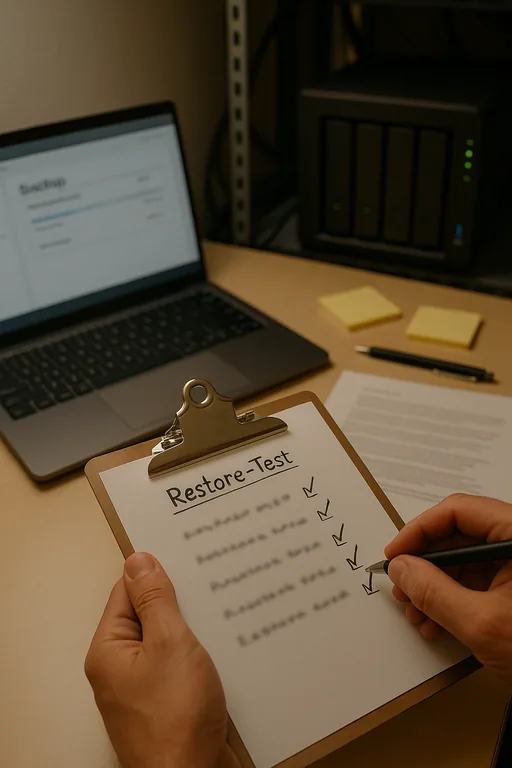
When a dental office in Reno starts seeing login failures, the immediate assumption is usually credentials, Active Directory, or a server outage. Sometimes that is true. But in resilience testing, login failure is often just the first visible symptom of a larger recovery gap. A backup can complete successfully every night and still be operationally useless if the restored server cannot authenticate users, reconnect to the database, map imaging folders, or bring supporting services online in the correct sequence.
The resilience test is where this becomes clear. A backup is only a copy. Business continuity is the ability to keep the front desk, operatories, billing, and clinical documentation working while systems are under stress or being rebuilt. That is why dental practices evaluating disaster recovery planning and recovery in Reno need to test more than whether a file exists. They need to prove that the restored environment can support real user logins, real patient scheduling, and real claims activity. In Luz’s case, the login issue was not the root cause; the root cause was that no one had recently verified the full recovery chain.
We typically find the same weak points across Northern Nevada dental environments: backup jobs that report green but exclude a critical application folder, domain dependencies that are undocumented, and restore procedures that live in one technician’s memory instead of in a tested runbook. In multi-provider offices, even a short interruption can delay hygiene schedules, treatment plan approvals, insurance posting, and end-of-day reconciliation.
- Technical factor: Backup success does not confirm recoverability; if the database engine, authentication service, shared storage path, or application licensing dependency is missing during restore, staff may see login failures even though the backup software reports no errors.
- Operational factor: Dental offices depend on a specific recovery order, including server availability, user authentication, practice management access, imaging integration, and workstation connectivity before patient flow can normalize.
- Local factor: Reno-area offices often operate with lean onsite IT coverage, so a problem that starts as a login complaint can expand quickly if there is no documented recovery sequence for the practice to follow.
How To Fix the Recovery Gap Before the Next Outage
The practical fix is to stop treating backup completion as the finish line. The real standard is recoverability under pressure. That means scheduled restore testing, dependency mapping, and a written recovery order that reflects how the dental office actually works. We recommend testing not only the server image or database, but also authentication, application launch, workstation login, imaging access, and billing workflows. If any one of those fails, the office is not ready for a real outage.
For many practices, this also requires stronger governance. Recovery planning tends to break down when no one owns the business sequence of restoration, especially as software vendors, cloud services, and local infrastructure all intersect. That is where strategic IT leadership for regulated business operations becomes important. Someone has to define recovery time objectives, assign decision authority, and make sure the restore test reflects actual patient-facing operations rather than a narrow server checklist. The CISA ransomware and recovery guidance is also useful because it emphasizes tested backups, offline recovery planning, and restoration validation instead of assuming backup presence alone is enough.
- Restore validation: Run scheduled test restores into an isolated environment and confirm that users can authenticate, launch the practice management platform, and access imaging and shared files.
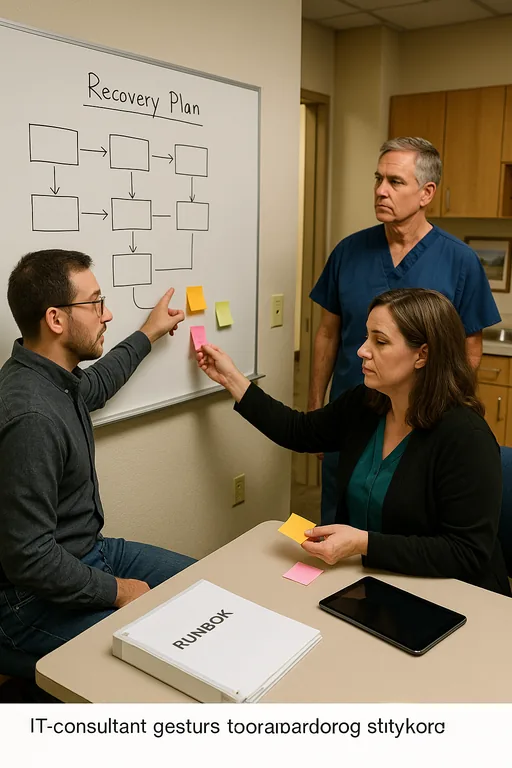
- Dependency mapping: Document the exact recovery order for domain services, database services, application services, file shares, printers, and workstation access.
- Backup integrity controls: Use backup verification, immutable or protected backup copies, and alerting for failed jobs, missing agents, and storage capacity issues.
- MFA and endpoint hardening: Reduce the chance that a security event becomes a recovery event by tightening privileged access and deploying monitored endpoint protection.
- Runbook ownership: Assign one accountable owner for continuity decisions so the office knows who approves failover, who contacts vendors, and who validates that production is safe to resume.
Field Evidence: Restore Testing Changed the Outcome
We worked through a similar pattern with a healthcare office corridor in South Reno where the backup dashboard looked healthy, but a controlled restore test exposed missing application dependencies and an outdated recovery sequence. Before testing, the office assumed it could be back online within an hour. In reality, the first full validation attempt showed that user authentication and database connectivity would have failed after a server loss, leaving scheduling and billing offline far longer than expected.
After documenting the restore order, validating application dependencies, and updating the continuity runbook, the office repeated the test under realistic conditions. The difference was measurable. Instead of discovering problems during a live outage, the team had a known sequence, assigned responsibilities, and a verified path to restore operations even during a busy patient day in Reno.
- Result: Recovery testing reduced the projected outage window from more than 5 hours to under 90 minutes and confirmed that front-desk logins, chart access, and billing functions could be restored in the correct order.
- Planning improvement: The office also aligned future refresh and continuity decisions with IT planning and budgeting for business continuity , which helped prevent deferred infrastructure issues from undermining recovery readiness again.
Backup Resilience Checks for Dental Offices
Scott Morris is an experienced IT and cybersecurity professional with 16 years of hands-on experience in managed technology services. He specializes in Disaster Recovery Planning And Recovery and has spent his career building practical recovery, security, and operational continuity processes for businesses across Reno, Sparks, Carson City, Lake Tahoe, and Northern Nevada and Northern Nevada.

About the Author: Scott Morris
Local Support in Reno and Northern Nevada
Dental practices in Reno often need recovery support that accounts for real travel time, multi-vendor coordination, and the operational pressure of a full patient schedule. From our office on Ryland Street, we regularly support businesses across South Reno, Sparks, and nearby medical and professional corridors where a login issue can quickly become a continuity issue if backups have not been tested end to end.
The Real Test Is Whether Recovery Actually Works
For Reno dental offices, login failures are often the first sign that recovery planning has not been tested deeply enough. The operational risk is not just the outage itself. It is the false confidence that comes from seeing successful backup jobs without proving that users, databases, imaging systems, and billing workflows can be restored in the right order.
The practical takeaway is straightforward: test restores, document dependencies, and align recovery steps with how the office actually delivers care. When that work is done properly, the next incident is handled as a controlled recovery event instead of a scramble that disrupts patients, staff, and revenue.