
Reno Dental Drain Remediation
This kind of issue rarely appears all at once. For dental offices in Northern Nevada, it usually builds through slow devices, ticket backlogs, and repeated workarounds and then surfaces as login failures, slower recovery, or higher exposure. A more reliable setup starts with stabilizing daily support, reducing repeat issues, and standardizing how IT is handled.
This case study reflects real breakdown patterns documented across 300+ regional IT incidents. Names and identifying details have been modified for confidentiality, while technical and financial data remain accurate to the original events.
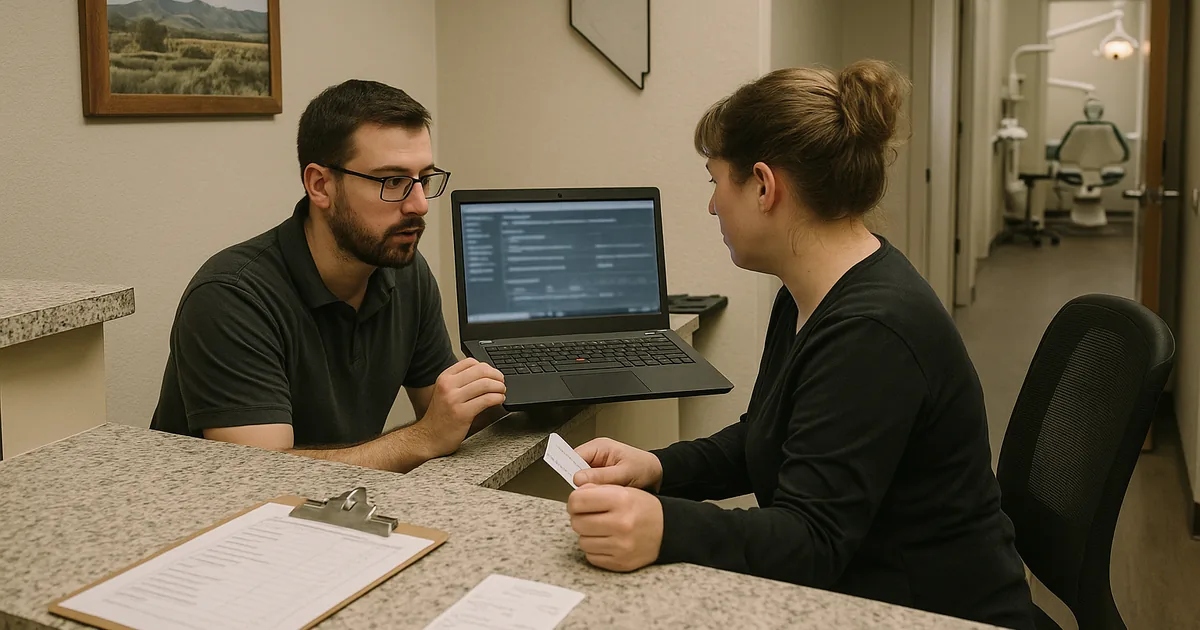
Why Login Failures Become an Operational Drain in Dental Offices
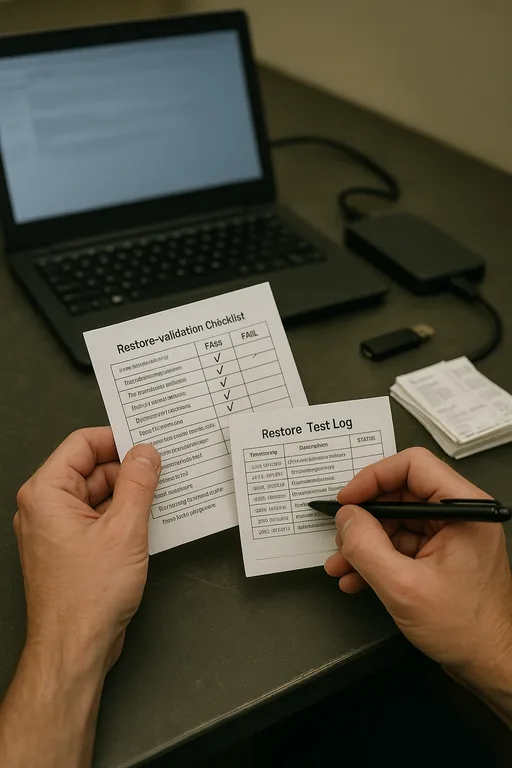
For most dental practices, login remediation is not just about resetting a password. The real issue is usually accumulated operational drag: aging endpoints, inconsistent user provisioning, delayed patching, overloaded local profiles, and support queues that normalize temporary fixes. In Northern Nevada offices, especially those balancing practice management software, imaging systems, cloud email, and line-of-business applications across Reno, Sparks, and Carson-area workflows, that friction compounds quickly.
We typically find that repeated login failures are a symptom of weak process control rather than a single broken component. A workstation may authenticate to Microsoft 365 but fail against a local application. Cached credentials may be stale after a password change. A domain-joined device may be missing policy updates because it has been off-network too long. When that pattern continues, the office starts losing billable time in small increments every day. That is why practices focused on business continuity and backup compliance in Northern Nevada usually see better results when they address the support model, endpoint standardization, and recovery process together instead of treating each login ticket as an isolated event.
- Credential sprawl: Staff often juggle separate credentials for email, imaging, practice management, VPN, and vendor portals, which increases lockouts and failed password resets.
- Endpoint inconsistency: Mixed workstation ages, local admin exceptions, and uneven patch levels create unpredictable sign-in behavior and slower recovery.
- Ticket backlog: Small unresolved issues stay open too long, so users adopt workarounds that hide the root cause until access fails during patient hours.
- Backup and recovery gaps: If profile data, shared folders, or application settings are not validated in recovery testing, login incidents take longer to unwind.
Practical Remediation Steps That Reduce Repeat Login Incidents
The fix starts with reducing variation. We standardize identity workflows, verify device health, and remove the conditions that keep generating the same ticket. In a dental office, that usually means reviewing Active Directory or Entra ID alignment, checking profile corruption, validating line-of-business application permissions, and confirming that backup and restore processes include the data users actually need to resume work. It also means documenting who owns account creation, password changes, MFA enrollment, and emergency access.
From there, the environment needs stronger operational controls. That includes better segmentation and monitoring at the network layer, especially in offices where imaging devices, front-desk systems, and guest wireless all coexist on the same infrastructure. Practices that invest in improve network reliability through structured infrastructure management usually cut down on authentication delays tied to DNS issues, unstable switching, and poor wireless handoff. For security and resilience guidance, the CISA Secure Our World resources are a practical baseline for MFA, password hygiene, and account protection.
- Identity cleanup: Consolidate account sources, remove stale accounts, and standardize password reset and MFA enrollment procedures.
- Endpoint remediation: Rebuild unstable user profiles, patch operating systems and dental applications, and enforce consistent workstation baselines.
- Network control: Validate DNS, DHCP, switch health, and wireless coverage so authentication traffic is stable during peak patient hours.
- Backup validation: Test restores for user profiles, shared data, and application dependencies instead of assuming backup jobs equal recovery readiness.
Field Evidence: Restoring Front-Desk Access Without Repeating the Same Ticket
In one Northern Nevada dental environment, the office had reached the point where staff expected at least one access issue every week. Before remediation, morning logins were inconsistent, password changes did not always propagate cleanly, and shared workstations near the front desk were taking several extra minutes to load user sessions. The office was also relying on older on-premise components without clear lifecycle planning, which is where server and hybrid infrastructure management becomes important for practices still balancing local applications with cloud services.
After standardizing workstation builds, cleaning up user provisioning, validating backup recovery steps, and correcting network dependencies, the office moved from reactive login troubleshooting to a more stable daily workflow. That mattered during winter weather and staffing variability, when even a short delay in Sparks or Reno can ripple through the entire patient schedule. In this case, Brady’s type of front-desk disruption stopped being a recurring event and became a controlled exception with documented recovery steps.
- Result: Repeated login tickets dropped by roughly 70 percent over the following quarter, and average morning access delays fell from 15 to 20 minutes to under 5 minutes.
Reference Table: Common Login Remediation Controls for Dental Offices
Scott Morris is an experienced IT and cybersecurity professional with 16 years of hands-on experience in managed technology services. He specializes in Business Continuity And Backup Compliance and has spent his career building practical recovery, security, and operational continuity processes for businesses across Northern Nevada and Northern Nevada.

About the Author: Scott Morris
Local Support in Northern Nevada
Dental offices in Reno, Sparks, and nearby practice corridors often need support that accounts for both remote remediation and on-site realities. From our Reno office, the route to the Wild Horse Canyon area is typically about 21 minutes, which is why stable remote access, documented recovery steps, and consistent workstation standards matter before a front-desk issue becomes a schedule problem.
Operational Takeaway for Dental Practices
Login remediation in a dental office is usually a systems problem, not a one-off inconvenience. When slow devices, unresolved tickets, inconsistent identity management, and weak recovery testing are allowed to stack up, the result is lost chair time, delayed billing, and more pressure on front-desk staff. The practical answer is to reduce variation, document recovery, and keep support responsive enough that small issues do not mature into access failures.
For Northern Nevada practices, that means treating daily IT friction as an operational risk tied to continuity and backup compliance. A stable environment should let staff sign in consistently, move between systems without delay, and recover quickly when something does go wrong. That is what keeps patient flow, claims activity, and internal coordination moving on schedule.