
Reno/Sparks Dental Login
This kind of issue rarely appears all at once. For dental offices in Northern Nevada, it usually builds through surprise spending, delayed upgrades, and aging infrastructure and then surfaces as login failures, slower recovery, or higher exposure. A more reliable setup starts with planning upgrades deliberately and aligning IT decisions to business risk.
This case study reflects real breakdown patterns documented across 300+ regional IT incidents. Names and identifying details have been modified for confidentiality, while technical and financial data remain accurate to the original events.
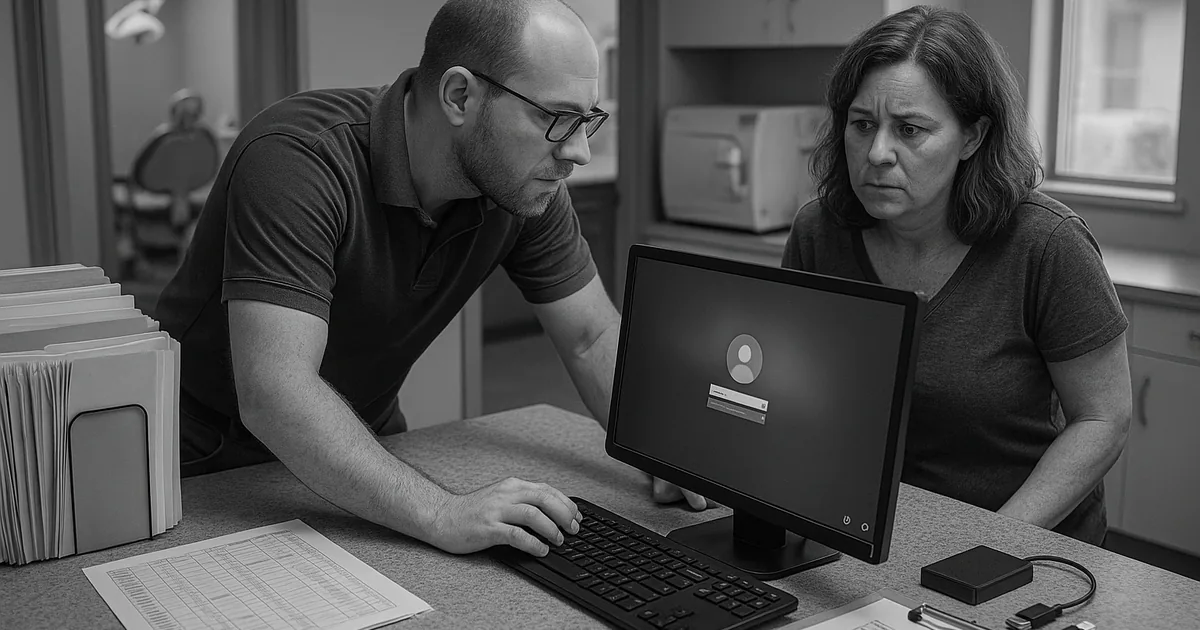
Why Login Failures Often Start as Budgeting Failures
For dental offices in Northern Nevada, login remediation is rarely just an account reset. In most cases, the real issue is financial roadmap failure. When IT is treated as a surprise expense instead of a planned operating function, upgrades get delayed until a practice management server is out of support, domain services are unstable, or workstations are too old to handle current security controls. That is when staff begin seeing intermittent sign-in failures, profile corruption, slow authentication, and inconsistent access to imaging, scheduling, and claims systems.
We see this pattern across Reno, Sparks, and Carson City offices that rely on a small number of critical systems every hour of the day. A dental practice may postpone replacing a firewall, defer Microsoft licensing cleanup, or keep a legacy workstation in service because it still turns on. The problem is that identity services, endpoint health, and backup reliability all depend on those decisions. Businesses trying to stabilize recurring access issues often need structured IT support and help desk in Northern Nevada so the root cause is addressed instead of resetting passwords over and over. In cases like Stephanie’s, the login failure is only the visible symptom of years of reactive spending.
- Technical factor: Aging domain infrastructure, unsupported operating systems, and inconsistent patching commonly break authentication workflows and increase the chance of lockouts, failed profile loads, and delayed recovery after an outage.
- Operational detail: In a dental office, even a short interruption affects patient check-in, treatment room coordination, insurance lookup, e-prescribing, and end-of-day billing.
- Business consequence: Without a vCIO-style planning process, technology costs arrive as emergencies, which makes downtime more expensive and remediation more disruptive.
How We Remediate the Issue and Put Controls Around It
The fix starts with separating the immediate login problem from the planning problem that caused it. First, we verify directory health, endpoint status, DNS behavior, line-of-business application dependencies, and backup integrity. Then we map those findings to a practical budget sequence: identity cleanup first, unsupported hardware replacement second, security controls third, and lifecycle planning after that. This keeps the office operational while reducing the chance of the same failure returning in a different form.
For dental practices, remediation should also include monitoring and response coverage because login issues can mask broader security events such as credential abuse, ransomware staging, or unauthorized remote access. That is where security monitoring and response for Reno-area practices becomes operationally important, not theoretical. The technical baseline should align with guidance from CISA , especially around phishing resistance, MFA, patching, and verified backups.
- Identity stabilization: Repair Active Directory or Entra ID dependencies, remove stale accounts, correct group policy conflicts, and enforce MFA where supported.
- Endpoint control: Replace unsupported workstations, standardize patching, and deploy EDR so compromised or unstable devices do not keep reintroducing access failures.
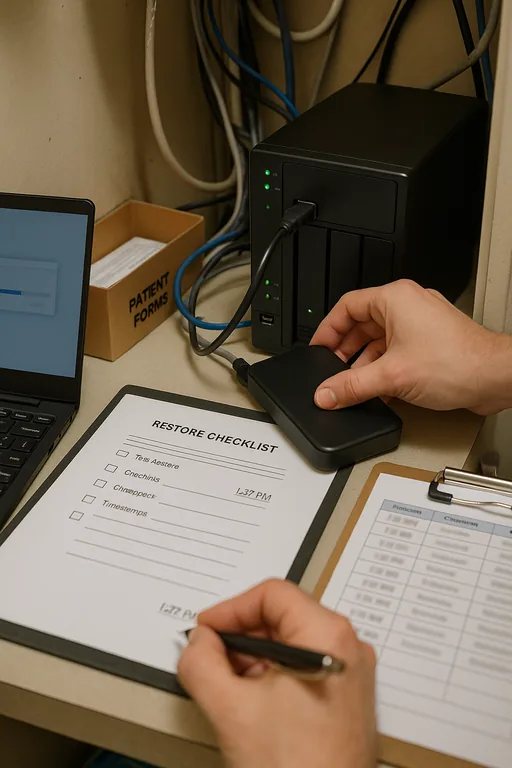
- Backup validation: Test restores for practice data, imaging indexes, and configuration backups so login remediation is not undermined by an incomplete recovery path.
- Financial roadmap: Move hardware, licensing, security, and lifecycle costs into a scheduled plan so the office can budget for risk reduction instead of reacting to outages.
Field Evidence: From Recurring Lockouts to Predictable Operations
We worked with a Northern Nevada healthcare office operating between central Reno and satellite appointments in the greater Washoe County area. Before remediation, the team was dealing with repeated morning login delays, one aging server handling too many roles, and no documented replacement schedule. Winter weather closures and power fluctuations had already exposed how fragile the environment was, but the larger issue was that every upgrade decision had been deferred until something broke.
After stabilizing identity services, replacing two critical endpoints, validating backups, and building a 12-month technology roadmap, the office moved from reactive ticket volume to planned maintenance. They also added compliance-focused IT management to reduce credential risk and improve visibility across endpoints and email accounts.
- Result: Login-related interruptions dropped from multiple incidents per month to one minor issue in the following quarter, and average recovery time for access problems fell by more than 70 percent.
Reference Table: Financial Roadmap Controls for Login Stability
Scott Morris is an experienced IT and cybersecurity professional with 16 years of hands-on experience in managed technology services. He specializes in It Support And Help Desk and has spent his career building practical recovery, security, and operational continuity processes for businesses across Northern Nevada and Northern Nevada.


About the Author: Scott Morris
Local Support in Northern Nevada
Our office in Reno supports dental and healthcare organizations across Northern Nevada, including practices that need fast response between central Reno, Plumb Lane, Sparks, and surrounding business corridors. For offices dealing with login failures, delayed upgrades, or unstable systems, local access matters because diagnosis often depends on seeing the network, endpoints, and workflow in context.
Planned IT Spending Reduces Login Risk
When a dental office starts seeing login failures, the immediate symptom is access. The underlying issue is often a missing financial roadmap. Deferred replacement cycles, inconsistent security investment, and unsupported systems create the conditions for authentication problems, slower recovery, and higher operational risk.
The practical takeaway is straightforward: treat identity, endpoint lifecycle, backup validation, and security monitoring as planned business functions. For Northern Nevada practices, that approach protects scheduling, billing, patient flow, and staff productivity far more effectively than waiting for the next outage to define the budget.