
Reno/Sparks Dental Login Issue
The outage or lockout is usually the last symptom to appear, not the first. Slow devices, ticket backlogs, and repeated workarounds create weak points that can disrupt managed IT support plans and put productivity, response times, and team focus at risk. Reducing that risk starts with stabilizing daily support, reducing repeat issues, and standardizing how IT is handled.
This case study reflects real breakdown patterns documented across 300+ regional IT incidents. Names and identifying details have been modified for confidentiality, while technical and financial data remain accurate to the original events.
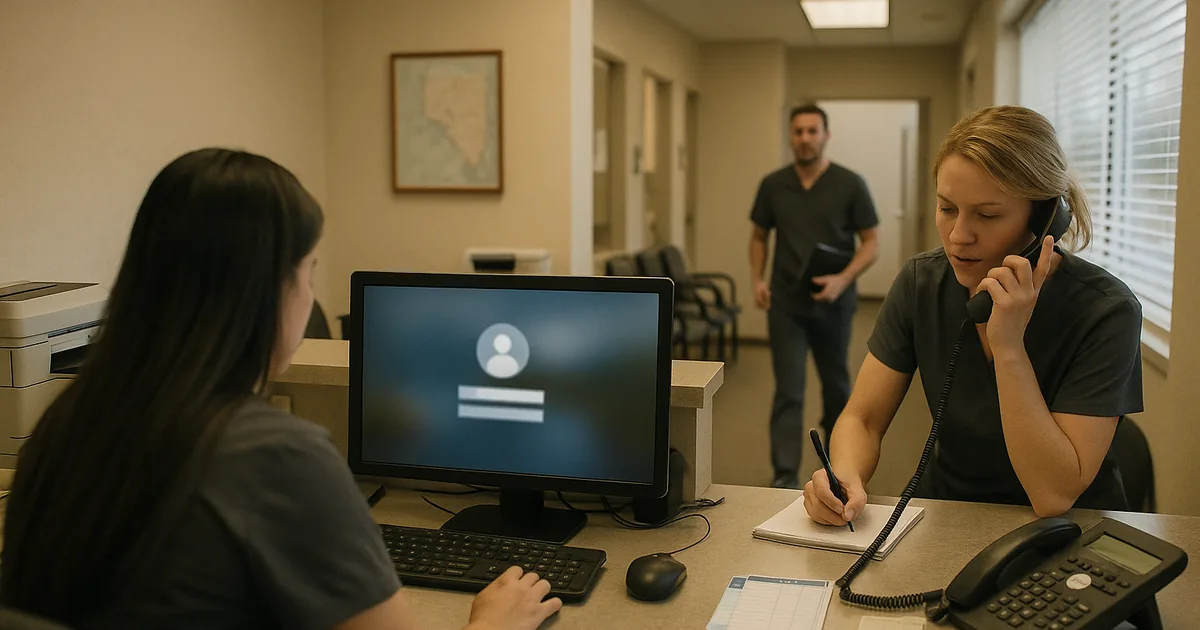
Why Login Failures Usually Start as Daily Operational Friction
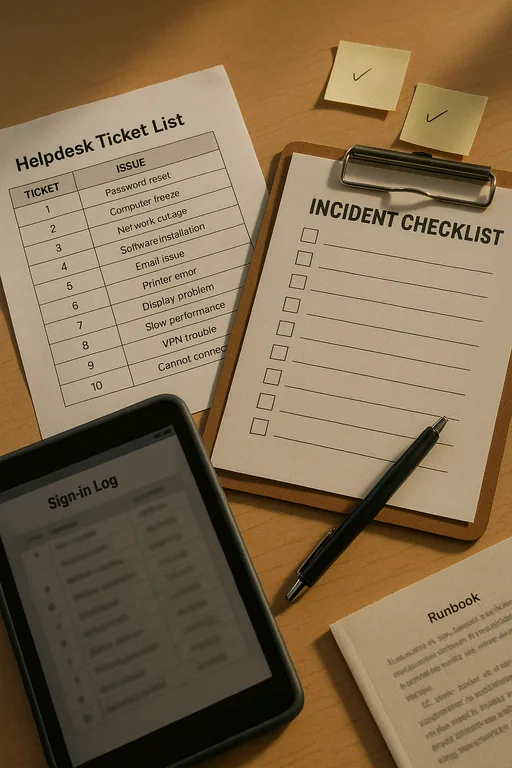
For most Sparks dental offices, a login incident is rarely an isolated event. It usually follows a longer pattern of small unresolved issues: aging endpoints that take too long to authenticate, inconsistent password handling, stale user profiles, overloaded local admin accounts, and ticket queues that never fully clear. That is the operational drain. The business feels it first as slower mornings, repeated resets, and staff workarounds. The actual lockout comes later.
We see this often in smaller clinical environments where the front desk, billing team, and providers all depend on the same few systems at the same time. If one workstation is slow, staff move to another. If one user account has sync issues, someone shares credentials temporarily. If a printer mapping breaks, the team delays documentation until later. Those habits create instability inside identity, endpoint, and access workflows. Businesses trying to reduce recurring disruption often need managed IT support in Reno that focuses on standardization, response discipline, and issue prevention rather than repeated short-term fixes.
- Technical factor: Repeated low-level issues such as cached credential failures, inconsistent Active Directory or Microsoft 365 account states, and unmanaged endpoint drift can build into a full login outage that stops scheduling, chart access, and billing activity.
- Operational factor: In a dental office, even a short access failure affects patient intake, treatment flow, claims processing, and same-day collections because front-desk and clinical systems are tightly linked.
- Local factor: Across Sparks and Reno, multi-vendor internet service, older office buildouts, and limited in-house IT capacity often mean small issues stay open too long and become larger incidents.
How To Stabilize Access and Reduce Repeat Login Incidents
The fix is not just resetting a password and moving on. The practical response starts with tracing where identity breaks are occurring: local device profile, directory sync, MFA prompt handling, conditional access, line-of-business application permissions, or endpoint health. In dental environments, we also verify whether the practice management platform, imaging software, and shared workstation policies are aligned with current user roles. If they are not, the office keeps cycling through the same outage pattern.
A stronger baseline includes documented onboarding and offboarding, role-based permissions, tested MFA recovery paths, endpoint patching, and alerting around failed sign-in patterns. This is where identity and user security controls matter operationally, not just from a compliance standpoint. For practical guidance on reducing credential abuse and access failures, the CISA password and account security guidance is a useful reference.
- Control step: Standardize user identity management across Microsoft 365, local devices, and clinical applications so password resets, MFA enrollment, account lockouts, and role changes follow one documented process.
- Control step: Validate workstation health with patching, profile cleanup, browser control, and endpoint policy review before users begin sharing devices or creating workarounds.
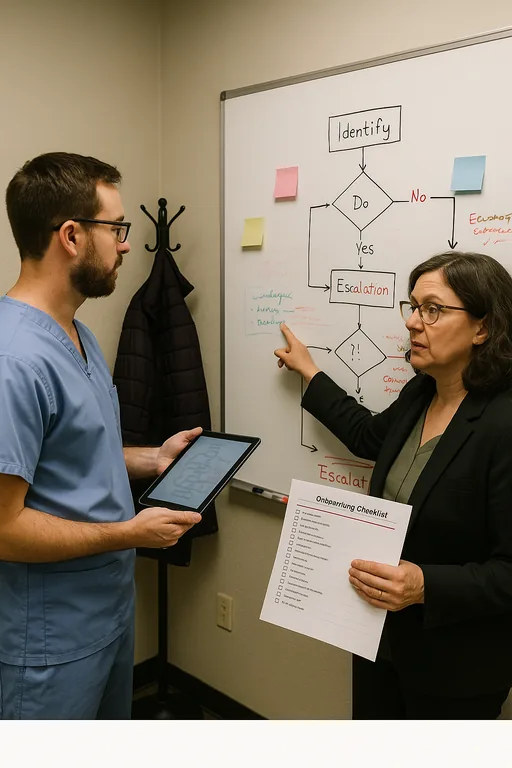
- Control step: Add escalation thresholds so repeated login tickets trigger root-cause review instead of being handled as isolated help desk events.
Field Evidence: Front-Desk Access Recovery in an East Sparks Clinical Corridor
In one Northern Nevada healthcare support case, the office was dealing with recurring morning sign-in failures, delayed insurance checks, and staff switching between workstations just to keep the day moving. The environment had no clear threshold for when repeated password resets became a systems issue. After reviewing endpoint condition, directory sync behavior, and user-role consistency, we found that several recurring tickets were tied to profile corruption, inconsistent MFA enrollment, and poor visibility into failed sign-in events.
After standardizing account handling, cleaning up endpoint policies, and adding security monitoring for business systems , the office moved from reactive resets to measurable control. That reduced front-desk delays, improved first-hour scheduling flow, and gave the practice a clearer response path when access anomalies appeared during busy clinic windows.
- Result: Repeated login-related tickets dropped by 68 percent over the next 60 days, and average morning access delays were reduced from roughly 25 minutes to under 8 minutes.
Operational Reference: Systems That Commonly Drive Login Incidents
Scott Morris is an experienced IT and cybersecurity professional with 16 years of hands-on experience in managed technology services. He specializes in Managed It Support Plans and has spent his career building practical recovery, security, and operational continuity processes for businesses across Sparks, Reno, and Northern Nevada and Northern Nevada.

About the Author: Scott Morris
Local Support in Sparks, Reno, and Northern Nevada
We regularly support businesses moving between Reno and Sparks, including offices near the Lillard Drive corridor where fast response matters but consistent systems matter more. For dental practices and other service-driven teams, the goal is to reduce recurring access issues before they interrupt scheduling, billing, and patient flow. The route below reflects the practical service relationship between our Reno office and the Sparks area discussed in this incident.
Operational Takeaway for Sparks Dental Offices
Login incidents in dental offices are usually the visible result of a longer support problem. Slow devices, unresolved tickets, inconsistent account handling, and repeated workarounds gradually weaken the environment until access finally fails at the worst possible time. That is why the right response is not just a reset. It is a review of how support, identity, endpoints, and escalation are being managed day to day.
For practices in Sparks, the practical goal is straightforward: reduce repeat friction, standardize access controls, and make sure recurring tickets trigger root-cause correction before they affect patient flow and revenue. When those basics are handled consistently, the office spends less time recovering from preventable interruptions and more time staying on schedule.