
Reno Dental Login Issue
Seeing login failures is often the visible symptom of growth outpacing IT capacity, not the root problem itself. In dental offices across Reno, issues like endpoint sprawl, underplanned infrastructure, and inconsistent standards can quietly undermine managed IT support plans until work stops or risk spikes. The fix usually starts with standardizing how new users, devices, and systems are brought online.
This case study reflects real breakdown patterns documented across 300+ regional IT incidents. Names and identifying details have been modified for confidentiality, while technical and financial data remain accurate to the original events.
Why Login Failures Often Signal a Scalability Ceiling
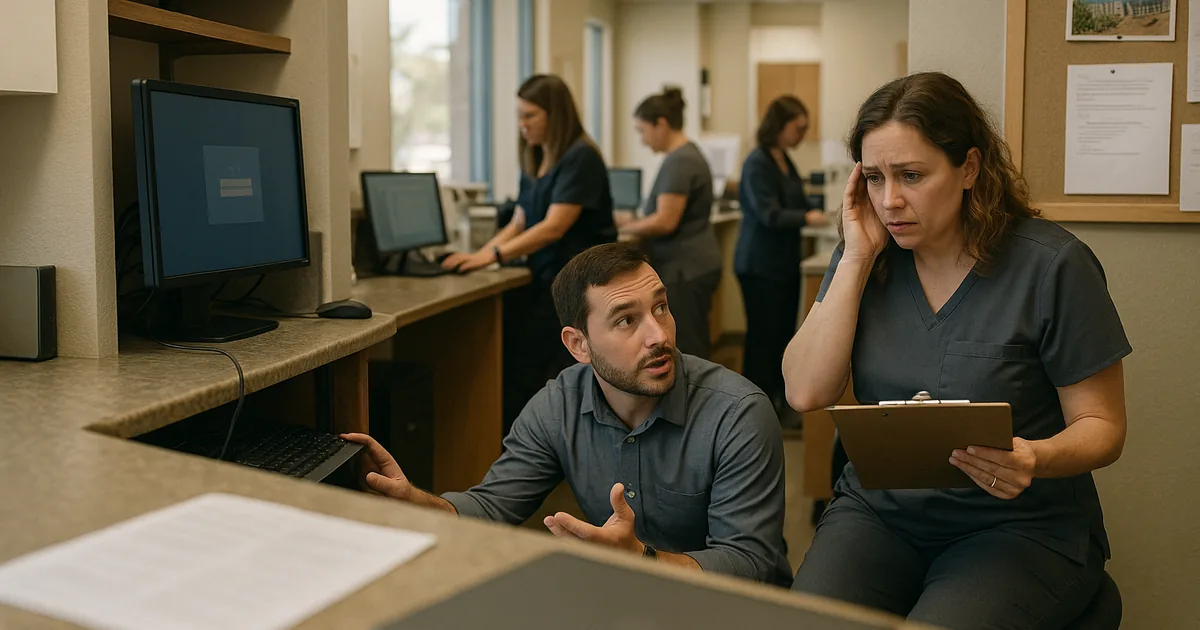
When a Reno dental office starts seeing repeated login failures, the immediate assumption is usually that passwords are wrong, a domain controller is down, or Microsoft 365 is having a bad day. Sometimes that is true, but more often the deeper issue is that the practice has crossed a scalability threshold without adjusting its IT standards. New hires are added quickly, extra laptops appear at the front desk, imaging systems get attached to aging infrastructure, and no one pauses to standardize how accounts, devices, and access policies should be deployed.
That is the scalability ceiling in practical terms: the business grows, but the underlying process for identity, endpoint management, and infrastructure does not. We see this in multi-provider dental offices across Reno and Sparks where a small environment that worked for 8 or 10 users starts breaking down at 18 or 25. At that point, recurring access issues are less about one bad login and more about the lack of structured managed IT support plans in Reno that keep user provisioning, workstation standards, and security controls aligned as the office expands. In cases like Kendra’s, the visible symptom is a lockout, but the root cause is usually unmanaged growth.
Dental practices are especially exposed because they rely on tightly connected systems: practice management software, digital imaging, e-prescribing, payment processing, and cloud identity services all have to work together. If one new workstation is joined incorrectly, if group policy is inconsistent, or if an old local server is still handling authentication for some systems but not others, the office can end up with partial access failures that are hard to diagnose under pressure.
- Endpoint sprawl: As more chairs, front-desk stations, laptops, and imaging devices are added without a standard build process, credential conflicts and inconsistent policies become more likely.
- Underplanned infrastructure: Small switches, aging wireless coverage, and legacy authentication dependencies often work until the next wave of hiring or equipment deployment pushes them past capacity.
- Inconsistent onboarding: If user accounts, permissions, MFA enrollment, and device setup are handled differently each time, login reliability drops and support time rises.
- Mixed identity paths: Offices using a blend of local server authentication and cloud services can create confusing failure points when synchronization or permissions are not maintained.
How to Stabilize Growth Before the Next Hiring Wave
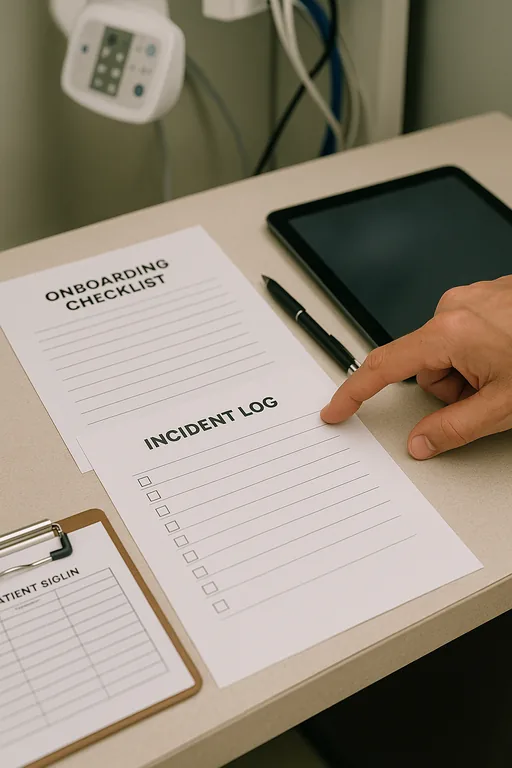
The fix is rarely a password reset alone. The practical remediation is to standardize identity, endpoint deployment, and infrastructure capacity before the next 10 users arrive. That means documenting a single onboarding workflow, defining role-based access, enforcing consistent device builds, and confirming that the network and authentication systems can support the office as it grows. For dental environments, this also means checking how imaging workstations, vendor applications, and cloud logins interact so one weak point does not disrupt the entire schedule.
We typically start by reviewing account creation, device enrollment, and authentication dependencies, then move into the underlying network. Practices that have outgrown ad hoc expansion usually benefit from tighter network infrastructure management for growing Reno businesses , especially where wireless coverage, switch capacity, VLAN design, and DHCP or DNS reliability are affecting logins. For security and operational continuity, it also helps to align controls with practical guidance from CISA , particularly around MFA, software updates, and account protection.
Where a local server, cloud identity platform, and line-of-business software all intersect, we also recommend reviewing whether the office still has the right backend design. In many cases, better server and hybrid infrastructure oversight reduces authentication drift and makes future expansion more predictable.
- Standardized onboarding: Create one documented process for every new employee, including account creation, MFA enrollment, device naming, software assignment, and role-based permissions.
- Capacity review: Validate switch ports, wireless density, DHCP scope, DNS response, and authentication paths before adding more staff or equipment.
- Endpoint control: Use a standard workstation image and centralized management so every front-desk, billing, and operatory device follows the same security and login policy.
- Hybrid identity cleanup: Remove legacy dependencies, repair sync issues, and confirm that local and cloud authentication systems are not competing or overlapping.
- Backup and recovery validation: Test restores for critical systems so a login incident does not become a longer outage if a server or profile store fails.
Field Evidence: Growth Broke the Process Before It Broke the Network
We worked through a similar pattern with a healthcare office corridor in Reno where staffing had expanded quickly over a six-month period. Before remediation, new users were being added by different vendors, some endpoints were Azure joined while others still depended on older local policies, and front-desk staff were seeing intermittent access failures during the busiest morning blocks. The office assumed the issue was random, but the real problem was inconsistent standards layered onto infrastructure that had never been resized for the new headcount.
After consolidating account provisioning, standardizing workstation deployment, cleaning up group policy conflicts, and adjusting network segmentation, login-related tickets dropped sharply. The office also gained a clearer path for future hiring because new devices and users could be added without reintroducing the same instability. In Northern Nevada, where many practices expand in phases rather than through one planned buildout, that kind of operational discipline matters more than most teams expect.
- Result: Login-related disruptions were reduced by roughly 70 percent over the next quarter, and new-user setup time dropped from several hours of back-and-forth to a repeatable 30-minute process.
Scalability Risk Reference for Dental Office Login Stability
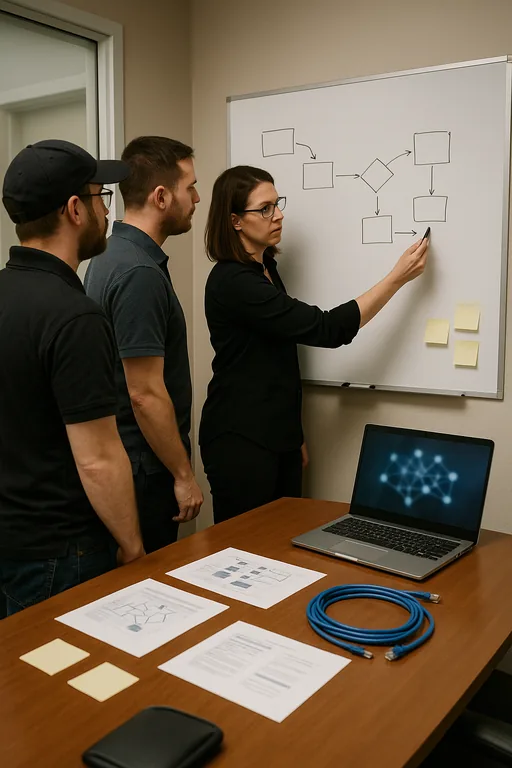
Scott Morris is an experienced IT and cybersecurity professional with 16 years of hands-on experience in managed technology services. He specializes in Managed It Support Plans and has spent his career building practical recovery, security, and operational continuity processes for businesses across Reno, Sparks, Carson City, Lake Tahoe, and Northern Nevada and Northern Nevada.

About the Author: Scott Morris
Local Support in Reno and Northern Nevada
Our office on Ryland Street is a short drive from central Reno practice corridors, including Old Southwest. That proximity matters when a dental office is dealing with login failures tied to growth, onboarding inconsistency, or infrastructure strain. Fast access helps, but the larger value is knowing the local building layouts, common carrier limitations, and the way smaller healthcare offices in Reno tend to expand in stages rather than through a full IT redesign.
Growth Has to Be Planned Into the IT Environment
Login failures in a dental office are often the first visible sign that the business has outgrown its original IT assumptions. When new users, devices, and systems are added without a consistent process, the result is not just inconvenience. It affects scheduling, billing, patient flow, and the staff’s ability to work through a normal day without interruption.
The practical takeaway is straightforward: if a practice expects to hire, add chairs, expand imaging, or rely more heavily on cloud applications, the infrastructure and onboarding model need to be reviewed before those changes land. That is how offices avoid hitting the scalability ceiling in the middle of a busy Reno workday.