
Reno Dental Gaps
What looks like a one-off issue is often tied to legacy tools. In dental office environments, legacy systems, patchwork fixes, and hard-to-adopt tools can turn into efficiency, visibility, and growth long before anyone notices the warning signs. Closing those gaps early makes compliance advisory programs far more resilient.
This case study reflects real breakdown patterns documented across 300+ regional IT incidents. Names and identifying details have been modified for confidentiality, while technical and financial data remain accurate to the original events.
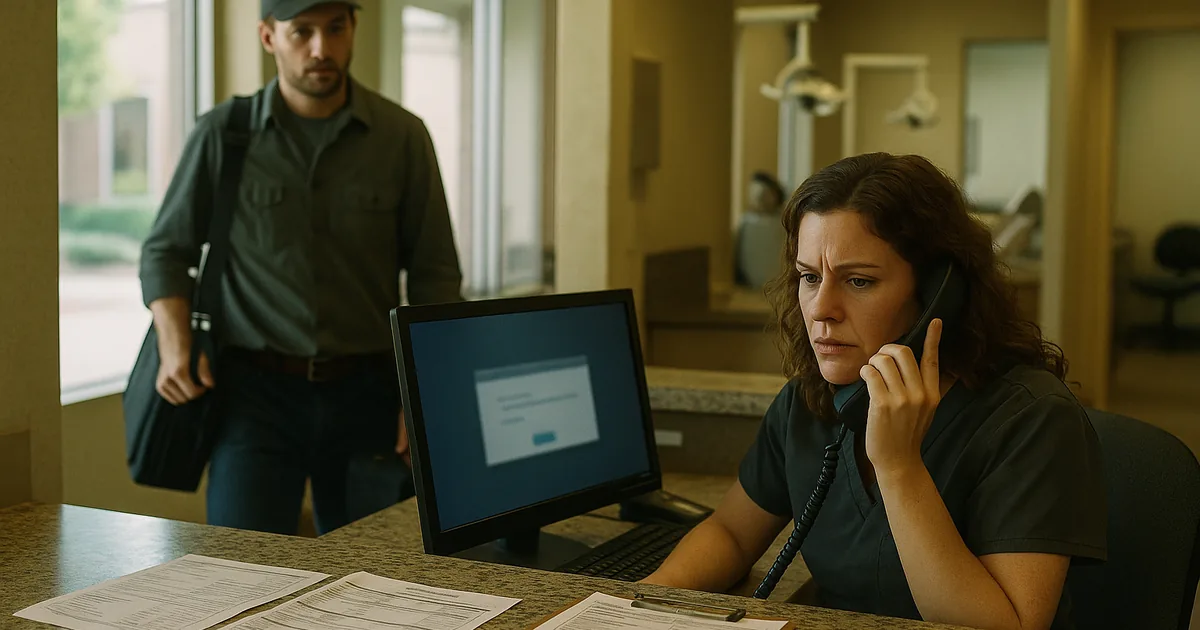
Why Login Failures in Dental Offices Usually Point to a Larger Innovation Wall
In Washoe County dental environments, login failures are rarely just about credentials. More often, they are a symptom of an innovation wall created by legacy hardware, aging operating systems, unsupported line-of-business software, and years of small workarounds layered on top of each other. The immediate problem is access. The real problem is that the office no longer has a technology stack that can reliably support modern identity controls, cloud integrations, reporting tools, or compliance expectations.
We typically see this when a practice is still relying on older domain controllers, local-only application dependencies, or workstations that barely meet current software requirements. Once vendors push security updates, browser changes, or authentication changes, the environment starts to fail in uneven ways. One user can log in, another cannot, one operatory stays connected, another drops access, and nobody has a clear view of root cause. That is where structured compliance advisory programs in Northern Nevada become important, because they connect login reliability to HIPAA safeguards, auditability, and operational continuity instead of treating each outage as an isolated ticket.
For dental offices in Reno, Sparks, and across Washoe County, the business consequence is broader than a few locked accounts. Scheduling slows down, treatment plans are delayed, imaging workflows get interrupted, and billing teams fall behind. In cases like Clinton’s, the visible failure is the login prompt, but the underlying issue is that the practice is still trying to operate with infrastructure built for a much smaller and less connected environment.
- Technical factor: Legacy servers, outdated workstation builds, and older authentication dependencies often break when modern cloud-connected dental software, MFA requirements, or security patches are introduced, creating recurring access failures and poor visibility into the actual cause.
How to Fix the Login Gap Without Recreating It Six Months Later
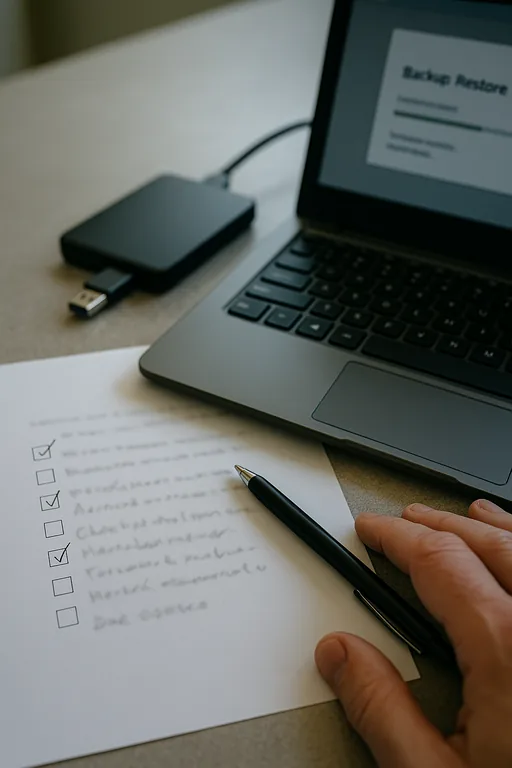
The right remediation path is not a one-time password reset campaign. It starts with documenting the full access chain: workstation health, domain services, application versioning, browser dependencies, network path, and any cloud identity components. From there, we usually separate urgent stabilization from modernization. Stabilization means restoring reliable authentication, validating backups, checking endpoint health, and confirming that the practice management platform is running on supported systems. Modernization means removing the old dependencies that caused the failure in the first place.
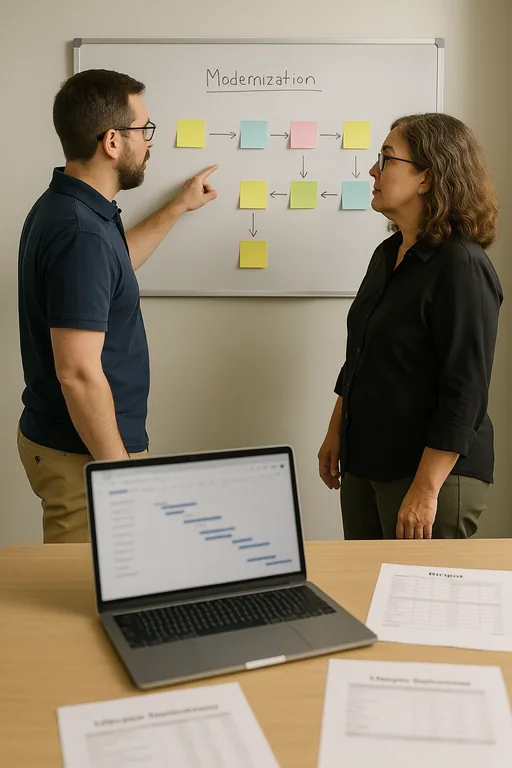
For dental offices, that often includes replacing unsupported hardware, standardizing workstation images, tightening privilege levels, and aligning upgrades with a realistic budget cycle. A practical roadmap matters because many practices are trying to balance patient volume, insurance timing, and capital planning at the same time. That is why IT planning and budgeting for Reno-area practices should be tied directly to lifecycle replacement, software support windows, and compliance exposure. For security baselines around identity, access control, and system maintenance, the CISA small business cyber guidance is a useful operational reference.
When the stack is simplified, offices gain more than stable logins. They gain cleaner reporting, fewer vendor conflicts, better supportability, and a much easier path to adopting cloud tools, AI-assisted workflows, and secure remote access where appropriate.
- Control step: Standardize supported endpoints, validate backup recovery, harden MFA where the software supports it, retire unsupported servers, and map a phased replacement plan so authentication, compliance, and daily scheduling workflows stay aligned.
Field Evidence: From Recurring Lockouts to Stable Daily Operations
We worked through a similar pattern for a healthcare office corridor in Reno where staff had grown used to intermittent login failures every few weeks, especially after vendor updates or internet interruptions. The environment included older desktops, inconsistent patching, and a server that had remained in place well past its intended lifecycle. During winter weather and carrier fluctuations, the office saw even more instability because the system had no clean fallback process and no current documentation.
After standardizing workstation builds, cleaning up identity dependencies, validating backups, and creating a phased replacement plan, the office moved from reactive troubleshooting to predictable operations. A follow-up review also used a technology advisory and assessment process to identify which remaining legacy tools were blocking future cloud adoption and which could be retired without disrupting patient flow.
- Result: Login-related interruptions dropped by more than 80 percent over the next quarter, morning check-in delays were eliminated, and the office regained several hours per month in front-desk and billing productivity.
Dental Office Login Gap Reference Table
Scott Morris is an experienced IT and cybersecurity professional with 16 years of hands-on experience in managed technology services. He specializes in Compliance Advisory Programs and has spent his career building practical recovery, security, and operational continuity processes for businesses across Washoe County and Northern Nevada.

About the Author: Scott Morris
Local Support in Washoe County
Dental offices across Reno and the broader Washoe County area often need support that accounts for real travel time, multi-site coordination, and the practical limits of older systems still in service. From our office near downtown Reno, the Kietzke corridor is typically about 14 minutes away, which matters when a login failure is already affecting check-in, treatment flow, and billing. Local response is only part of the equation, though. The larger value comes from identifying why the same issue keeps resurfacing and building a supportable path forward.
Closing the Gap Before It Becomes a Pattern
A login failure in a dental office is often the first visible sign that the environment has outgrown its original design. When older hardware, unsupported software, and patchwork fixes are left in place, the practice loses more than convenience. It loses reliability, visibility, and the ability to adopt newer tools safely.
For Washoe County practices, the practical answer is to treat access issues as an operational warning, not a one-time inconvenience. Once the root causes are documented and phased into a realistic modernization plan, offices can reduce downtime, support compliance more cleanly, and avoid getting stuck behind the same innovation wall again.