
Reno/Sparks Login Fail
When a business is dealing with login failures, the failure usually started earlier. Surprise spending, delayed upgrades, and aging infrastructure can weaken backup and disaster recovery over time and leave dental offices in The Truckee Meadows exposed when pressure hits. Addressing the problem means planning upgrades deliberately and aligning IT decisions to business risk.
This case study reflects real breakdown patterns documented across 300+ regional IT incidents. Names and identifying details have been modified for confidentiality, while technical and financial data remain accurate to the original events.
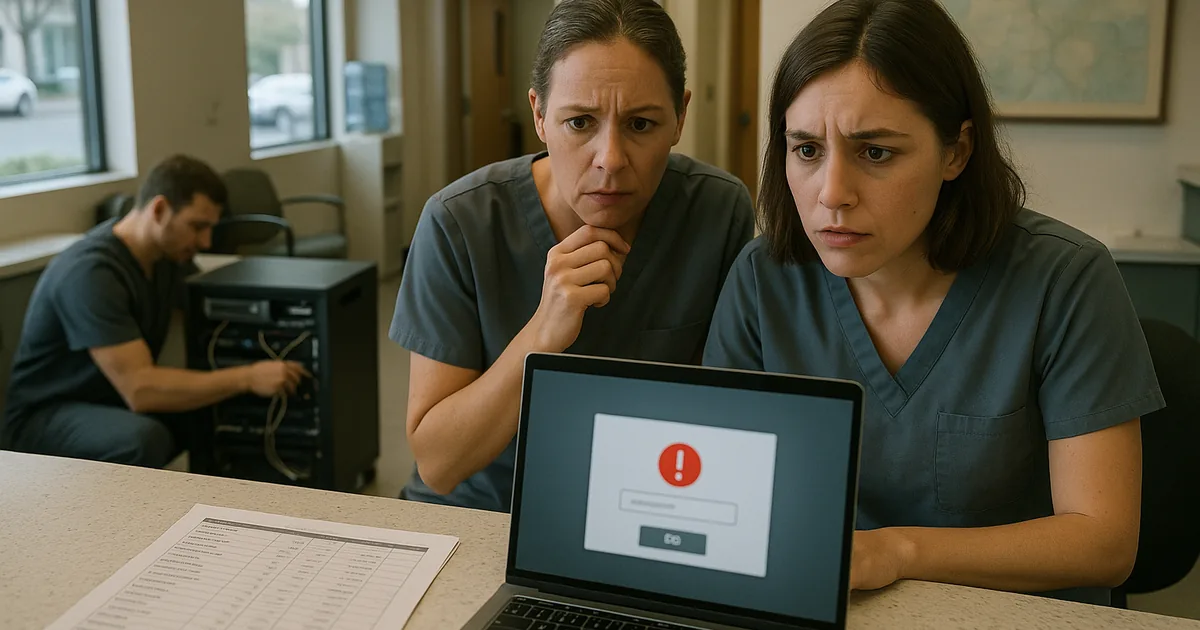
Why Login Failures Often Start as Financial Roadmap Failures
For dental offices in The Truckee Meadows, login failures are rarely isolated authentication events. In most cases, the real issue started months or years earlier when IT spending became reactive. A server replacement was pushed out another quarter, a line-of-business application stayed on an older version because the upgrade was inconvenient, or backup infrastructure was treated as a cost to minimize instead of an operational control. That pattern turns IT into a surprise expense rather than a planned business function.
We typically find that when leadership does not have a clear financial roadmap for technology, risk accumulates quietly. Identity systems age, domain policies drift, storage fills up, and recovery processes stop matching the way the office actually works. In a dental environment, that means front-desk scheduling, imaging access, insurance verification, and billing can all depend on systems that no longer have enough resilience built in. This is why practices dealing with recurring access problems often need stronger backup and disaster recovery support in Northern Nevada tied to business priorities, not just emergency fixes. In the Meadowood and South Reno area, where many practices rely on a mix of on-premise servers and cloud applications, even one weak point can cascade into a full login outage.
- Technical factor: Aging identity infrastructure and deferred hardware refresh cycles often create authentication failures that surface during peak office hours, especially when backups, directory services, and application dependencies were never budgeted as part of a long-term operational plan.
How To Correct the Problem and Reduce Repeat Downtime
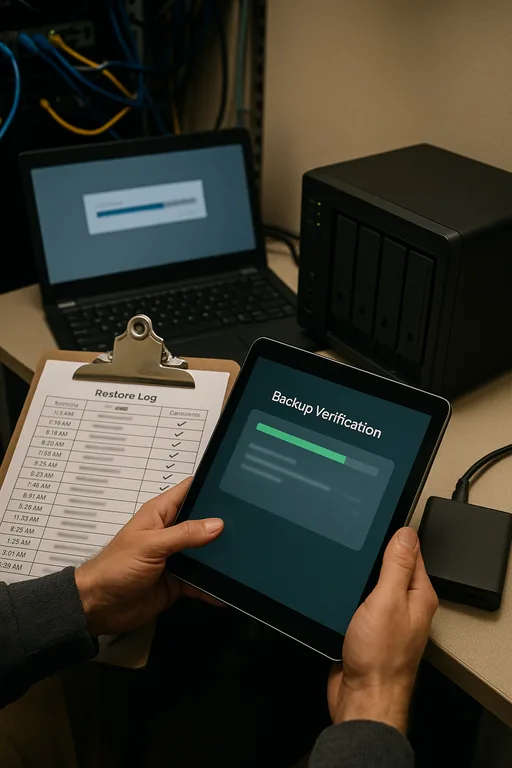
The fix is not just resetting passwords or restarting a server. The practical response starts with mapping the login dependency chain: directory services, DNS, line-of-business application authentication, storage performance, backup integrity, and recovery sequence. From there, the office needs a budgeted remediation plan that separates urgent stabilization from scheduled modernization. In many dental offices, that includes replacing unsupported server roles, validating backup recovery points, tightening MFA where cloud services are involved, and documenting who can access what when the primary system is unavailable.
We also recommend formal oversight for server and hybrid infrastructure management in Reno so the environment is reviewed before failures become visible to staff and patients. For practices using Microsoft 365 alongside local servers, it is equally important to define identity synchronization, conditional access, and recovery procedures clearly. The operational baseline should align with guidance from CISA , especially around tested backups, privileged access control, and incident response readiness.
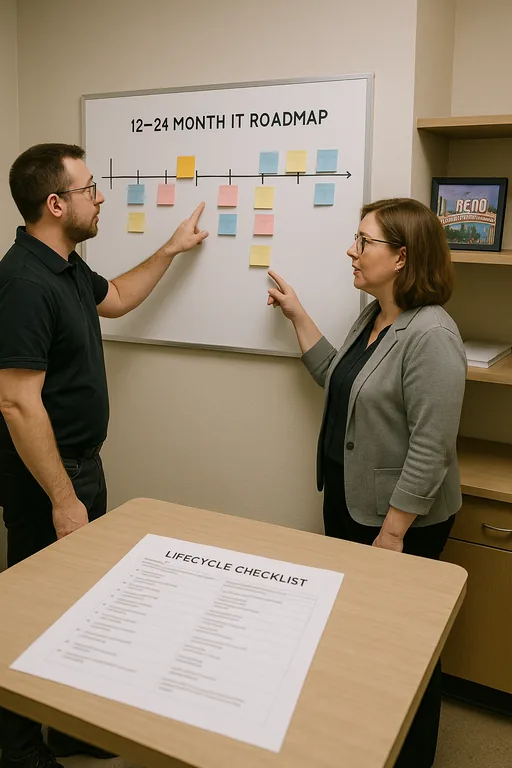
- Control step: Build a 12- to 24-month IT roadmap that includes server lifecycle planning, backup validation testing, MFA hardening, documented recovery order, and quarterly review of authentication dependencies so budget decisions match actual business risk.
Field Evidence: Stabilizing Access for a Growing Dental Practice
We worked through a similar pattern for a professional office corridor in Reno where a small healthcare-related practice had repeated morning login slowdowns that eventually became a full access interruption. Before remediation, the office was relying on an aging server, inconsistent backup verification, and undocumented dependencies between local applications and cloud identity services. During busy weather swings and utility fluctuations common in Northern Nevada, those weaknesses became more visible because systems were already operating with little margin.
After restructuring the environment, validating recovery points, and cleaning up Microsoft identity dependencies, the office moved from reactive troubleshooting to predictable operations. That included better visibility into cloud authentication paths through Microsoft environment management for business continuity , documented failover steps, and scheduled lifecycle budgeting. The key lesson matched what happened to Mya: the visible login failure was only the last symptom of a longer planning problem.
- Result: Morning access interruptions were eliminated, backup verification became routine, and recovery confidence improved from an untested process to a documented workflow with restoration checks completed on schedule.
Reference Table: Systems Commonly Involved in Login Failure Events
Scott Morris is an experienced IT and cybersecurity professional with 16 years of hands-on experience in managed technology services. He specializes in Backup And Disaster Recovery and has spent his career building practical recovery, security, and operational continuity processes for businesses across The Truckee Meadows and Northern Nevada.

About the Author: Scott Morris
Local Support in The Truckee Meadows
Reno Computer Services supports dental and professional offices across Reno, Sparks, and the surrounding Truckee Meadows. From our Ryland Street office, the Meadowood business area is typically about 14 minutes away, which matters when a practice is dealing with a login outage that affects scheduling, chart access, or billing. Local support is most effective when it combines fast response with long-range planning so recurring failures do not keep returning under a different label.
The Real Fix Is Better Planning Before the Login Failure
A dental office dealing with login failures usually does not have a password problem alone. More often, it has a planning problem that showed up through authentication, backup weakness, aging infrastructure, or unclear recovery priorities. In The Truckee Meadows, where many practices run lean and stay busy, those gaps can interrupt patient flow and delay billing faster than most owners expect.
The practical takeaway is straightforward: build a financial roadmap for IT the same way you would for equipment, staffing, or expansion. When infrastructure, backup, and identity controls are reviewed on a schedule, downtime becomes less likely and recovery becomes far more predictable.