
Reno Dental Audit
Problems like this tend to stay hidden until something important breaks. For dental offices in South Meadows, that often means login failures, avoidable delays, or a bigger recovery burden than expected. The best response is reviewing controls, access, and recovery steps before they are tested under pressure.
This case study reflects real breakdown patterns documented across 300+ regional IT incidents. Names and identifying details have been modified for confidentiality, while technical and financial data remain accurate to the original events.
Why Login Audits Matter in a Dental Compliance Gap
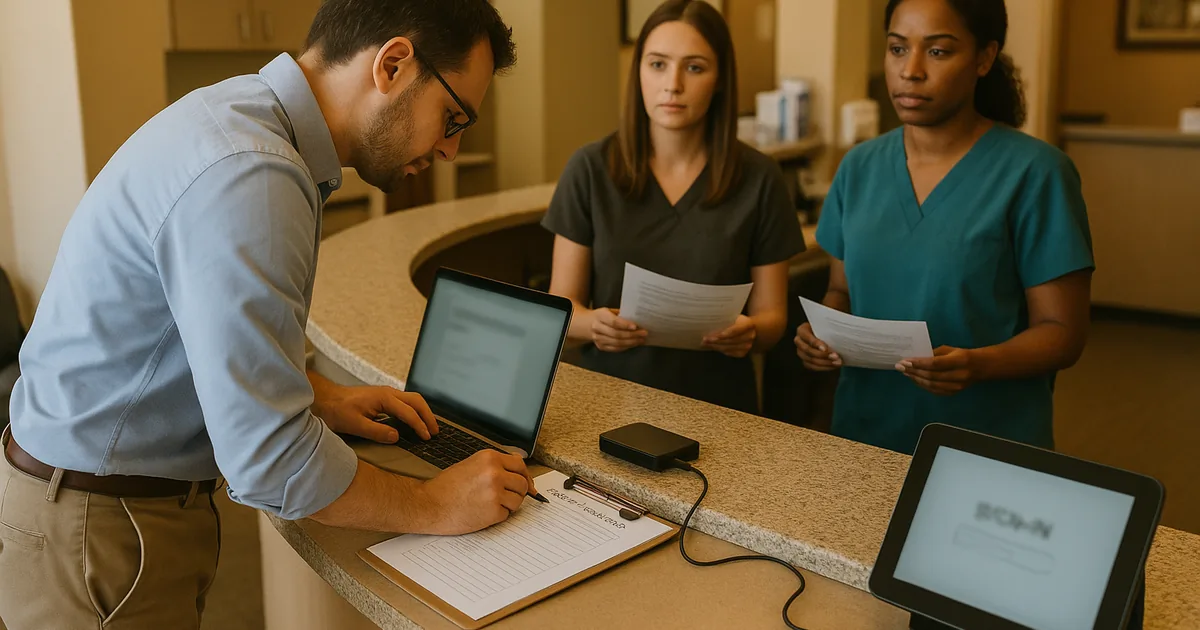
The short answer is that login failures in a dental office are often not just password problems. In South Meadows practices, we regularly find that the real issue is a compliance gap: accounts were added over time, permissions drifted, backup access was never reviewed, and documentation did not keep pace with HIPAA obligations or changing internal workflows. When that happens, a failed login can be the first visible symptom of a larger control problem.
For dental offices, this affects more than the front desk. Practice management platforms, imaging systems, cloud email, backup consoles, and remote access tools all depend on clean identity management. If one staff member has excessive privileges, another has an expired role, and no one can confirm who is authorized to restore data, recovery becomes slower and riskier. That is why practices relying on managed backup solutions for South Meadows operations need login audits tied directly to access control, documentation, and restore authority.
We see this frequently across Reno and Sparks when regulations change faster than internal IT notes are updated. HIPAA expectations around access control, audit trails, and contingency planning do not pause because a practice is busy. A dental office may still be functioning day to day while carrying hidden weaknesses such as shared credentials, inactive accounts left enabled, or backup jobs that run successfully but cannot be restored by the right people under pressure. That was the real lesson behind the disruption Brielle encountered: the login issue was only the visible edge of a broader governance problem.
- Identity drift: Staff turnover, role changes, and vendor access often leave dental systems with outdated permissions that no longer match actual job duties.
- Backup access ambiguity: A backup platform may be running, but if restore rights are unclear or undocumented, recovery can stall during an outage.
- Compliance documentation lag: Internal procedures often fall behind HIPAA and other regulatory expectations, especially in smaller offices without dedicated IT governance.
- Operational fallout: Login failures delay patient intake, insurance verification, chart access, and end-of-day billing, which compounds quickly in a busy South Meadows schedule.
Practical Remediation for Access, Backup, and Recovery Control
The fix starts with separating symptoms from causes. We typically begin by auditing every account tied to the practice management system, Microsoft 365 or Google Workspace, backup administration, remote support tools, and any imaging or specialty software. From there, we map each login to a real person, a defined role, and a documented business need. Any orphaned, shared, or over-privileged account should be removed or corrected. This is also the point where multifactor authentication, conditional access, and alerting should be reviewed, especially for administrative accounts.
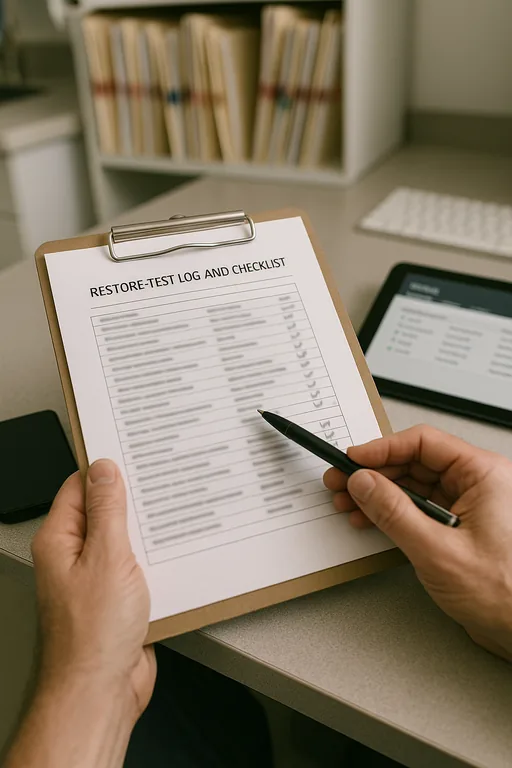
Next, the office needs a recovery process that is tested, not assumed. That includes validating backup integrity, confirming who can initiate restores, documenting escalation paths, and aligning those steps with disaster recovery planning for regulated dental operations . For HIPAA-covered environments, it is also useful to compare current controls against the HHS Security Rule guidance so the office can close gaps in access management, audit controls, and contingency planning before an incident forces the issue.
- Account review: Remove stale users, eliminate shared credentials, and align permissions to current job roles.
- MFA hardening: Require multifactor authentication for email, remote access, backup consoles, and administrator accounts.
- Backup validation: Test restores on a schedule and document who can approve, initiate, and verify recovery.
- Audit logging: Enable and retain logs for failed logins, privilege changes, and backup administration activity.
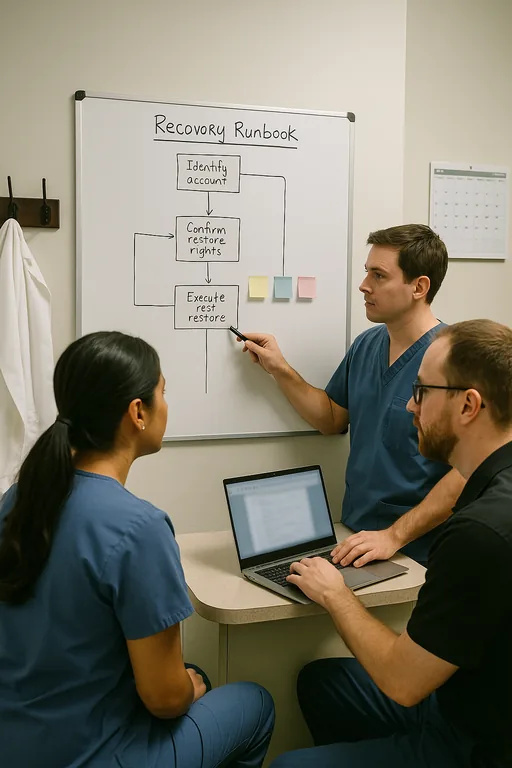
- Written procedures: Maintain current runbooks for lockouts, emergency access, and downtime operations so the office can function even during a system event.
Field Evidence: South Reno Dental Access Review
In one South Reno engagement, the office initially reported only intermittent login trouble at the front desk and occasional confusion over who could access backups. The deeper review showed several inactive accounts still enabled, inconsistent password policy enforcement between systems, and no documented restore approval process. The practice was operating normally most days, but one disruption during a heavy patient block exposed how fragile the setup had become.
After cleanup, the office had role-based access mapped to current staff, tested restore procedures, and a documented continuity checklist for scheduling, chart access, and billing. That mattered in a local environment where weather events, carrier interruptions, and multi-site coordination between Reno and Carson-area providers can quickly turn a small access issue into a full operational slowdown. As part of the long-term fix, the practice also aligned its documentation with compliance-focused backup continuity controls so technical recovery and regulatory expectations stayed connected.
- Result: Failed login tickets dropped by 70 percent, restore authorization time fell from over 90 minutes to under 15 minutes, and the office completed a documented recovery test without interrupting patient care.
Dental Office Login Audit Reference Points
Scott Morris is an experienced IT and cybersecurity professional with 16 years of hands-on experience in managed technology services. He specializes in Managed Backup Solutions and has spent his career building practical recovery, security, and operational continuity processes for businesses across South Meadows, Reno, Sparks, Carson City, and Northern Nevada and Northern Nevada.

About the Author: Scott Morris
Local Support in South Meadows and Greater Reno
Our Reno office supports dental and healthcare-related organizations across South Meadows and the surrounding Truckee Meadows area. For practices dealing with login failures, backup uncertainty, or compliance documentation gaps, local response matters because the issue is rarely isolated to one workstation. It usually touches scheduling, patient flow, billing, and recovery readiness at the same time.
Closing the Gap Before a Login Failure Becomes a Recovery Event
A login audit for a South Meadows dental office should answer a practical question: who has access, who should not, and who can recover systems safely when something goes wrong. If those answers are unclear, the office is carrying more than an inconvenience. It is carrying operational risk, compliance exposure, and unnecessary recovery delay.
The most effective approach is straightforward. Review identities, confirm permissions, test restores, and keep documentation current enough to support both daily operations and regulated recovery requirements. When those controls are maintained, a login problem stays a manageable IT issue instead of becoming a billing, scheduling, and compliance disruption.