
Reno Dental Audit
This kind of issue rarely appears all at once. For dental offices in Northern Nevada, it usually builds through unclear ownership, overlapping tools, and fragmented support and then surfaces as login failures, slower recovery, or higher exposure. A more reliable setup starts with clarifying ownership and enforcing cleaner escalation paths.
This case study reflects real breakdown patterns documented across 300+ regional IT incidents. Names and identifying details have been modified for confidentiality, while technical and financial data remain accurate to the original events.
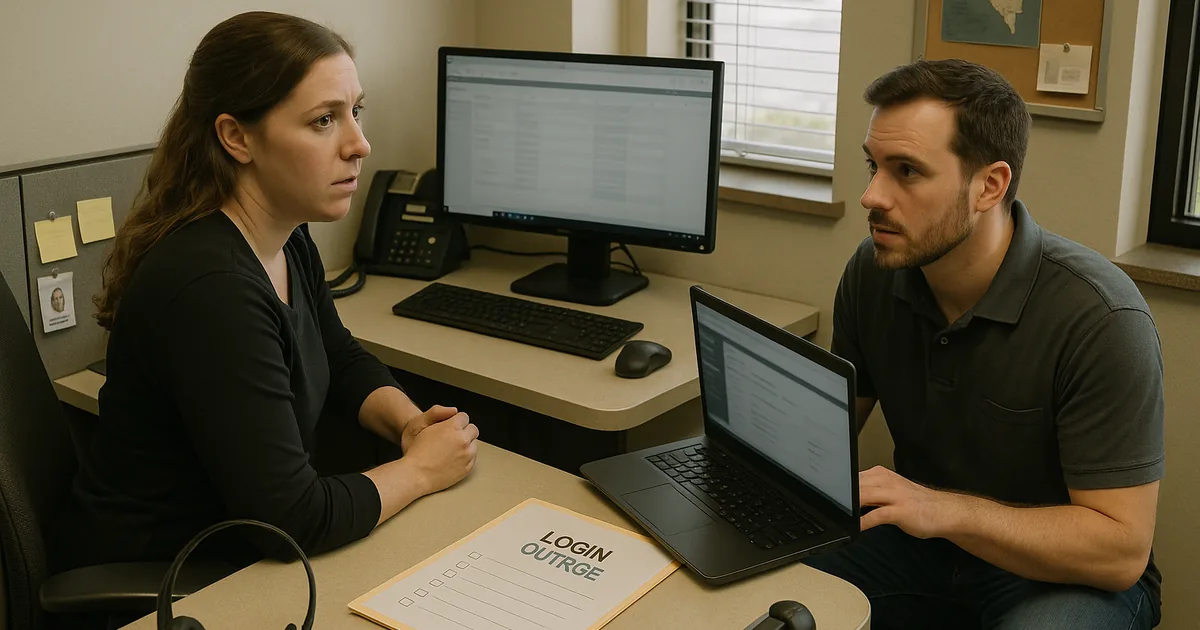
Why Vendor Chaos Turns Into Login Failures
The main question here is straightforward: why do dental offices end up with recurring login problems even when they already have multiple vendors in place? In most cases, the issue is not a single bad password or one failed workstation. It is a governance problem. One vendor manages the practice application, another handles internet and phones, another sold the firewall, and no one owns the full access map. That is where the vendor chaos starts.
We see this across Northern Nevada dental practices, especially where office managers are left coordinating internet, phones, software, and hardware vendors on top of patient scheduling and billing. When user provisioning, password resets, MFA enrollment, and admin rights are split across several parties, basic access issues take longer to resolve and audit readiness gets weaker. Offices trying to tighten governance policy and audit preparation in Northern Nevada usually find that the first step is documenting who owns each login system, who approves changes, and who has authority to escalate when a vendor stops at the edge of their contract.
This is why a login audit matters. It identifies orphaned accounts, shared credentials at the front desk, undocumented vendor admin access, and inconsistent offboarding. In a dental setting, those gaps affect scheduling, imaging access, claims processing, and patient communications. The callback to the earlier scenario is simple: what slowed recovery for Africa was not distance, weather, or a major outage. It was fragmented ownership.
- Technical factor: Access control is often split between Microsoft 365, practice management software, local workstations, firewall appliances, and third-party support portals, creating delays when no single party can verify or change all dependencies.
- Operational factor: Front-desk and billing teams are usually the first to feel the impact because login failures interrupt patient intake, treatment plan coordination, insurance verification, and same-day collections.
- Audit factor: Unclear ownership erodes policy enforcement and makes it harder to prove who had access, when it changed, and whether former staff or vendors still retain credentials.
Practical Remediation for Dental Access and Vendor Control
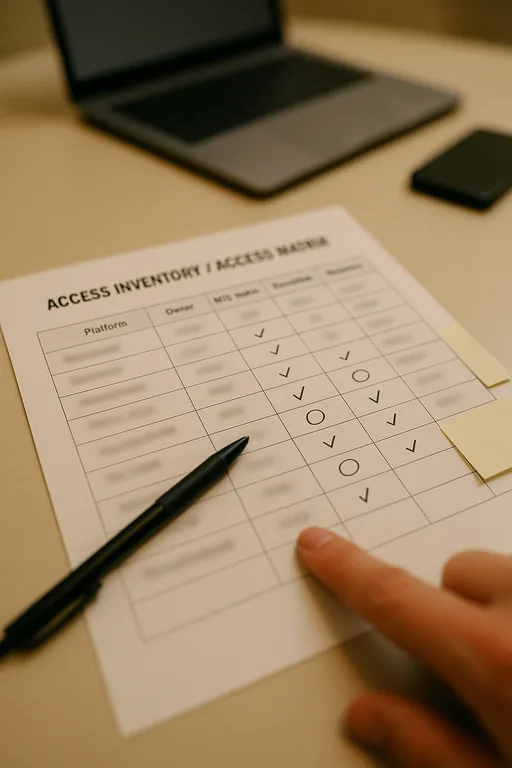
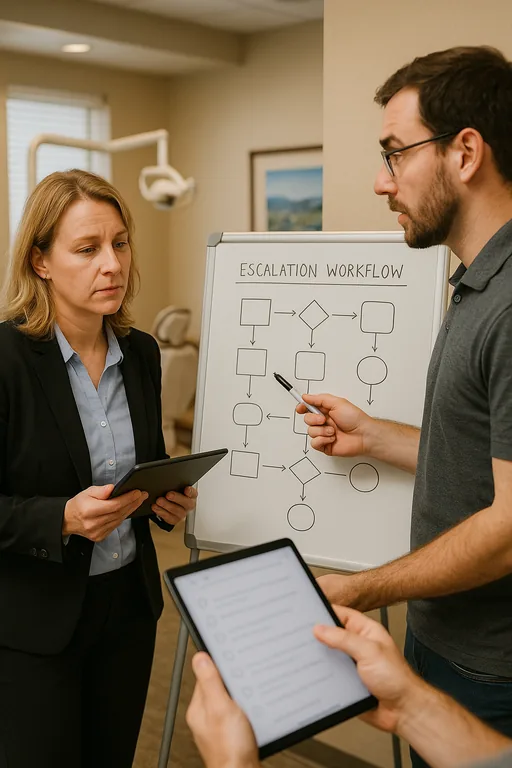
The fix is not adding more vendors. It is assigning control boundaries and making escalation paths explicit. Start with a current login inventory that covers Microsoft 365, line-of-business dental applications, imaging systems, VoIP portals, firewall administration, backup consoles, and any remote support tools. Then assign an owner for each system, an approver for access changes, and a documented escalation contact. That gives the office a usable chain of responsibility when a login issue appears under pressure.
From there, we typically standardize account creation and offboarding, enforce MFA where supported, remove shared admin credentials, and verify that password reset authority is not trapped inside a vendor queue. Offices that need faster response usually benefit from structured IT support and help desk coverage for dental operations so front-desk staff are not mediating between carriers, software vendors, and hardware providers. For baseline access security controls, the CISA guidance on strong passwords and authentication practices is a practical reference, but the real operational value comes from applying those controls consistently across every system the office depends on.
- Control step: Build a system-by-system access matrix that lists platform owner, admin contacts, MFA status, reset authority, vendor responsibility, and escalation order.
- Control step: Validate offboarding by disabling cloud accounts, revoking vendor portal access, removing cached workstation credentials, and documenting completion.
- Control step: Separate standard user accounts from privileged admin accounts so routine front-desk work does not rely on elevated access.
- Control step: Test backup and recovery dependencies to confirm that restored systems can still authenticate users after an outage or workstation replacement.
Field Evidence: Multi-Vendor Access Cleanup in a Northern Nevada Dental Workflow
In one common pattern, a dental office had internet from one provider, phones from another, a practice platform managed by a third party, and endpoint support handled separately. Before cleanup, password resets were inconsistent, former staff accounts remained active longer than they should have, and front-desk users were relying on shared credentials for speed. During a busy week with weather-related staffing adjustments and patient reschedules across the Reno-Sparks corridor, even a minor login issue created a chain reaction through intake and billing.
After a structured audit, the office moved to named accounts, documented reset authority, standardized MFA enrollment, and tighter proactive device and endpoint management for workstations used in scheduling and claims processing. The result was not dramatic marketing language. It was simply cleaner operations: fewer stalled tickets, faster user restoration, and better evidence for policy review.
- Result: Access-related tickets dropped by 42 percent over the next quarter, and average login recovery time fell from several hours to under 35 minutes for standard user issues.
Dental Login Audit Reference Points
Scott Morris is an experienced IT and cybersecurity professional with 16 years of hands-on experience in managed technology services. He specializes in Governance Policy And Audit Preparation and has spent his career building practical recovery, security, and operational continuity processes for businesses across Northern Nevada and Northern Nevada.

About the Author: Scott Morris
Local Support in Northern Nevada
Dental offices in Reno, Sparks, Carson City, and the industrial corridors east of town often depend on a mix of local and remote vendors. That makes response time only part of the equation. The larger issue is whether someone can take ownership when systems overlap. From our Reno office, support into the USA Parkway and McCarran area is practical, but stable operations come from clear accountability, documented access control, and faster escalation when a vendor handoff starts slowing the office down.
Clear Ownership Reduces Login Risk
A dental office login audit is really an ownership audit. When access control is spread across too many vendors without a defined chain of responsibility, small issues become operational delays. That affects scheduling, billing, patient communication, and policy enforcement long before anyone calls it a security problem.
For Northern Nevada practices, the practical takeaway is to reduce ambiguity. Document who owns each system, standardize user provisioning and offboarding, remove shared credentials, and make escalation paths visible before the next login failure happens. That is how offices improve recovery time and strengthen audit preparation without adding unnecessary complexity.