
Reno Lockout Solutions
What looks like a one-off issue is often tied to legacy tools. In medical practice environments, legacy systems, patchwork fixes, and hard-to-adopt tools can turn into efficiency, visibility, and growth long before anyone notices the warning signs. Closing those gaps early makes managed cybersecurity services far more resilient.
This case study reflects real breakdown patterns documented across 300+ regional IT incidents. Names and identifying details have been modified for confidentiality, while technical and financial data remain accurate to the original events.
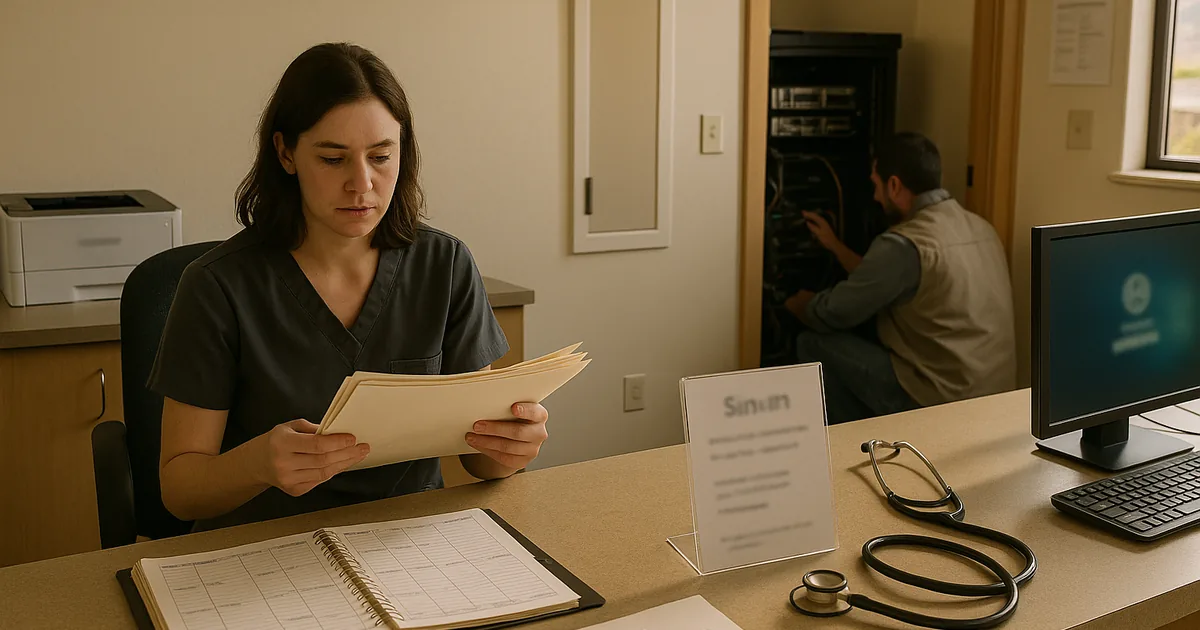
Why Legacy Medical Systems Create the Innovation Wall
A medical practice in Washoe County can get locked out without a ransomware event, a major outage, or a dramatic hardware failure. More often, the problem starts when older systems cannot keep pace with current authentication methods, endpoint controls, browser requirements, or cloud-connected workflows. That is the innovation wall: the point where legacy hardware and software still appear functional, but they quietly block secure modernization and create operational fragility.
We see this in clinics across Reno and Sparks where older imaging workstations, unsupported Windows builds, aging domain controllers, and vendor-dependent applications are held together with exceptions and one-off fixes. Those exceptions eventually collide with modern security baselines. A practice may add MFA, tighten endpoint policies, or move part of its workflow to the cloud, only to discover that a critical workstation, scanner interface, or billing application cannot handle the change. That is why managed cybersecurity services in Washoe County have to account for legacy dependencies before a lockout happens. In cases like Abel’s, the visible symptom is access failure, but the root cause is usually years of deferred standardization.
- Authentication mismatch: Older applications and devices often fail when modern identity controls, MFA enforcement, or updated certificate requirements are introduced.
- Unsupported operating systems: Endpoints that cannot receive current patches become both a security risk and a compatibility problem for newer tools.
- Patchwork integrations: Medical offices frequently rely on custom print paths, mapped drives, local database connectors, and vendor workarounds that break during routine updates.
- Operational blind spots: When logs, alerts, and asset inventories are incomplete, staff may not know which legacy dependency caused the lockout until patient flow is already disrupted.
How to Reduce Lockout Risk Without Disrupting the Practice
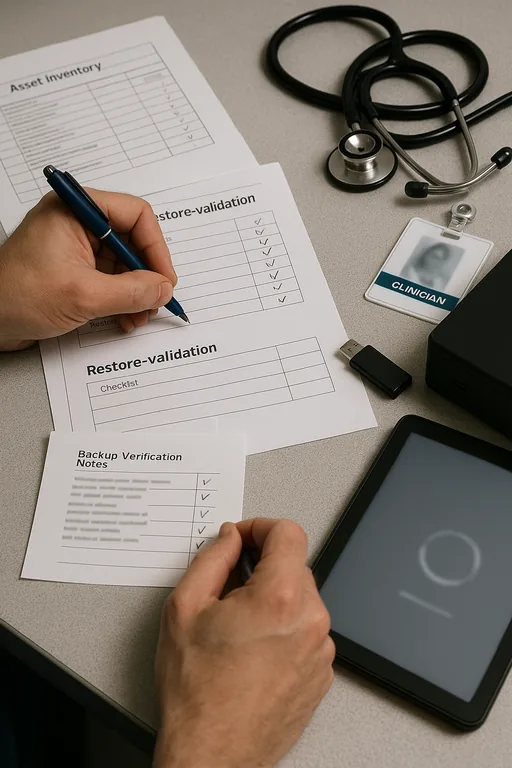
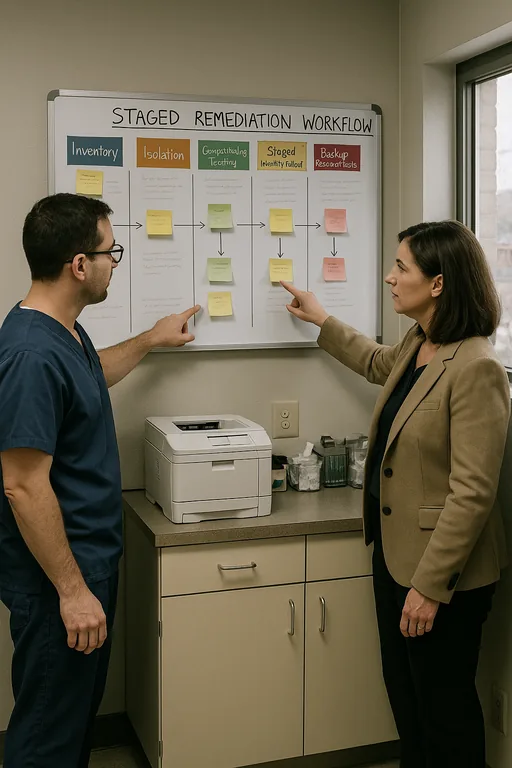
The fix is rarely a single product. It is a controlled remediation plan that identifies legacy dependencies, separates what must remain from what should be retired, and then stages security changes in the right order. In healthcare environments, that usually means building an accurate asset inventory first, validating application compatibility, and testing authentication changes before they are pushed into production. For practices trying to stabilize operations, we typically pair that work with compliance-focused backup and continuity planning so that a failed update or access issue does not also become a billing or records crisis.
Practical remediation also includes backup validation, not just backup completion. If a practice is dependent on an old server or local database, recovery testing has to prove that the system can be restored under current security controls. Guidance from CISA is useful here because it emphasizes tested recovery, identity hardening, and network visibility rather than relying on a single defensive layer. In medical settings, that approach is more realistic than trying to force every legacy system into a modern stack overnight.
- Asset and dependency mapping: Document every workstation, server, appliance, and application tied to scheduling, charting, imaging, and billing.
- Identity hardening in phases: Apply MFA, conditional access, and account cleanup after confirming which systems can support them safely.
- Backup validation: Test restores for critical practice systems and maintain documented recovery paths for older applications.
- Network segmentation: Place unsupported or vendor-restricted systems on controlled VLANs with limited access to reduce lateral risk.
- Change control: Schedule updates around patient volume and verify rollback options before touching production systems.
Field Evidence: Stabilizing a Legacy-Dependent Clinic Workflow
In one Northern Nevada medical office corridor, a practice was operating with an older on-premise application server, several aging front-desk workstations, and a backup job that reported success but had not been tested against current recovery requirements. Before remediation, routine security changes created repeated login failures, delayed check-in, and forced staff to fall back to paper during busy morning blocks. After the environment was mapped, unsupported endpoints were isolated, authentication paths were cleaned up, and restore testing was added for the most critical systems.
The result was not flashy. It was operationally cleaner. Staff could log in consistently, the practice had a documented fallback path, and leadership had a clearer timeline for replacing the systems that were holding back cloud adoption. That is also where backup and recovery programs for medical operations matter: they turn a legacy dependency from a hidden single point of failure into a managed risk with a tested response plan. In a region where weather events, carrier issues, and multi-site coordination can already complicate operations, that discipline matters.
- Result: Login-related disruptions dropped, recovery confidence improved through tested restores, and front-desk interruption time was reduced from recurring half-day incidents to isolated issues resolved within standard support windows.
Medical Practice Lockout Risk Reference
Scott Morris is an experienced IT and cybersecurity professional with 16 years of hands-on experience in managed technology services. He specializes in Managed Cybersecurity Services and has spent his career building practical recovery, security, and operational continuity processes for businesses across Washoe County and Northern Nevada.

About the Author: Scott Morris
Local Support in Washoe County
We regularly support medical and professional offices across Reno, Sparks, and surrounding Washoe County corridors where older systems, mixed vendors, and growth-driven technology changes can create avoidable lockout risk. For practices near Northwest Reno, the local response path is straightforward, but the real value is reducing the number of emergency trips by standardizing systems before a front-desk outage affects patient flow.
Closing the Gap Before a Lockout Becomes a Business Interruption
When a medical practice gets locked out, the visible issue is usually access. The underlying issue is often older infrastructure that cannot support current security, cloud, and workflow expectations without breaking somewhere important. That is the real innovation wall. It limits efficiency first, then resilience, and eventually growth.
For Washoe County practices, the practical takeaway is straightforward: identify legacy dependencies early, test recovery under real conditions, and phase in security controls with operational awareness. That approach reduces downtime, protects billing continuity, and gives leadership a workable modernization path instead of another emergency workaround.