
Reno Lockout Help
When a business is dealing with a lockout, the failure usually started earlier. Slow devices, ticket backlogs, and repeated workarounds can weaken proactive device and endpoint management over time and leave medical practices in The Truckee Meadows exposed when pressure hits. Addressing the problem means stabilizing daily support, reducing repeat issues, and standardizing how IT is handled.
This case study reflects real breakdown patterns documented across 300+ regional IT incidents. Names and identifying details have been modified for confidentiality, while technical and financial data remain accurate to the original events.
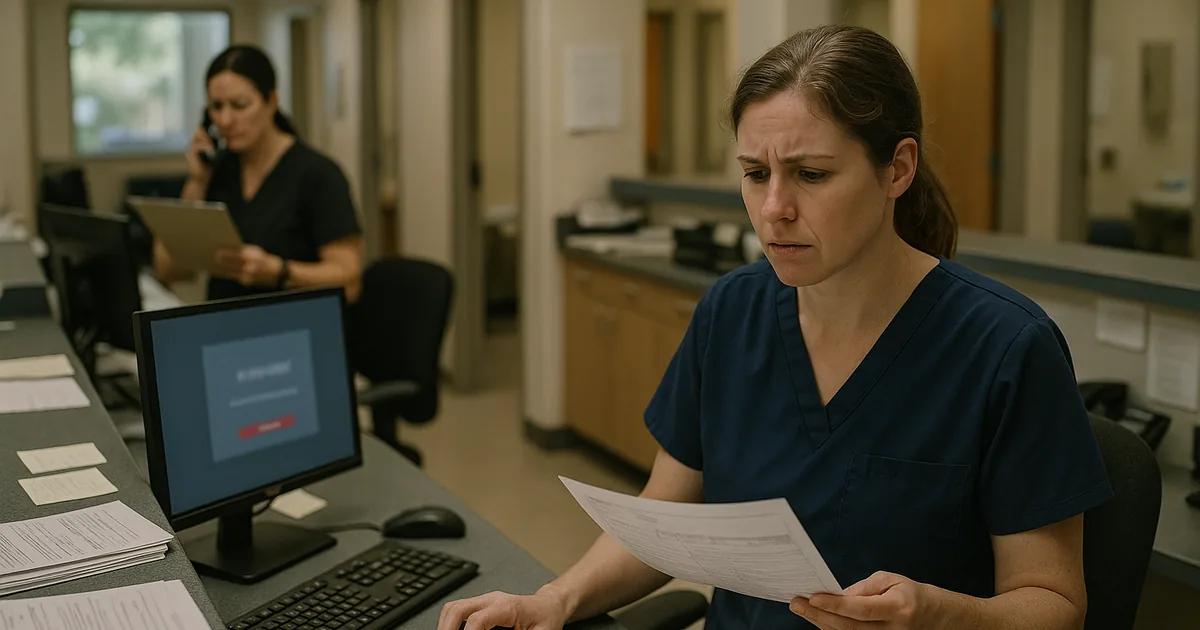
Why Lockouts Usually Start as Daily Friction
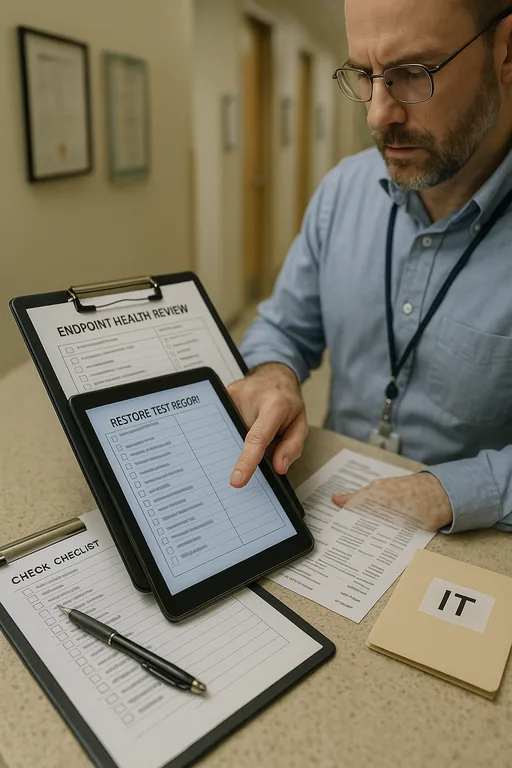
For most medical practices in The Truckee Meadows, a lockout is the visible symptom, not the original problem. The pattern usually starts with slow exam-room PCs, aging laptops at the front desk, inconsistent patching, and a growing queue of unresolved support issues. Staff adapt by sharing credentials, leaving sessions open, postponing reboots, or keeping critical files in places that are convenient but not well controlled. That is the operational drain: small interruptions stacking up until identity, access, or endpoint stability finally breaks.
We see this often in clinics and specialty offices across Reno and Sparks where teams are moving quickly between patient intake, scheduling, insurance verification, and charting. If endpoint oversight is weak, one failed update, expired token, profile corruption, or security policy conflict can lock out multiple users at once. Practices trying to prevent repeat downtime usually need proactive device and endpoint management in The Truckee Meadows so workstation health, user access, and support response are handled before the front desk is forced into manual workarounds. In cases like Preston’s, the lockout was simply the point where accumulated friction became impossible to ignore.
- Endpoint drift: Devices fall out of standard configuration over time, which increases failed logins, patch conflicts, and inconsistent access behavior.
- Ticket backlog: Repeated low-level issues stay unresolved long enough to become accepted as normal, even when they are early warning signs.
- Workflow workarounds: Shared credentials, local file storage, and skipped reboots create hidden risk in patient-facing environments.
- Operational consequence: When the failure finally surfaces, scheduling, intake, billing, and provider productivity are all affected at the same time.
How to Stabilize Access and Reduce Repeat Failures
The fix is not just unlocking accounts or replacing one workstation. Medical practices need a tighter operating model for endpoints, identity, and support. That means standard device builds, documented escalation paths, patch windows that are actually enforced, and monitoring that catches login anomalies, storage issues, and failed updates before they interrupt patient flow. For offices with compliance obligations, this should also include stronger administrative controls and a defined response process tied to compliance-focused IT management .
From a technical standpoint, we typically start by reviewing endpoint health, domain or Entra ID sign-in behavior, local admin exposure, antivirus or EDR conflicts, and backup coverage for user profiles and shared data. Practices should also align with practical guidance from CISA’s ransomware and resilience guidance , because the same weak controls that allow lockouts to spread often leave the environment vulnerable to broader disruption. Where clinics rely on multiple exam rooms, mobile carts, and front-desk devices, consistency matters more than speed in any single fix.
- Standardized endpoint baselines: Rebuild devices to a known configuration with approved software, current patches, and controlled permissions.
- MFA and identity hardening: Reduce account misuse and token-related access failures by reviewing sign-in policies and enrollment status.
- EDR and alert tuning: Use monitored endpoint and threat protection to catch suspicious behavior without creating unnecessary user lockouts.
- Backup validation: Verify that profile data, shared files, and critical line-of-business systems can be restored quickly.
- Support process cleanup: Close recurring tickets at the root cause level instead of repeatedly applying temporary fixes.
Field Evidence: From Repeated Workarounds to Stable Daily Operations
In one Northern Nevada medical office corridor, the environment before remediation looked familiar: front-desk staff were rebooting systems multiple times a week, one provider workstation routinely failed after updates, and shared access problems were being handled informally instead of through a documented process. The office had enough connectivity to stay partially open, but not enough endpoint consistency to stay efficient. That is common in older Reno buildings where mixed hardware generations and piecemeal software changes accumulate over time.
After standardizing workstation images, cleaning up stale user profiles, tightening sign-in controls, and setting response thresholds for recurring device issues, the office moved from reactive support to predictable operations. Staff stopped relying on local workarounds, ticket volume dropped, and login-related interruptions were contained before they affected patient intake or billing.
- Result: Repeated access incidents dropped by 70 percent over the next quarter, and average workstation-related downtime during clinic hours was reduced to under 20 minutes per month.
Operational Reference: Where Lockouts Usually Take Shape
Scott Morris is an experienced IT and cybersecurity professional with 16 years of hands-on experience in managed technology services. He specializes in Proactive Device And Endpoint Management and has spent his career building practical recovery, security, and operational continuity processes for businesses across The Truckee Meadows and Northern Nevada.


About the Author: Scott Morris
Local Support in The Truckee Meadows
Reno Computer Services supports medical and professional offices throughout The Truckee Meadows, including practices that need fast response between central Reno, Sparks, and nearby administrative corridors. The route shown below reflects the short drive from our office to the 1001 E 9th St area, where many organizations depend on stable endpoint access and quick operational recovery when lockouts interrupt patient-facing work.
The Real Fix Is Reducing Operational Drag Before Access Fails
Medical practices in The Truckee Meadows usually do not get locked out because of one isolated event. The more common pattern is accumulated operational drag: slow devices, unresolved tickets, inconsistent endpoint settings, and staff adapting around technology instead of relying on it. Once that pattern is in place, a login issue or policy conflict can quickly affect scheduling, intake, billing, and provider time.
The practical takeaway is straightforward. Stabilize endpoints, standardize support, tighten identity controls, and treat recurring low-level issues as indicators of a larger process problem. That approach reduces downtime, protects daily throughput, and gives the practice a more predictable operating environment.