
Reno Lockout Test
Seeing a lockout is often the visible symptom of untested backups, not the root problem itself. In medical practices across Reno, issues like failed restore tests, missing dependencies, and an unclear recovery order can quietly undermine security monitoring and response until work stops or risk spikes. The fix usually starts with validating backups regularly and proving recovery before a real outage.
This case study reflects real breakdown patterns documented across 300+ regional IT incidents. Names and identifying details have been modified for confidentiality, while technical and financial data remain accurate to the original events.
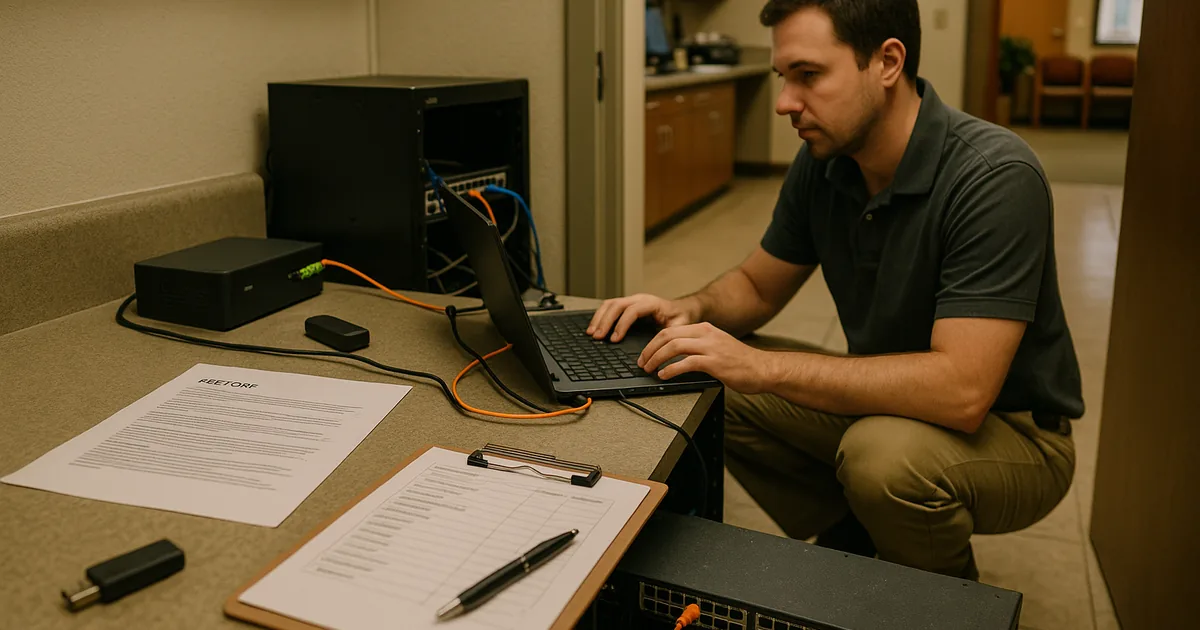
Why a Lockout Usually Points to a Recovery Failure, Not Just a Security Event
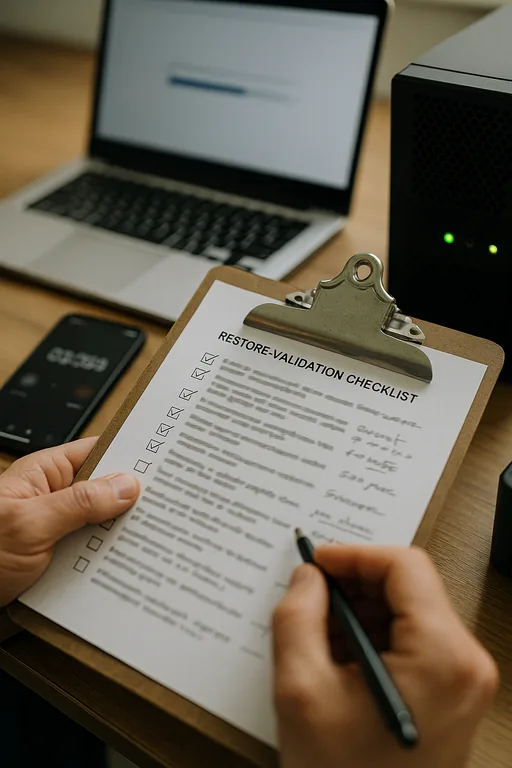
When a Reno medical practice gets locked out of a core system, the first assumption is often ransomware, a bad password event, or a vendor outage. Sometimes that is true. Just as often, the deeper issue is resilience failure: the organization has copies of data, but it has not proven that those copies can restore the full working environment. That distinction matters. A backup file on its own does not restore scheduling, chart access, billing workflow, audit logging, endpoint visibility, or the sequence required to bring dependent systems online.
This is where the resilience test becomes operationally important. We regularly find that practices have backups for servers or cloud data, but they have not tested application dependencies, Active Directory recovery, DNS, licensing servers, or the order in which systems must be restored. In a healthcare setting, that gap can weaken security monitoring and response in Reno because tools may stop reporting during the same event that interrupts patient intake and billing. In cases like Charlene’s, the visible lockout is only the moment the hidden weakness becomes impossible to ignore.
- Failed restore testing: Backup software may show successful jobs while the actual restore process fails due to corruption, retention gaps, or incompatible recovery points.
- Missing dependencies: Medical applications often rely on SQL services, domain authentication, shared storage, printers, scanners, and vendor-specific connectors that are not always included in a simple backup plan.
- Unclear recovery order: If staff do not know what must come up first, recovery slows down and security tools may remain blind during the most sensitive part of the incident.
- Operational spillover: Downtime in one server can quickly affect appointment flow, e-prescribing, claims processing, and after-hours reporting across Reno and Sparks locations.
What Practical Remediation Looks Like for a Medical Practice
The fix is not simply buying more backup storage. The right approach is to define recovery objectives, map dependencies, and test the full restore path under controlled conditions. For medical practices, that means validating whether the electronic records platform, billing system, file shares, identity services, and security stack can all return to service in a usable state. Teams that need structured recovery planning usually benefit from disaster recovery planning for Reno operations that documents recovery order, fallback procedures, and communication steps before an outage occurs.
We also recommend aligning those controls with practical guidance from CISA’s ransomware and recovery guidance , especially for restore validation, offline protection, and incident response coordination. In healthcare environments, the goal is not just to recover data eventually. It is to restore safe, auditable operations without guessing which system matters next.
- Restore validation: Run scheduled test restores for critical systems, not just backup-job reviews, and document whether applications actually launch and authenticate correctly.
- Dependency mapping: Identify domain services, databases, vendor connectors, printers, scanners, and cloud sync points that must be available for the practice to function.
- Recovery sequencing: Establish a written order for bringing back identity, storage, databases, applications, and monitoring tools so the environment returns in a stable state.
- Security stack continuity: Confirm EDR, logging, alerting, and MFA controls remain active or are restored early so visibility is not lost during recovery.
- Backup isolation: Protect backup repositories with separate credentials, immutability where possible, and restricted administrative access.
Field Evidence: The Resilience Test in a Multi-System Medical Workflow
We worked through a similar recovery review for a Northern Nevada clinic operating between central Reno and a satellite location. Before remediation, the organization had nightly backups but no documented restore order, no recent application-level recovery test, and no confirmation that security telemetry would resume after a server rebuild. During a controlled exercise, the first restore brought back data files but left the billing application unusable because the SQL dependency and service account permissions were not restored correctly.
After the clinic documented dependencies, tested recovery in sequence, and added stronger business continuity and backup compliance controls , the difference was measurable. Instead of discovering failures during live downtime, the team could verify recovery steps in advance. That matters in Northern Nevada, where weather, carrier issues, and travel between sites can all slow response if the plan depends on improvisation.
- Result: Recovery testing reduced projected application restoration time from most of a business day to under 90 minutes for core scheduling and billing functions, with monitoring visibility restored in the early stages of the process.
Reference Points for Backup Resilience in Medical Practices
Scott Morris is an experienced IT and cybersecurity professional with 16 years of hands-on experience in managed technology services. He specializes in Security Monitoring And Response and has spent his career building practical recovery, security, and operational continuity processes for businesses across Reno, Sparks, Carson City, and Northern Nevada and Northern Nevada.


About the Author: Scott Morris
Local Support in Reno and Northern Nevada
Our office at 500 Ryland Street supports organizations throughout Reno, including medical practices near southwest neighborhoods like Juniper Ridge. For clinics balancing patient flow, billing deadlines, and compliance obligations, local response matters because recovery work often involves both remote triage and on-site validation of servers, workstations, network gear, and vendor-connected systems.
The Real Risk Is Assuming a Backup Equals Recovery
For Reno medical practices, a lockout is often the point where a backup strategy gets tested under pressure for the first time. If restore testing has been skipped, dependencies are undocumented, or recovery order is unclear, the organization can lose both operational continuity and security visibility at the same time. That is the resilience gap behind many outages.
The practical takeaway is straightforward: validate restores, document dependencies, and test recovery in the same order the business actually works. A backup copy has value, but continuity comes from proving the practice can keep functioning when a critical system fails.