
Reno’s Wall Audit
Seeing a data breach is often the visible symptom of legacy tools, not the root problem itself. In construction firms across Reno, issues like legacy systems, patchwork fixes, and hard-to-adopt tools can quietly undermine managed cybersecurity programs until work stops or risk spikes. The fix usually starts with simplifying the stack and making modernization practical.
This case study reflects real breakdown patterns documented across 300+ regional IT incidents. Names and identifying details have been modified for confidentiality, while technical and financial data remain accurate to the original events.
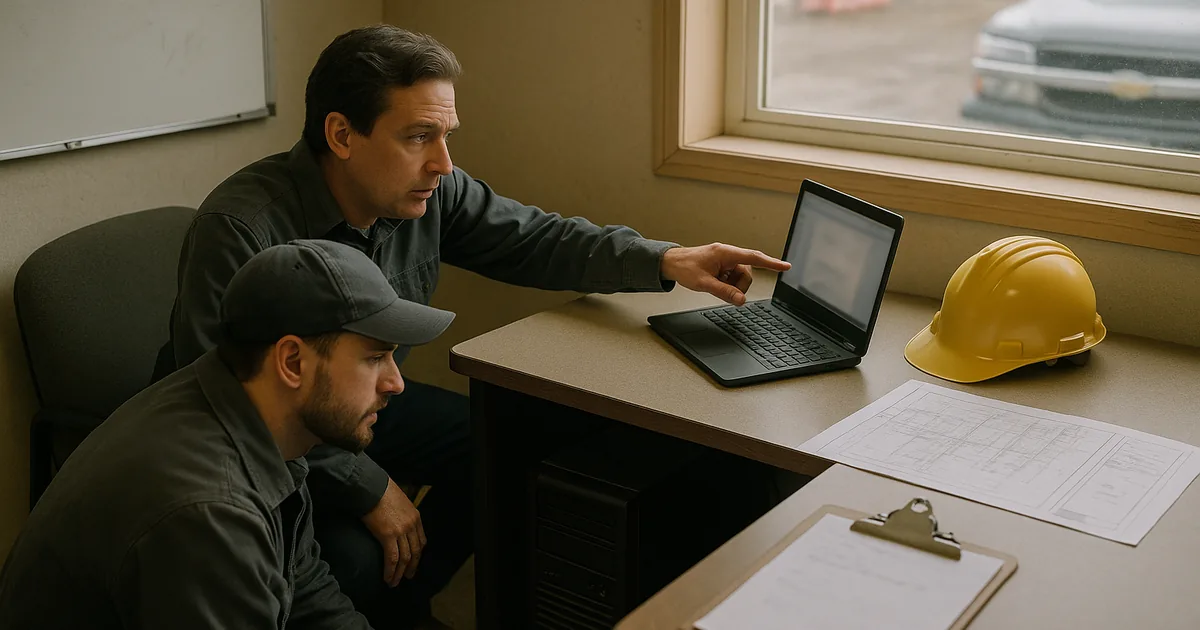
Why Legacy Construction IT Becomes a Breach Problem
For Reno construction firms, a data breach often starts well before any alert appears. The pattern we see is an innovation wall: old servers, unsupported desktops, outdated firewall rules, and a mix of local shares and cloud apps that were added over time but never fully integrated. That leaves the business stuck with 2019-era operating assumptions while project teams, estimators, accounting staff, and field supervisors are expected to work with modern cloud platforms, mobile access, and tighter client security requirements.
The direct answer is this: legacy tools destabilize security because they cannot consistently support current patching, identity controls, logging, or recovery workflows. Once that happens, even a small phishing event or credential misuse can spread farther than it should. In practice, firms dealing with this pattern usually need managed cybersecurity programs in Reno that reduce tool sprawl, standardize controls, and make security usable for office and field operations. That is where the visible breach connects back to the real root cause. In Melinda’s case, the interruption was not just about one compromised account; it was about a stack that had become too fragmented to defend or recover cleanly.
- Legacy infrastructure: Older hardware and operating systems often cannot support current endpoint protection, modern authentication, or reliable audit logging.
- Patchwork fixes: Temporary workarounds between file shares, VPN access, and cloud storage create blind spots where permissions drift and data copies multiply.
- Adoption friction: If tools are hard to use, staff fall back to email attachments, USB transfers, or personal storage habits that increase exposure.
- Construction workflow pressure: Bid deadlines, jobsite coordination, and multi-party document exchange make weak systems fail faster under real operational load.
Practical Remediation for the Innovation Wall
The fix is usually not a single security product. It is a controlled modernization plan that removes unsupported systems, consolidates where data lives, and applies security controls that fit how construction teams actually work. We typically start by identifying which systems still hold active project data, which devices cannot be patched to current standards, and where identity access is inconsistent between on-premise and cloud environments. From there, the goal is to simplify first, then harden.
For firms with mixed local and cloud workloads, this often requires disciplined server and hybrid infrastructure management so file access, backup jobs, line-of-business applications, and remote connectivity are all operating from a supported baseline. Where Microsoft 365, SharePoint, or Teams are already in use, structured cloud and Microsoft environment management helps eliminate duplicate storage paths and inconsistent permissions. External guidance from CISA’s ransomware guidance is useful here because it aligns well with the controls most construction firms need: identity hardening, tested backups, segmentation, and incident response readiness.
- Asset cleanup: Remove or isolate unsupported servers, workstations, and network gear that cannot meet current patch and logging requirements.
- MFA hardening: Enforce multi-factor authentication for email, remote access, admin accounts, and cloud file platforms.
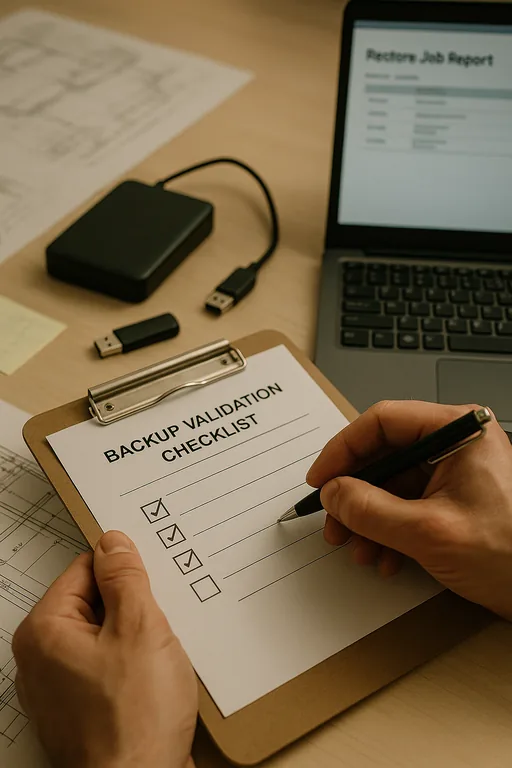
- Backup validation: Test restore points for project files, accounting data, and shared folders instead of assuming backup jobs are usable.
- Permission redesign: Rebuild access by role so estimators, project managers, accounting, and field teams only reach the data they actually need.
- Endpoint and alerting controls: Deploy EDR, tune alert thresholds, and make sure suspicious sign-in activity triggers a response before files are encrypted or exfiltrated.
Field Evidence: From Fragmented File Access to Controlled Recovery
We have seen this pattern in Northern Nevada business corridors where office staff in Reno are supporting crews moving between Sparks yards, supplier locations, and active jobsites. Before remediation, the common condition is familiar: one old server still hosts critical folders, cloud storage is only partially adopted, and remote users rely on inconsistent VPN access or copied files. When a credential event or malware incident hits, the business cannot quickly answer what data was exposed, what systems are authoritative, or how long recovery will take.
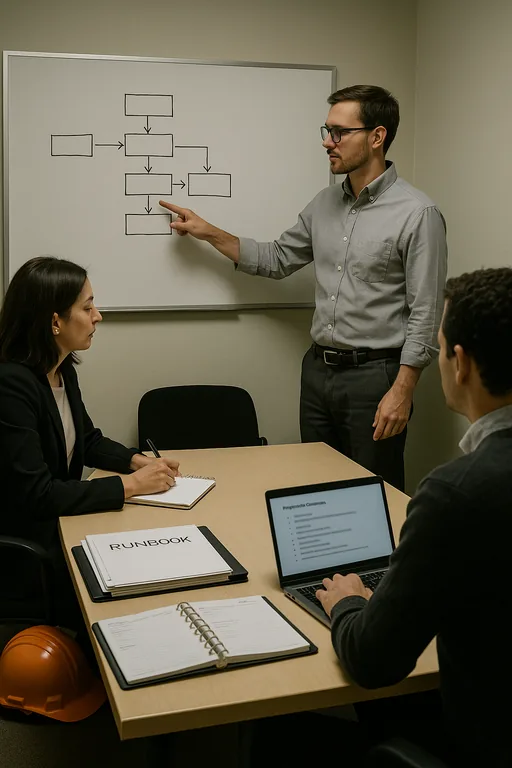
After consolidating file locations, validating backups, enforcing MFA, and retiring unsupported devices, the environment becomes much easier to operate. Incident scope is smaller, recovery steps are documented, and staff are no longer guessing which copy of a drawing set or contract file is current. In one similar construction environment, a weather-related connectivity disruption during a winter week in Reno exposed how fragile the old setup had been; after cleanup, the same type of interruption no longer created a security event or a document control problem.
- Result: Reduced recovery time from more than one business day to under two hours for shared project data, with fewer duplicate file locations and clearer access control.
Construction Breach Risk Reference Points
Scott Morris is an experienced IT and cybersecurity professional with 16 years of hands-on experience in managed technology services. He specializes in Managed Cybersecurity Programs and has spent his career building practical recovery, security, and operational continuity processes for businesses across Reno and Northern Nevada.

About the Author: Scott Morris
Local Support in Reno
Reno Computer Services is located at 500 Ryland Street in downtown Reno, with a typical drive of about 13 minutes to the Parr Boulevard area referenced in this scenario. That local proximity matters when a construction office is dealing with access loss, server instability, or a suspected breach and needs practical response tied to how Northern Nevada businesses actually operate.
What Construction Firms Should Take Away
A breach in a Reno construction environment is rarely just a security failure in isolation. More often, it is the result of aging infrastructure, fragmented file handling, inconsistent identity controls, and tools that staff have only partially adopted because the workflow never matched the job. When those conditions stay in place, even a small incident can interrupt billing, scheduling, estimating, and project coordination.
The practical takeaway is to remove unsupported systems, simplify where data lives, validate recovery, and make security controls fit the way the business actually operates. That approach lowers risk and also makes day-to-day work more stable for office teams, field users, and leadership.