
Small Businesses
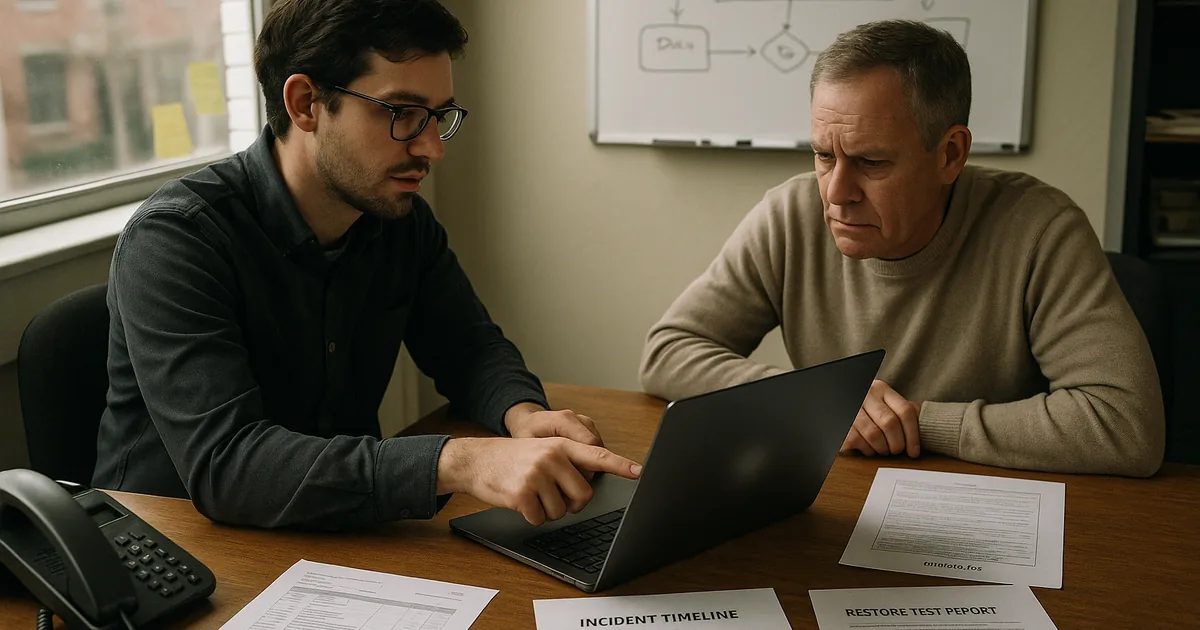
Small businesses need technology decisions that protect cash flow, staff productivity, and customer trust. Clear guidance, practical support, and the right local resources help owners reduce downtime, manage risk, and build operations that can keep running under pressure.
When Alexia N. opened her eight-person firm’s inbox Monday morning, a former employee’s still-active Microsoft 365 account had created forwarding rules, diverted customer payments, and locked staff out of shared files; for a small business with no internal IT bench, the fraud response, downtime, and cleanup reached $61,250.
The following scenario is based on a redacted real-world business IT incident pattern. Identifying details have been changed for privacy, but the disruption sequence and cost impact remain realistic.

About the Author: Scott Morris
Scott Morris is an experienced IT and cybersecurity professional with 16 years of hands-on experience in managed technology services. He specializes in Small Businesses and has spent his career building practical recovery, security, and operational continuity processes for businesses across Nevada.
Guidance here reflects the operational perspective of Scott Morris, a managed IT and cybersecurity professional who helps businesses secure user accounts, maintain stable infrastructure, document recovery procedures, and reduce preventable downtime. Scott Morris has 16+ years of managed IT and cybersecurity experience. That background is relevant to small businesses because weak identity control, poor documentation, and untested recovery plans tend to hit smaller teams harder, where one outage or compromise can interrupt billing, customer service, and daily operations. His work with Reno and Sparks business technology environments is grounded in practical risk reduction, business continuity, secure infrastructure management, recovery readiness, and operational resilience.
This article explains common operational patterns, not a diagnosis of any one company. This is general technical information; specific network environments and compliance obligations change strategy. Small business decisions should be based on actual systems, data handling, staffing, and recovery requirements.
In IT terms, a small business is usually defined less by headcount than by operating constraints: limited redundancy, shared responsibilities, a few critical systems, and very little margin for disruption. That is why small companies often use managed IT services to formalize patching, monitoring, access control, and vendor coordination that would otherwise live in scattered notes and memory.
- Limited redundancy: One failed laptop, one disabled email account, or one broken internet circuit can disrupt an entire day because there is rarely spare capacity.
- High impact of identity mistakes: A common failure point is a former employee account that remains active, a shared administrator login, or multifactor authentication that was enabled for some users but never enforced for all.
- Vendor concentration: Small businesses often depend on a narrow set of software and service providers, so a billing issue, expired certificate, or unsupported application can stop work quickly.
- Documentation gaps: Passwords, licensing details, and recovery steps often sit with one person or one inbox until an outage exposes how little is actually recorded.
A ten-person law office, a retail operation, and a field-service contractor do not carry the same risk profile, but each needs to know which systems stop revenue, which accounts hold sensitive data, and how work continues during an outage. As firms add staff, locations, or compliance pressure, the discipline required starts to look more like what is expected of mid-size businesses, even if the company still sees itself as small.
What does “small business” really mean in IT and cybersecurity terms?

From an operations standpoint, a small business is an environment where a short list of people, systems, and vendors carries most of the workload. What usually separates a stable environment from a fragile one is not size alone; it is whether key functions such as email, file access, billing, scheduling, remote access, and line-of-business software have defined ownership, documented recovery steps, and controlled access. In mature environments, small does not mean informal. It means controls are proportionate, documented, and tied directly to the systems that keep revenue moving.
Why do small businesses often suffer larger operational shocks from ordinary IT failures?
The risk is concentration. A common failure point is a single cloud tenant, one internet provider, one office firewall, or one employee who understands the accounting system better than anyone else. When that point fails, the business does not just lose a device or an account; it loses workflow, customer response time, and often the ability to invoice or collect payment. In practice, this often breaks down when technology decisions were made for convenience rather than resilience, so the business appears efficient until one ordinary failure exposes that there was no buffer, no documented fallback, and no tested escalation path.
Which risks can disciplined IT management reduce for small businesses?
Disciplined management can reduce credential theft, invoice fraud, data exposure, patch-related instability, vendor lockout, and the quiet growth of excessive access rights over time. Guidance in NIST SP 800-63B matters here because identity is often the smallest company’s weakest perimeter; stronger authentication only helps when account creation, privilege changes, and offboarding are handled consistently from start to finish. In business terms, that means fewer unauthorized logins, less chance of after-hours mailbox abuse, and better control over who can access payroll, banking, customer records, and administrative settings.
How does competent small-business IT management work in practice?
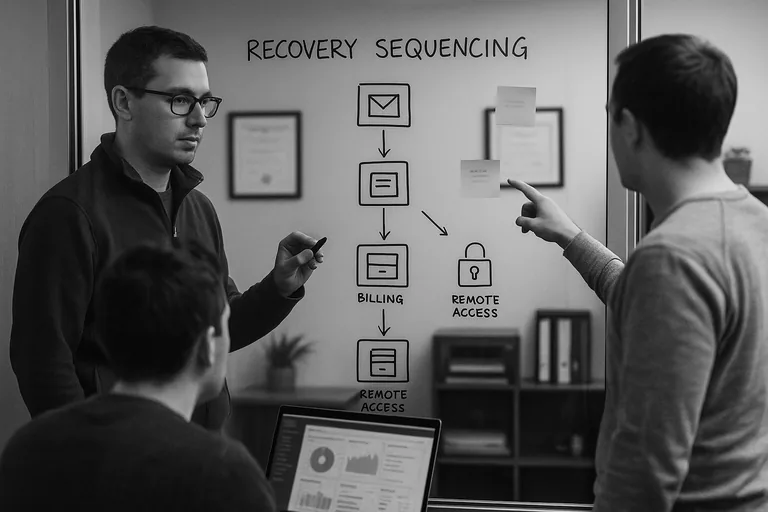
In practice, competent management starts with an accurate asset inventory, named ownership for each business application, standardized workstation builds, enforced multifactor authentication, scheduled patching, monitored backups, and alerting that routes to a real responder instead of an unattended mailbox. During a routine review pattern seen in small environments, a low-disk-space alert on a front-desk PC led technicians to discover that a line-of-business database had been saving locally for months instead of to the server; the visible symptom was storage pressure, the underlying issue was undocumented workflow drift, and the long-term control was to relocate the database, standardize permissions, and monitor the application path. This is the difference between casual support and proactive managed IT operations: the tool alone is not the safeguard; the safeguard is the repeatable process around deployment, review, escalation, and correction.
How can a business owner tell whether protections are real or only assumed?
A mature environment produces evidence. One of the first things experienced IT teams check is whether there are current asset records, patch compliance reports, documented account reviews, backup restore test results, and monitoring tickets showing who responded, when, and how the issue was closed. If a provider says backups are running but cannot show a recent successful restore, or says systems are monitored but has no alert history or escalation notes, the protection may exist on paper only. For Nevada companies handling personal information, Nevada Revised Statutes NRS 603A matters because reasonable security is far easier to defend when safeguards, review cadence, and exception handling are documented instead of assumed.
When does weak implementation become dangerous for a small business?
Weak implementation becomes dangerous when the environment looks functional from the outside but critical control ownership is unclear. A common failure point is the business where the owner, office manager, software vendor, and IT provider each assume someone else is reviewing administrator access, renewing licenses, validating backups, or watching security alerts. This tends to break down when an employee leaves, a phishing email lands after hours, or a firewall fails and nobody knows the last good configuration. Smaller firms approaching the complexity of mid-size operations are especially exposed if they still rely on shared passwords, undocumented vendor accounts, and hardware replacement only after an outage.
What should a small business do next if the environment feels fragile?
Start by identifying the few systems and accounts that would stop operations if they failed today: email, finance, file storage, line-of-business software, remote access, and administrative logins. Then ask for evidence, not reassurance: a current user list, a record of who has administrator rights, recent patch status, a tested restore result, and a written escalation path for outages and suspicious activity. If those basics are unclear, the next step is not to buy more tools immediately; it is to establish ownership, remove unnecessary access, document dependencies, and decide whether an ongoing support model is needed to keep controls consistent as the business grows.