
Retail
Retail operations depend on connected checkout, inventory, staff access, and payment systems working together under pressure. This guide explains where retail IT usually breaks down, what good control looks like, and how decision-makers can judge whether their environment is resilient.
During a weekend clearance event, Alexa W. lost card processing at two retail locations after an old vendor remote-access account was used to push a bad POS update across both stores. Checkout lines stalled for hours, returns piled up, and labor, lost sales, and emergency response totaled $60,500.
The following situation represents a realistic incident pattern derived from real business IT environments. Identifying details have been changed to preserve confidentiality.

About the Author: Scott Morris
Scott Morris is an experienced IT and cybersecurity professional with 16 years of hands-on experience in managed technology services. He specializes in Retail and has spent his career building practical recovery, security, and operational continuity processes for businesses across Nevada.
Scott Morris is a managed IT and cybersecurity professional who helps businesses manage retail infrastructure, secure payment-connected systems, maintain endpoint and network stability, control vendor access, and recover from outages with less confusion and delay. Scott Morris has 16+ years of managed IT and cybersecurity experience. That background is relevant to Retail because small mistakes in store technology can interrupt sales, expose sensitive data, complicate compliance obligations, and turn a local incident into a chain-wide disruption, so the work is grounded in practical risk reduction, business continuity, secure infrastructure management, recovery readiness, and operational resilience for Reno and Sparks business technology environments.
This article explains common retail IT and cybersecurity patterns so business leaders can ask better questions and spot hidden operational risk earlier. This is general technical information; specific network environments and compliance obligations change strategy.
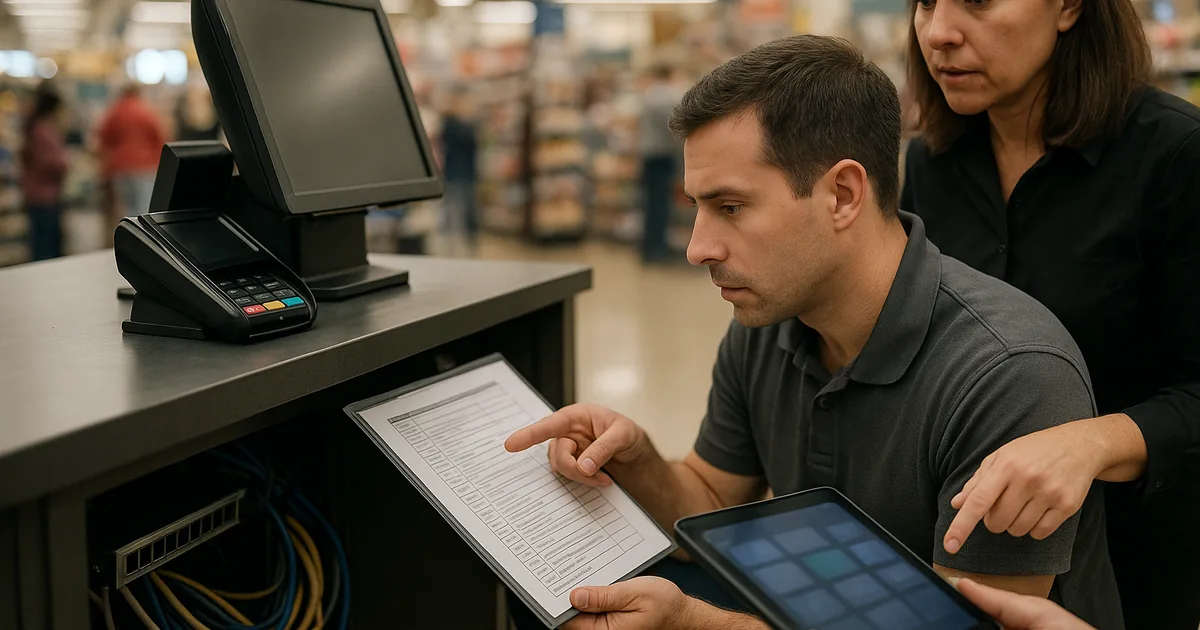
Retail is not just point-of-sale hardware. It is the stack that keeps merchandise moving and payments flowing: POS terminals, payment devices, handheld scanners, back-office PCs, inventory and ERP connectors, security cameras, store Wi-Fi, SaaS accounts, and the vendor access behind them. Businesses that rely on managed IT services usually gain better visibility into these moving parts because store systems, cloud accounts, and support ownership are documented instead of being left to habit.
Retail environments fail differently from a normal office because revenue is tied directly to transaction speed and store uptime. A common issue is that stores accumulate one-off fixes over time: an unmanaged spare register, a shared admin login, a firewall rule left open for a POS vendor, or a forgotten tablet still connected to inventory software. If a retailer also operates a pharmacy counter or clinic, the control set may overlap with healthcare technology requirements, which raises the stakes around access control, logging, and downtime planning.
- Revenue dependency: When checkout, returns, or inventory lookup slows down, labor costs rise while sales stall in real time.
- Trust dependency: Card data, loyalty accounts, and staff identities create breach exposure even in smaller stores.
- Support dependency: Retail locations need consistent standards, because one poorly configured store can become the weak point for the whole chain.
What does retail IT actually include beyond the cash register?
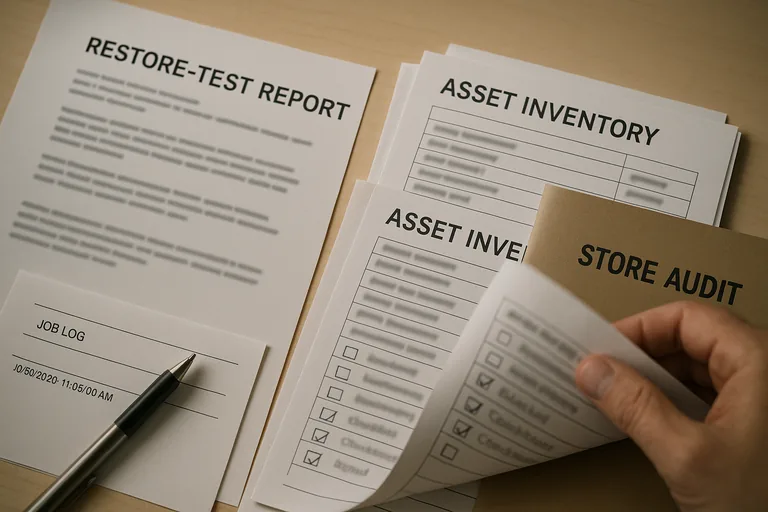
Retail IT includes payment devices, POS terminals, barcode scanners, wireless networks, cloud dashboards, back-office systems, cameras, receiving workstations, and the user accounts that tie them together. A stable environment does not treat those pieces as separate gadgets; it ties them to documented ownership, lifecycle tracking, and consistent support standards, which is why many stores use ongoing managed IT services instead of letting each location drift into its own unsupported setup.
Why does retail technology affect revenue and customer trust so quickly?
The risk is immediate because the transaction path is short: a register cannot connect, a payment terminal times out, or inventory cannot sync, and the store starts losing money in minutes rather than days. This tends to break down when retailers assume a temporary workaround is harmless; in practice, manual key entry, paper receipts, delayed returns, and staff calling vendors from the sales floor create longer lines, reconciliation errors, and customer frustration that can outlast the actual outage.
Which retail risks deserve the most attention first?
For merchant environments, PCI DSS Official Standards matter because they turn payment security into operational expectations: restrict who can access card-processing systems, segment those systems from the rest of the network, keep affected systems patched, and maintain usable logs. In practice, the highest-value risks to review first are shared register credentials, flat networks that let a compromised office PC reach payment infrastructure, neglected vendor remote access, and endpoints that still process business-critical work but no longer receive reliable security updates.
How should retail systems be managed in practice day to day?
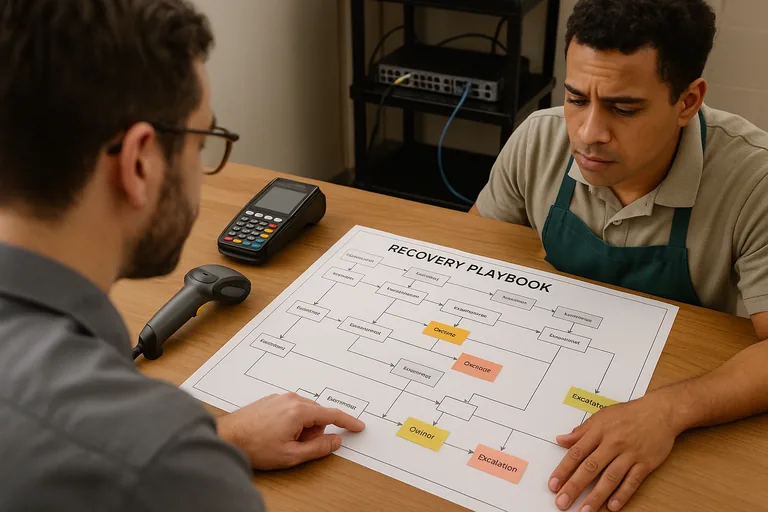
In mature environments, retail IT is run through an accurate asset list by store, standard device builds, segmented networks for POS, office, cameras, and guest Wi-Fi, scheduled patch windows that avoid peak trading periods, monitored remote support, and controlled vendor access with named accounts. Guidance in NIST SP 800-63B is relevant because retail breaches often begin with weak identity control, so privileged accounts, vendor logins, and cloud administration need strong authentication and lifecycle review rather than password reuse and informal account sharing. During a routine review, a repeated authentication alert from a store controller led to discovery that a former contractor account still had VPN access and the same password had been reused on a vendor portal; the lesson was not just to enable multifactor authentication, but to document joiner-mover-leaver processes and confirm that access removals are actually completed.
How can a retailer tell whether its controls are actually working?
When does weak retail IT implementation become dangerous?
It becomes dangerous when controls are installed without process around them. One of the first things experienced IT teams check is whether security tools are actually enforced across every store or only on the devices someone remembered to enroll. In environments that have not been reviewed recently, it is common to find a spare register running an older image, a network switch with default credentials, camera systems sharing a flat network with business systems, or former managers still listed in cloud admin roles. What usually separates a stable environment from a fragile one is not the tool alone; it is documented ownership, review cadence, exception handling, and the discipline to remove shortcuts before a busy season exposes them.
What should retail leaders review before the next busy period?
If the idea of losing checkout during a promotion sounds uncomfortably plausible, that usually means the environment deserves a hard review before the next busy weekend. Retail leaders who need help interpreting current controls or closing obvious gaps should speak with an experienced advisor and get clear evidence of what is protected, what is monitored, and what would happen during an outage.