
Network, Server & Cloud Management in Reno, Nevada
Network, server, and cloud management keeps Reno businesses operating by coordinating infrastructure, security, performance, and recovery across offices, remote users, and hosted platforms. Done well, it reduces downtime, contains avoidable risk, and gives leadership real visibility into system health.
At 8:17 a.m., Allen S. lost accounting, shipping, and remote access across his Reno office when an overfilled virtualization datastore and missed storage alerts crashed two production servers and broke cloud sync. Delayed orders, emergency labor, and after-hours recovery pushed the disruption to $64,000 before operations stabilized.
This opening scenario is derived from real operational incidents observed in managed IT environments. Names and identifying details have been modified for confidentiality.

About the Author: Scott Morris
Scott Morris is an experienced IT and cybersecurity professional with 16 years of hands-on experience in managed technology services. He specializes in Network, Server & Cloud Management in Reno, Nevada and has spent his career building practical recovery, security, and operational continuity processes for businesses across Nevada.
This article is intended to help business leaders evaluate infrastructure management issues in plain business language. This is general technical information; specific network environments and compliance obligations change strategy.
Network, server, and cloud management is the operating discipline that keeps business systems available, secure, and recoverable across the full chain of connectivity. In real environments, that means firewalls, switches, wireless, VPNs, servers, virtualization hosts, storage, Microsoft 365 or other cloud platforms, identity systems, backups, and the change processes around them. A common failure point is treating those layers as separate silos when they are tightly connected during outages and security events.
For many organizations, the real issue is not whether equipment exists but whether somebody owns it end to end. Mature managed IT services in Reno tie infrastructure to documented standards, alert response, patching, lifecycle planning, and recovery procedures. That same discipline overlaps with compliance and risk management because weak access control, incomplete logging, and undocumented cloud administration create both operational disruption and avoidable governance exposure.
- Network layer: Firewall policy, switching, wireless coverage, VPN reliability, segmentation, internet circuit failover, and monitoring for latency, packet loss, and unusual traffic.
- Server layer: Operating system patching, virtualization health, storage capacity, application dependencies, backup coordination, and lifecycle planning before aging hardware becomes the outage.
- Cloud layer: Identity administration, tenant security settings, conditional access, licensing hygiene, logging visibility, and controlled integration between cloud services and on-premise systems.
What does network, server & cloud management actually include?
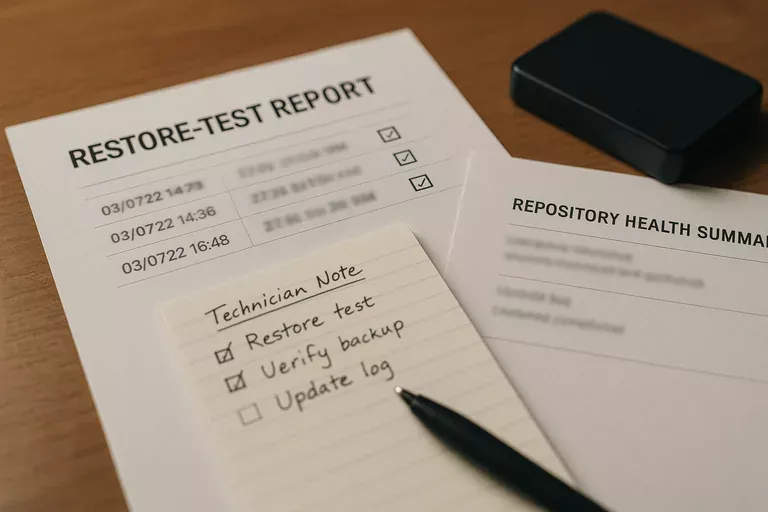
It includes the full operational path from internet edge to user identity. A mature scope covers firewalls, switches, DNS, DHCP, wireless controllers, virtualization, storage, Windows or Linux servers, cloud tenants, backup jobs, administrative access, vendor connections, and the records showing who changed what and when. In practice, the issue is rarely the tool alone; it is the process around it. A firewall with no rule review, a cloud tenant with shared admin accounts, or a server with no lifecycle plan may all appear stable until payroll, dispatch, file access, or customer communication suddenly depends on the missing control.
Why does this matter to uptime, security, and cost in Reno businesses?
Most business outages are chain failures rather than single-device failures. A DNS issue can look like an internet outage, a storage threshold can look like an application problem, and a cloud identity lockout can stop email, file access, and line-of-business systems at the same time. That is why stable ongoing managed IT support focuses on dependency mapping instead of isolated ticket fixing. For leadership, the business consequence is straightforward: weak management turns minor technical faults into staff downtime, delayed customer work, emergency labor, and rushed decisions made without clear system visibility.
Which risks does competent management reduce?
How does network, server & cloud management work in practice day to day?
In mature environments, the daily work is repetitive and evidence-based: alerts are triaged, failed jobs are investigated, patches are deployed in scheduled windows, configuration changes are documented, and privileged access is reviewed when staff, vendors, or business systems change. During one routine review, repeated failed sign-ins on a cloud admin account first looked like hostile activity; investigation showed a retired warehouse scanner still authenticating through an old relay credential that had never been decommissioned. The real fix was not only a password reset but removal of the stale device, tighter service-account scope, and updated asset documentation so future alerts had accountable ownership. Guidance in NIST SP 800-207 Zero Trust Architecture exists for exactly this reason: trust should follow verified identity and controlled access paths, not old assumptions that anything on the network is safe.
How can a business tell whether its environment is being managed competently?
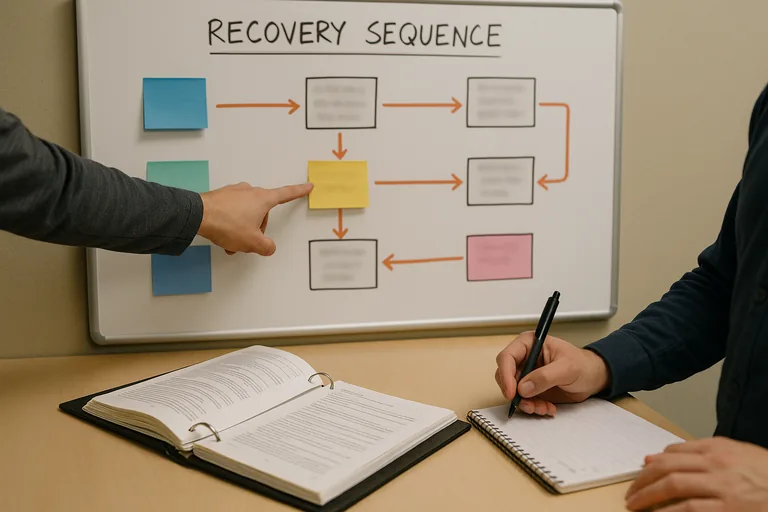
Ask for evidence, not adjectives. A competent provider or internal team should be able to produce a current network diagram, asset inventory, administrative account register, patch compliance reporting, alert escalation records, backup restore test results, and change logs showing how production systems are modified. A monitoring system should generate alerts, but competent teams also maintain documented escalation workflows showing who responded, what was investigated, whether the issue was contained, and how closure was verified. If reporting is vague, if cloud administrators cannot be clearly identified, or if nobody can show the last successful restore test, that usually indicates a fragile environment hidden behind routine ticket closure.
When does weak implementation become dangerous?
Weak implementation becomes dangerous when protections exist only at installation time. A common failure point is firewall rules that expand over years until segmentation is mostly gone, local administrator rights that remain with old power users, or cloud backup scope that silently misses shared data after licensing or platform changes. This tends to break down during staff turnover, vendor transitions, or urgent application changes, because the outage reveals that documentation is outdated and the only person who understood the dependency path is no longer available. What usually separates a stable environment from a fragile one is not the equipment brand; it is whether ownership, review cadence, exception handling, and recovery assumptions are current and verified.
What should happen next if a business suspects gaps?
The next step should be a scoped operational review rather than a rushed product purchase. Start with the business processes that cannot tolerate disruption, then trace the network paths, servers, cloud services, identities, and vendor dependencies that support them. One of the first things experienced IT teams check is whether the documentation matches reality: current diagrams, valid backups, active monitoring thresholds, supported server versions, internet circuit dependencies, and a clear list of privileged accounts. From there, priorities usually become obvious, and the business can decide whether to remediate internally or bring in outside help with a defined order of operations.