
How does local IT support help businesses with on-site technology needs?
Local IT support helps businesses resolve physical technology problems that remote tools cannot fix, from failed switches and workstation deployments to Wi-Fi dead zones, cabling issues, and recovery tasks that affect uptime, staff productivity, and security.
At 8:12 a.m., Aubrey D. opened the office to find half the phones down, the wireless network unstable, and the core switch stuck in a boot loop after a weekend power fluctuation. No one local could replace or reconfigure it fast enough, order entry stalled for a full day, and the disruption ended up costing $77,500 in lost production, rush hardware, and overtime.
This opening scenario is derived from real operational incidents observed in managed IT environments. Names and identifying details have been modified for confidentiality.

About the Author: Scott Morris
Scott Morris is an experienced IT and cybersecurity professional with 16 years of hands-on experience in managed technology services. He specializes in How does local IT support help businesses with on-site technology needs? and has spent his career building practical recovery, security, and operational continuity processes for businesses across Nevada.
Scott Morris is a managed IT and cybersecurity professional who helps businesses manage infrastructure, user support, security controls, recovery readiness, and continuity when on-site failures interrupt operations. Scott Morris has 16+ years of managed IT and cybersecurity experience. That background is directly relevant to local IT support because stable offices depend on workstations, network gear, cabling, wireless systems, printers, and edge devices being installed correctly, documented, secured, and recoverable when something breaks. His work with Reno and Sparks business environments is grounded in practical risk reduction, business continuity, secure infrastructure management, recovery readiness, and operational resilience.
This article explains common operating patterns, failure points, and evaluation criteria for local business IT support. This is general technical information; specific network environments and compliance obligations change strategy.
Local IT support is the part of business technology support that deals with problems remote tools cannot touch: failed switches, dead access points, cabling faults, printer and scanner issues, workstation swaps, conference room systems, internet handoff equipment, and physical server or network closet checks. In a mature managed IT services model, remote helpdesk and on-site support work together, because many outages start with a software symptom but end with a physical fix.
For business leaders, the real value is not just having someone nearby. It is having someone who understands the office layout, network dependencies, vendor handoffs, and business-critical devices well enough to diagnose the right failure quickly. That is one practical reason decision-makers review what Reno businesses should look for in a managed IT services provider; speed without context often results in repeated outages, rushed hardware purchases, and users creating unsafe workarounds.
What usually separates a stable environment from a fragile one is preparation. Competent local support maintains asset inventory, labeled network closets, device warranty status, documented ISP and copier contacts, admin credential control, spare equipment planning, and change records for things such as switch replacements or wireless adjustments. Businesses comparing ongoing IT management should expect those operational basics to exist before the next emergency, not be invented during it.
What does local IT support actually cover beyond remote helpdesk?
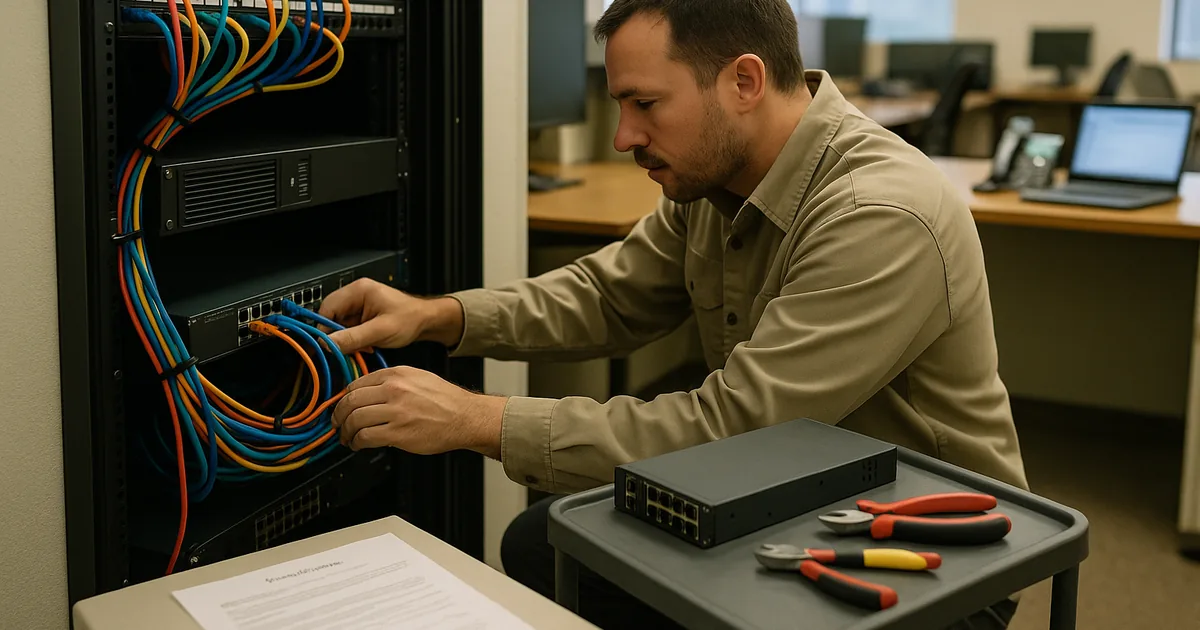
It covers the physical layer of business technology: installing and replacing workstations, tracing cabling faults, validating patch panels, mounting and tuning wireless access points, handling printer and scanner integration, bringing conference room systems back online, checking UPS units, working with internet providers at the demarcation point, and confirming that equipment in the network closet matches the documented design. A common failure point is assuming remote support can solve a problem that is really caused by bad cabling, a failed power supply, heat in a closet, or an unauthorized device someone added under a desk.
Why does on-site support matter when remote tools already exist?
Remote tools are useful for visibility, but they do not reseat a failed transceiver, replace a dead access point, relabel a patch panel, or verify that a copier vendor moved a cable into the wrong VLAN. In practice, local support matters because the physical environment is where many recurring disruptions hide. When that layer is ignored, staff see repeated disconnects, voice quality issues, slow printing, unstable Wi-Fi, and longer outages because the real problem is never confirmed at the source.
What risks can local IT support reduce in day-to-day operations?
- Downtime: Fast diagnosis of hardware, wiring, and connectivity faults usually shortens outages and reduces lost staff time.
- Security exposure: On-site reviews often uncover unmanaged switches, open wall ports, shared local admin access, and forgotten devices that increase attack surface.
- Vendor confusion: A local technician can coordinate internet, phone, copier, alarm, and software vendors so the business is not left arbitrating technical blame.
- Hidden technical debt: Routine site visits often reveal battery failures, poor airflow, unlabeled circuits, aging network gear, and undocumented changes before they turn into larger incidents.
How does competent local IT support work in practice during an on-site issue?
A competent process starts with triage, not dispatch for its own sake: review monitoring, confirm affected users, check recent changes, identify whether the issue is physical, configuration-related, or potentially security-related, and bring the right replacement parts or tools. Guidance from the Cybersecurity and Infrastructure Security Agency (CISA) matters here because structured incident response depends on preserving logs, documenting actions, and containing risk rather than just making the symptom disappear. During a routine site visit, a switch port error alert and repeated VoIP complaints pointed to what users described as a “phone system problem.” The underlying issue turned out to be an unmanaged mini-switch added under a desk months earlier, creating intermittent loops and packet loss. The durable fix was not only removing the device, but updating the network diagram, documenting the approved port use, and confirming switch configuration backups before closing the ticket.

How can a business tell whether local IT support is being managed competently?
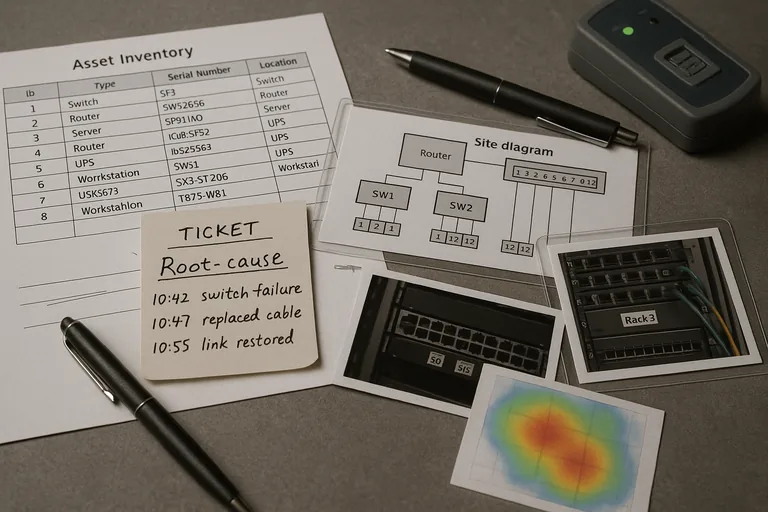
A competent provider should be able to explain what is covered, how dispatch decisions are made, who owns escalation, and what records prove work is being done correctly. Useful evidence includes current asset inventory, site diagrams, labeled rack photos, ticket notes with root cause and resolution steps, patch compliance reports for on-site devices, alert escalation logs, warranty tracking, Wi-Fi survey notes when coverage is adjusted, and configuration backup records for switches and firewalls. When reviewing managed support coverage, ask to see examples of documentation quality and review cadence, because a mature environment leaves operational evidence behind; a weak one depends on memory and verbal reassurances.
When does weak local IT support become dangerous?
This tends to break down when one person informally “knows the office,” but nothing is documented, tested, or reviewed. Common warning signs include network closets with unlabeled patching, shared admin passwords kept in spreadsheets, spare hardware with unknown configuration state, office moves done without change records, alerts that fire but have no assigned responder, and terminated employees whose building, workstation, or VPN access was removed inconsistently. In mature environments, local support is part of security and continuity, not just convenience. Without that discipline, a routine power event, ISP cutover, or device failure can expose deeper weaknesses in access control, recovery readiness, and accountability.
What should a business do next if its on-site technology support feels fragile?
Start with a practical baseline review: walk the site, list critical systems, verify who supports each one, confirm asset accuracy, inspect network closets, check wireless coverage in problem areas, review escalation contacts, and identify where the business would be blocked if a single device failed. Then decide whether current support is reactive or managed with ownership. If the environment cannot produce documentation, evidence of maintenance, and a clear response path for on-site issues, that gap should be treated as an operational risk, not a minor inconvenience.