
Business IT Operations Management

Business IT Operations Management is the discipline that keeps business systems stable, secure, documented, and recoverable, so daily work continues with fewer outages, less avoidable cost, and better support for growth, compliance, and accountability.
During a weekday production rush, operations manager Abdiel R. watched a neglected virtualization host hit 100 percent storage, crash three line-of-business servers, and stall shipping for two days; overtime, recovery labor, and lost output totaled $50,250.
The following scenario is based on a redacted real-world business IT incident pattern. Identifying details have been changed for privacy, but the disruption sequence and cost impact remain realistic.

About the Author: Scott Morris
Scott Morris is an experienced IT and cybersecurity professional with 16 years of hands-on experience in managed technology services. He specializes in Business IT Operations Management and has spent his career building practical recovery, security, and operational continuity processes for businesses across Nevada.
Scott Morris is a managed IT and cybersecurity professional who helps businesses manage infrastructure, reduce security exposure, maintain dependable systems, and recover cleanly when failures occur. Scott Morris has 16+ years of managed IT and cybersecurity experience. His work is grounded in practical risk reduction, business continuity, secure infrastructure management, recovery readiness, and operational resilience, including support for Reno and Sparks business environments where stable, secure, and compliance-aware technology operations matter.
The goal of this article is to help decision-makers understand how competent IT operations are actually run and how weak execution usually reveals itself before a major incident. This is general technical information; specific network environments and compliance obligations change strategy.
It also sits behind the visible work of IT support and help desk teams. A help desk can close tickets, but if alerts are not reviewed, recurring issues are not analyzed, and assets are not tracked accurately, the same problems keep resurfacing in more expensive ways.
In regulated environments, operations management carries an added burden of proof. Offices handling protected or sensitive information, including organizations concerned with HIPAA safeguards, need their operational processes to preserve access control, logging, retention, and recoverability instead of relying on informal habits.
What does Business IT Operations Management actually include?
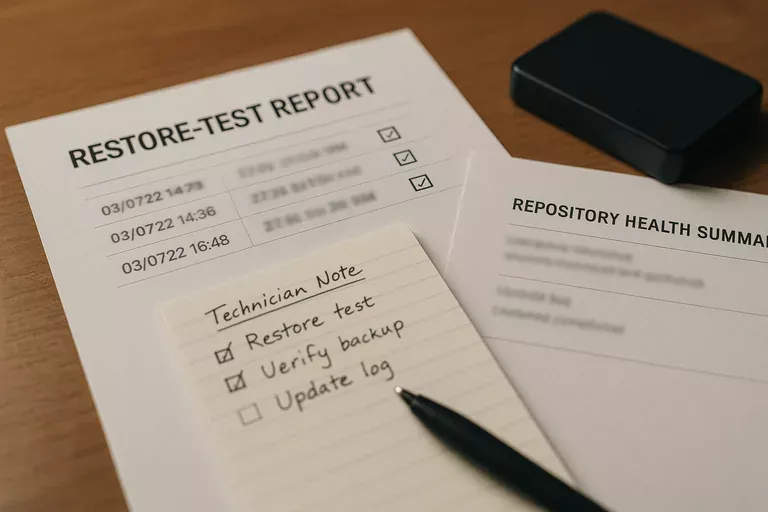
It includes the routine ownership of systems after they are deployed: maintaining an accurate asset inventory, applying updates, monitoring capacity and service health, reviewing user access, controlling changes, validating backups, documenting dependencies, and coordinating with software or connectivity vendors when something breaks. What usually separates a stable environment from a fragile one is not the tool alone; it is whether each recurring task has a named owner, a timetable, and a record showing it was completed.
Why does it affect uptime, security, and cost so directly?
A common failure point is that routine operations tasks look small until several drift at once. Storage warnings get ignored, failed jobs are assumed to be temporary, unsupported software remains in production, and former staff accounts stay active because offboarding was informal. The risk is cumulative: a minor maintenance miss can become downtime, an audit issue, or an attack path, and the business pays through interrupted orders, delayed invoicing, idle staff time, and emergency remediation instead of controlled upkeep.
What risks does it reduce when it is handled well?
Handled well, it reduces operational noise, security exposure, and recovery chaos by making the environment predictable. Mature operations limit privilege, track configuration drift, standardize patch windows, and review exceptions before they become normal practice. Guidance in NIST SP 800-63B matters here because authentication is a lifecycle issue, not just a login setting; in business terms, privileged access should be intentional, multifactor enforcement should be visible where risk is highest, and disabled users should not remain as silent exposure.
How should it work in practice inside a real business environment?
Competent operations management runs on repeatable workflows: discovery updates the asset inventory, monitoring feeds alert queues, alerts create tracked tickets, technicians follow documented runbooks, exceptions are escalated, and changes are recorded so the next outage is not diagnosed from memory. During a routine alert review, repeated shadow-copy warnings on an application server led to a deeper check that found database consistency jobs had been failing for weeks while nightly snapshots still appeared successful. The lesson was not that the server lacked tools; it was that alert ownership and remediation validation were missing, so a green dashboard hid a recoverability problem.
What evidence proves the environment is being managed properly?
A mature environment produces evidence, not reassurance. That usually includes current asset inventories, patch compliance reports, monitoring dashboards with acknowledged alerts, access review logs, change records, and restore test results showing what was recovered, how long it took, and what exceptions remain unresolved. In practice, this often breaks down when reports exist but nobody reviews them, or when backups are marked successful without any documented test of application recovery order, user permissions, or database integrity.
How can a business leader evaluate provider or internal team competence?
- Ask for current evidence: A competent team should be able to show recent patch status, open risks, alert handling, and asset accuracy without building a report from scratch.
- Ask how exceptions are managed: Strong environments document why a system is unpatched or outside policy, who approved the risk, and when it will be corrected.
- Ask how access is reviewed: Privileged accounts, dormant accounts, vendor access, and terminated users should be reviewed on a defined cadence with records kept.
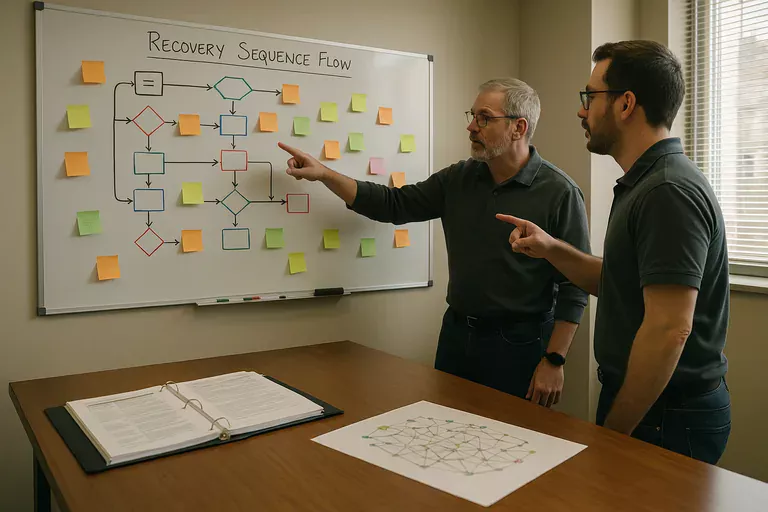
- Ask how recovery is validated: Real readiness is demonstrated by restoration tests, recovery sequence notes, and records showing lessons were fixed after each test.
What should happen next if these gaps sound familiar?
Start by ranking the systems that stop revenue, service delivery, or compliance if they fail, then verify whether each one has a documented owner, monitoring coverage, access review cadence, and a tested recovery procedure. A common mistake is trying to improve everything at once; mature environments reduce risk fastest by fixing visibility gaps, privilege issues, unsupported systems, and untested recovery paths in a deliberate order tied to business impact.