
Backup & Disaster Recovery in Fernley, Nevada
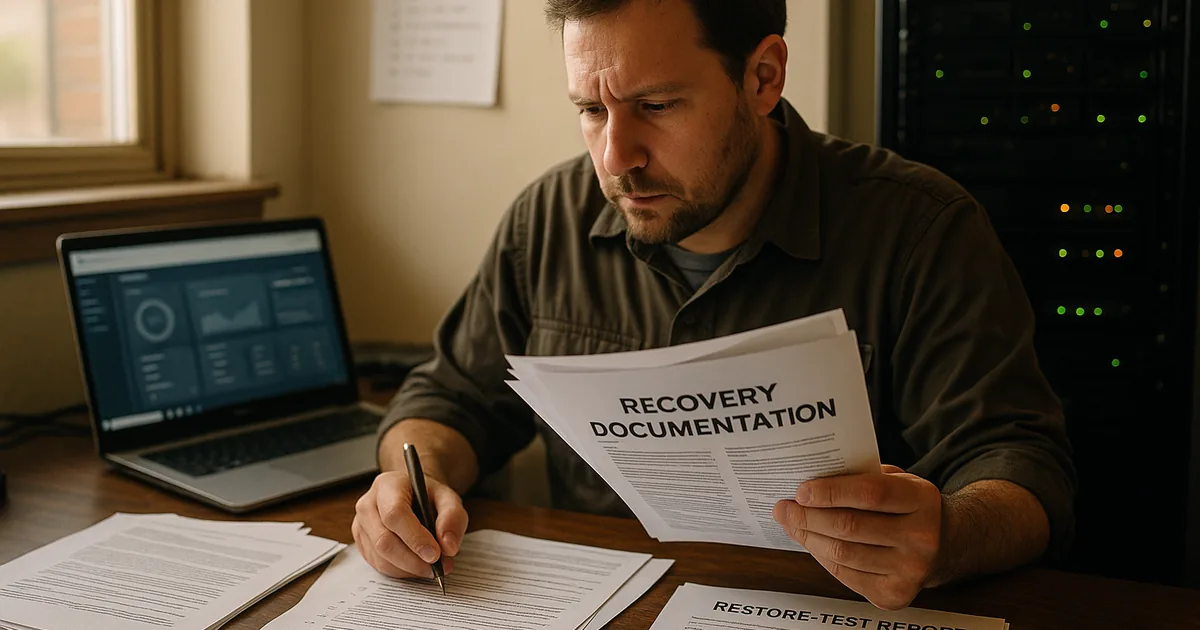
Backup and disaster recovery for Fernley businesses means more than saving copies of data. It means restoring systems, applications, and operations fast enough to avoid prolonged downtime, payroll disruption, client impact, and preventable recovery costs.
At 8:07 a.m., Amy Z. watched a Fernley distribution office lose its dispatch system when the main server booted into a failed RAID rebuild. The backup appliance had stopped replicating weeks earlier after a credential change, and the business absorbed two idle workdays, emergency recovery labor, and $67,000 in delayed billing and operational loss.
The following scenario is based on a redacted real-world business IT incident pattern. Identifying details have been changed for privacy, but the disruption sequence and cost impact remain realistic.

About the Author: Scott Morris
Scott Morris is an experienced IT and cybersecurity professional with 16 years of hands-on experience in managed technology services. He specializes in Backup & Disaster Recovery in Fernley, Nevada and has spent his career building practical recovery, security, and operational continuity processes for businesses across Nevada.
Every environment has different applications, retention needs, vendor dependencies, and recovery tolerances. This is general technical information; specific network environments and compliance obligations change strategy. Decisions about backup design, testing, and disaster recovery sequencing should be based on documented business requirements.
Backup and disaster recovery is the operating discipline of deciding what data and systems must survive, how quickly they must return, and what evidence proves recovery is possible. A business may have backups and still be fragile if application databases, server images, Microsoft 365 data, network device configurations, and restoration priorities were never included in the same backup and disaster recovery planning process.
In Fernley, a common issue is mixed environments: cloud email, local file shares, an accounting server in the office, and internet-dependent vendor systems that staff assume will always be available. What usually separates a stable environment from a fragile one is ownership: mature managed IT services in Fernley keep an accurate asset inventory, define recovery time and recovery point objectives, and document which systems must come back first so payroll, dispatch, patient scheduling, or invoicing can resume in the right order.
- Recovery objectives: Define how much downtime and how much data loss the business can actually absorb.
- Protection scope: Include servers, workstations, SaaS data, shared drives, configuration files, and the credentials needed to restore them.
- Storage design: Combine fast local recovery with offsite or immutable copies that are not exposed to the same failure domain.
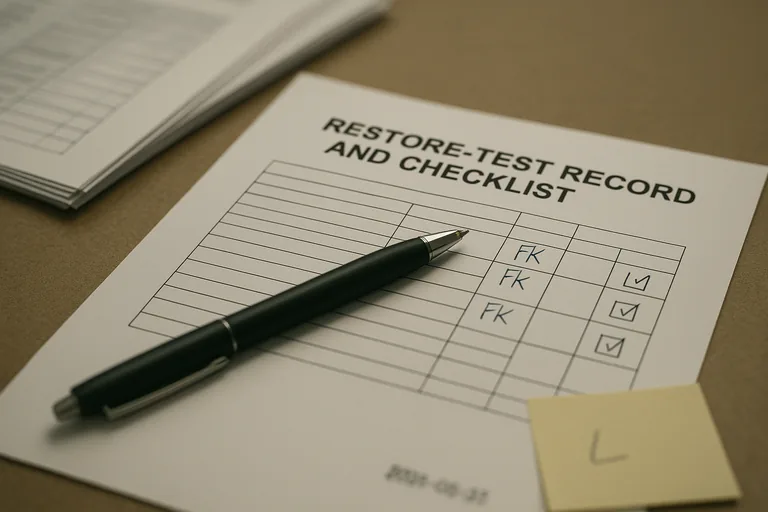
- Testing evidence: Maintain restore records, runbooks, and exception logs showing that recovery has been practiced, not assumed.
What does backup & disaster recovery actually cover for a Fernley business?
Backup is the preservation of data; disaster recovery is the structured return of business operations after an outage, cyber incident, hardware failure, or site problem. For a Fernley business, that usually means recovering not just files but line-of-business applications, user access, VPN settings, printers, firewall configurations, and cloud data dependencies. A common failure point is assuming the file server is the business when the real dependency is the accounting database, dispatch application, production software, or document management system behind it.
Why does recovery readiness matter more than backup success messages?
Recovery readiness matters because job-success emails do not prove the business can resume work. During a routine review, a dashboard showed nightly backups completing, but the investigation started when incremental sizes spiked and storage growth no longer matched change activity; a restore test then revealed a broken application-consistent chain after hypervisor snapshots had been left open. In practice, the issue is rarely the tool alone; it is the process around it. Competent teams validate backups with periodic file restores, image boot tests, exception handling, and written evidence showing what was tested, when it was tested, and whether the result was clean.
Which failures does a competent BDR plan reduce?
- Hardware and storage failure: A server, RAID set, or virtualization host can fail without warning, and recovery speed depends on whether system images and application data can be restored together.
- Ransomware or destructive changes: If backups are isolated and protected from alteration, the business has a realistic path back that does not depend on negotiating with an attacker.
- Accidental deletion or overwrite: Versioning and retention help recover work from user mistakes, vendor sync issues, or an administrator removing the wrong data.
- Site and provider disruption: Power, internet, fire, flooding, or cloud service dependency problems can stop operations even when the primary hardware still exists.
How does backup and disaster recovery work in practice?
In practice, a mature BDR process starts with inventory and dependency mapping, then assigns recovery time and recovery point targets to each critical system. Backup jobs are configured differently for servers, cloud services, and application databases, monitored daily, copied to a separate location, and protected against alteration; guidance from the Cybersecurity and Infrastructure Security Agency (CISA) stresses the 3-2-1 approach and isolated or immutable storage because backups on the same trust boundary can be encrypted or deleted during an attack. Recovery planning then sequences the restore order, identifies who approves failover or rebuild decisions, and maintains runbooks so a technician is not improvising passwords, license keys, vendor contacts, and server dependencies in the middle of an outage.
How can a Fernley business tell whether its backup environment is being managed competently?
- Restore test records: There should be dated results showing file-level and full-system recoveries, not just screenshots of successful jobs.
- Coverage reporting: An asset list should map protected systems to backup policies so leadership can see what is included, what is excluded, and who approved the scope.
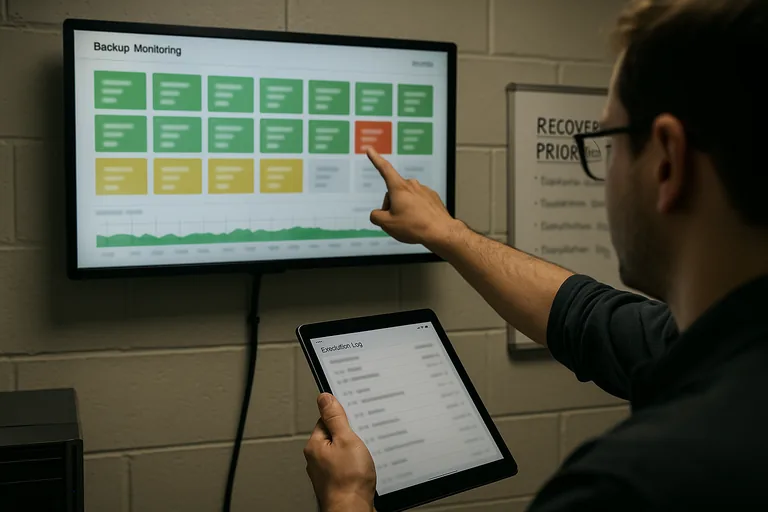
- Alert ownership: Monitoring dashboards are useful only when escalation logs show who responds to failed jobs, missed replications, or storage capacity warnings.
- Retention logic: The provider should explain why daily, weekly, monthly, and archival copies exist and how long each is kept.
- Recovery documentation: Runbooks should identify restore order, vendor dependencies, credential custody, and decision points for failover, rebuild, or manual workaround.
When does weak implementation become dangerous?
Weak implementation becomes dangerous when backups share the same credentials, storage platform, or network exposure as the systems they protect. In environments that have not been reviewed recently, it is common to find a backup appliance joined to the domain, replication errors ignored after a password change, a former administrator still holding cloud backup rights, or no written priority list for restoring operations. This tends to break down when a cyber event affects both production and recovery systems at once, and if personal information is exposed in the same incident, Nevada obligations under Nevada Revised Statutes NRS 603A can turn an outage into a legal and reporting problem as well.
What should happen next if recovery readiness is unclear?
If recovery readiness is unclear, the next step is not buying another appliance; it is reviewing business impact, protected assets, recovery order, and proof of recent testing. A competent assessment should identify which systems are recoverable, which ones depend on undocumented manual steps, where retention does not match business needs, and whether your current recovery readiness approach aligns with actual downtime tolerance. That gives leadership a decision basis for budget, risk acceptance, and accountability instead of relying on assumptions.