
Backup & Disaster Recovery in Carson City, Nevada
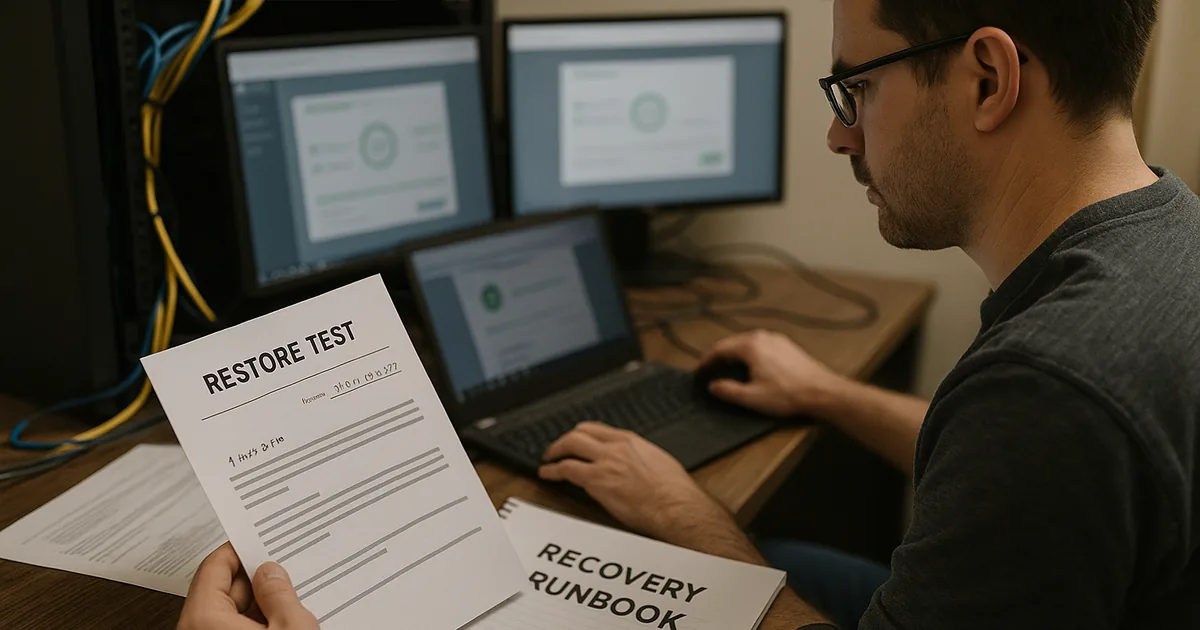
Backup and disaster recovery helps Carson City businesses restore data, applications, and operations after ransomware, hardware failure, human error, or outage events. The real objective is not just storing copies, but recovering quickly with documented priorities and tested procedures.
At 9:12 a.m., Ambar Q. learned her Carson City office could not boot its line-of-business server after a storage controller failure; the backup appliance had shown successful jobs for weeks, but the last usable restore point was 19 days old, leading to re-entry of transactions, a two-day shutdown, and $65,700 in direct loss.
The following scenario is based on a redacted real-world business IT incident pattern. Identifying details have been changed for privacy, but the disruption sequence and cost impact remain realistic.

About the Author: Scott Morris
Scott Morris is an experienced IT and cybersecurity professional with 16 years of hands-on experience in managed technology services. He specializes in Backup & Disaster Recovery in Carson City, Nevada and has spent his career building practical recovery, security, and operational continuity processes for businesses across Nevada.
This article explains common backup and recovery controls, failure points, and evaluation criteria for business environments. This is general technical information; specific network environments and compliance obligations change strategy.
Backup and disaster recovery in Carson City, Nevada means more than copying data to another device. It is the discipline of preserving recoverable copies of business information, applications, and server states, then using documented priorities to bring operations back in the right order. For many firms, backup and disaster recovery planning is where business continuity becomes measurable instead of assumed.
- Backup scope: The environment should protect more than shared folders, including servers, workstations where critical data lives, cloud data where retention is limited, and application-aware databases.
- Recovery objectives: A competent plan defines how much data loss is tolerable and how long each system can be unavailable before operations, billing, or service delivery are affected.
- Dependency mapping: Systems must be restored in sequence, because accounting, scheduling, file access, and authentication often depend on services behind the scenes.
In real business environments, the painful gap is usually between having a backup product and having a recovery process. Companies evaluating managed IT services in Carson City should expect backup ownership, alert review, retention decisions, and restoration testing to be assigned to named people rather than handled informally. That distinction often determines whether an outage becomes a short disruption or a multi-day operational failure.
What does backup and disaster recovery actually include?
Backup creates protected copies of data and systems. Disaster recovery is the operating plan for restoring those systems in a usable order, with realistic recovery time and recovery point targets. A common mistake is thinking the file server alone matters, when in practice the business may also need virtual hosts, application databases, Microsoft 365 data, identity services, firewall configuration, and vendor licensing information before staff can work normally again.
Why does it matter beyond keeping a copy of files?
Which failures does a mature recovery program reduce?
- Hardware failure: Failed storage, power events, and controller faults can stop operations even when no cyberattack occurred.
- Human error: Accidental deletion, overwritten files, and misapplied software changes often require point-in-time recovery.
- Malicious disruption: Encryption, data tampering, or credential abuse can turn ordinary backups into targets if storage is not isolated properly.
- Dependency outages: Even when files survive, broken line-of-business databases, virtual hosts, or network configurations can keep staff idle.
How should backup and recovery work in practice each day?
In a mature environment, critical systems are assigned recovery tiers, backup jobs are application-aware, at least one copy is isolated or immutable, and daily failures trigger owned alerts rather than sitting unread in a console. Guidance from the Cybersecurity and Infrastructure Security Agency (CISA) emphasizes the 3-2-1 approach because resilience depends on restoration integrity, not just storage volume. During a routine infrastructure review, a monitoring alert showed successful virtual machine backups, but a test restore of an estimating database failed because log handling had been changed months earlier during a storage cleanup. The backup software looked healthy; the recovery process was not, which is why competent teams review alerts, test restores, and keep runbooks current.

What evidence shows a provider can actually restore systems?
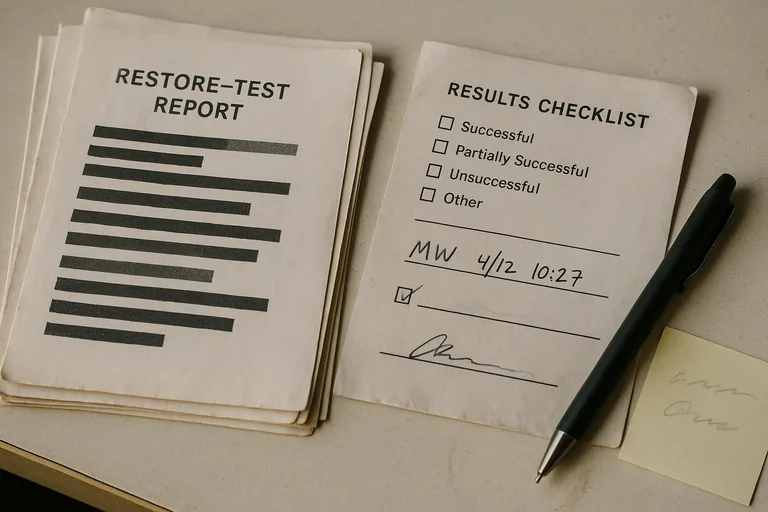
The evidence should be visible. A provider discussing recovery readiness should be able to show backup coverage reports by asset, documented recovery targets, recent restore test records, exception lists for systems not protected, and escalation logs proving someone reviewed failed jobs. What usually separates a stable environment from a fragile one is documentation: runbooks naming system dependencies, secure credential access procedures, after-hours response ownership, and records showing what the last successful recovery test actually restored.
When does weak implementation become dangerous?
Weak implementation becomes dangerous when the backup repository uses the same privileged credentials as the production domain, when retention is sized only around storage cost, or when new servers and cloud workloads are never added to policy. In environments that have not been reviewed recently, it is common to find green dashboards hiding orphaned laptops, cloud data with no export plan, or a local backup appliance that would be unreachable during a building power event. This tends to break down when ownership is informal and nobody reconciles protected assets against the real inventory maintained through managed IT operations in Carson City.
What should a Carson City business leader review next?
- Priority systems: Which applications stop revenue, scheduling, billing, or service delivery if unavailable for four hours?
- Recovery target: How long can each system be down, and how much data re-entry is acceptable?
- Proof: When was the last full restore test, what was restored, and who signed off on the result?
- Isolation: Is there an offsite or immutable copy that an attacker or disgruntled administrator cannot delete?
- Ownership: Who responds to failed jobs after hours, and where is the recovery runbook stored if the network is unavailable?